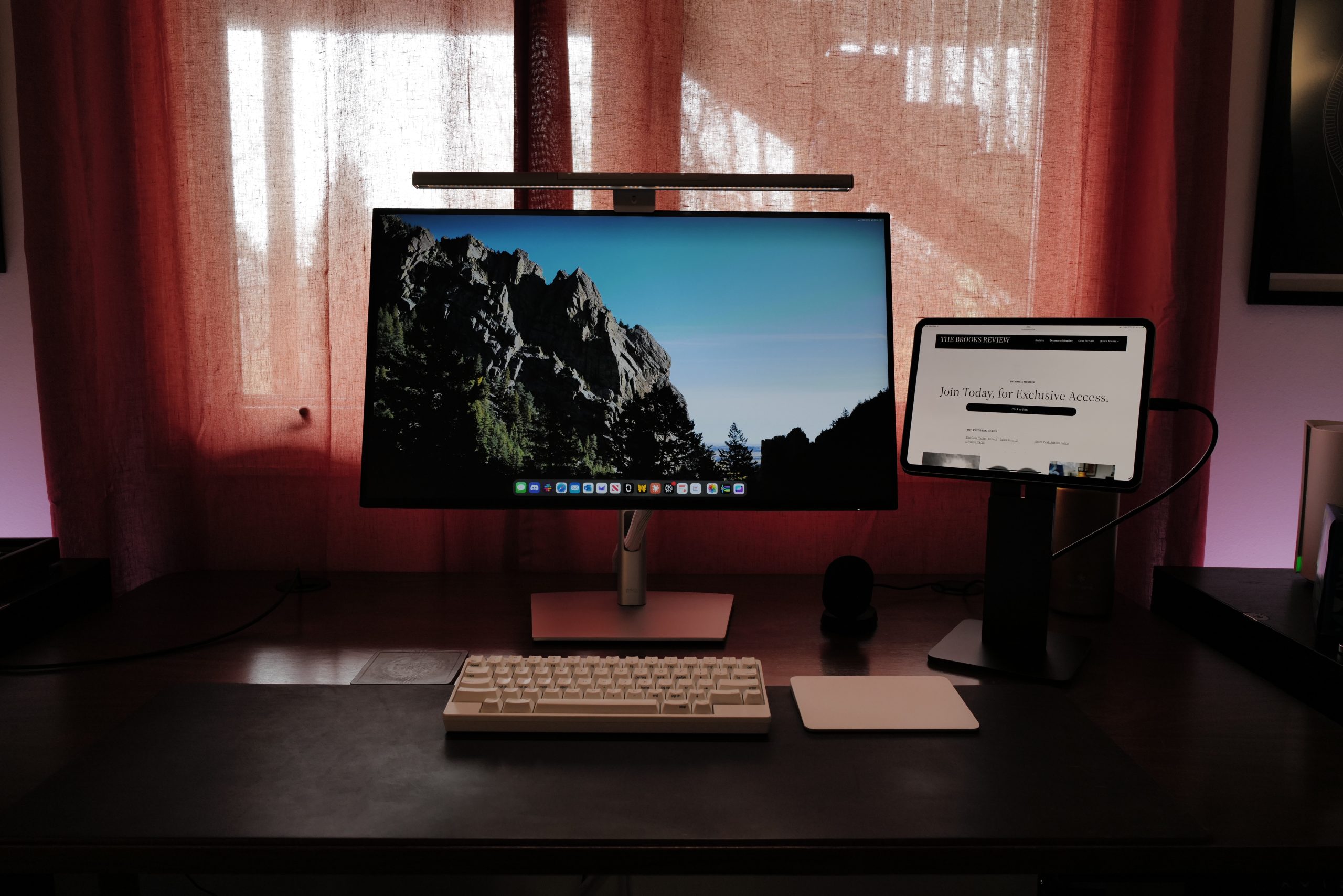
The M4 iPad Pros have been out for a minute now, but I upgraded at the start of the year, and want run through some basics on where the iPad is at right now, and my move from a 13” iPad Pro to an 11” iPad Pro.
The gist of all of this is that this is a damned expensive machine, which is likely to offer very limited utility to anyone with an M2 or newer iPad Pro — and which is still vastly limited by the available software. There is, for diehard iPad lovers like myself, some good things to note here and there.
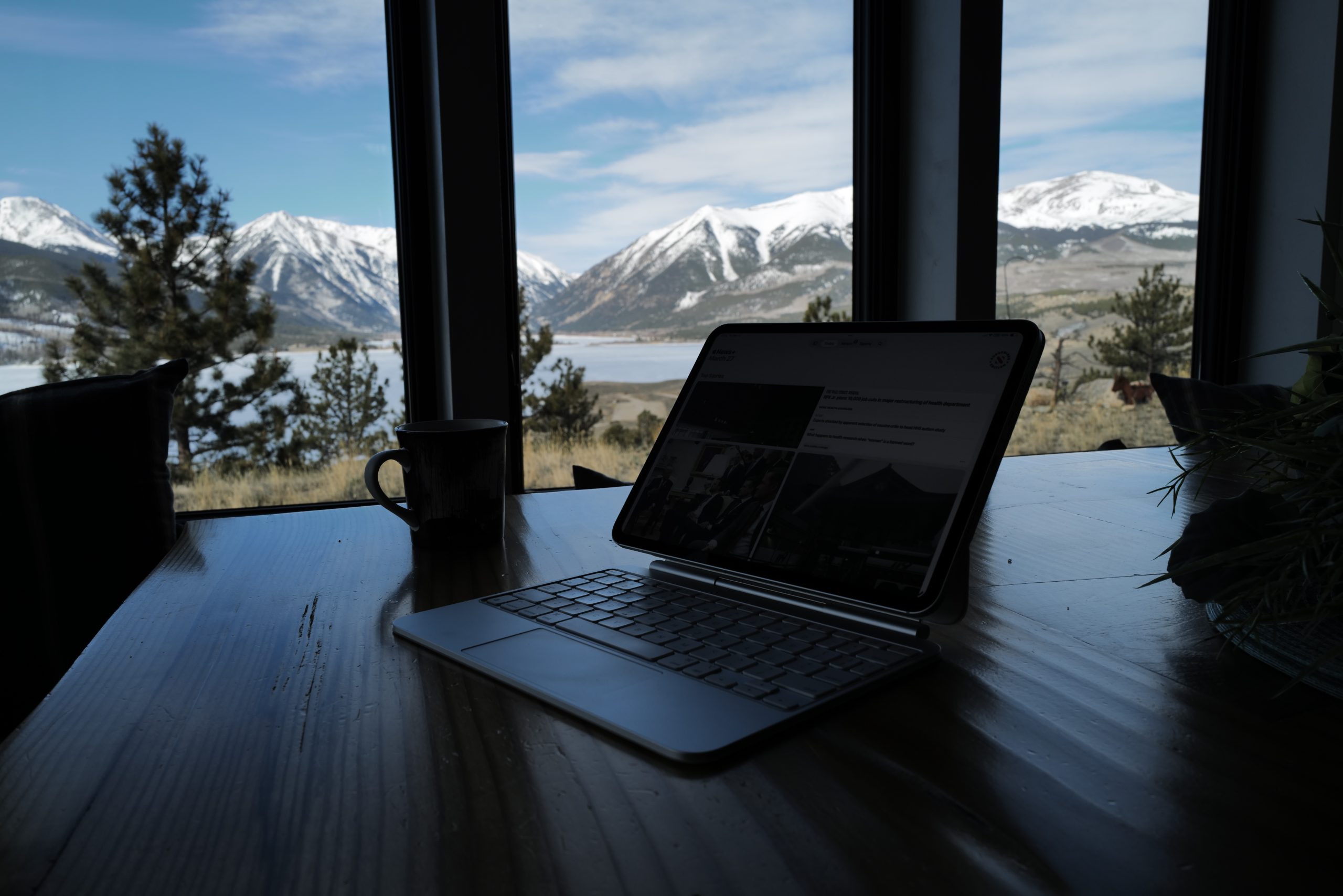
Specs and How I Use It
I picked up the 11” iPad Pro with the new Magic Keyboard Folio in the cellular model with 1 TB of storage (for the extra RAM). I also selected the nano-texture display — a clear sign that I loathe having money on hand.
My iPad Pro is my main, primary, and full-time computer. I use it more than I use my iPhone or any other machine I have access to. I’ve been set on working like this for ten years now, and I am well versed in moving from an iPad with an external display, to the Magic keyboards, to carrying only the iPad Pro. All of these thoughts are within that context.
Nano Texture
I’ve never had a nano texture display on any of my devices, and I had never spent any meaningful time with it. I read and read about the two display options and my conclusion from that reading proved true, there’s two things to know:
- The blacks are more muted in general on the nano texture.
- There is essentially no glare on nano texture.
I know a few things about myself: I am not that good at seeing color differences at a minute level, and if I cannot see the screen because of glare, then the quality of the overall colors matters 0%. Thus, I bought the nano-texture because I was losing my fucking mind with all the glare on the last iPad Pro I had, and I felt low-level rage anytime I noticed glare. This, mind you, is a problem created by Apple, which they now charge you extra to resolve. Fun.
That said, I’ve found the nano-texture display to be perfect. It removes all glare, and has never once caused me to be like “oh no the colors”. Instead I can simply see my screen in any lighting condition and my low-level glare rage has vanished with the glare.
M4, Speed, and Utility of it All
I’d love to write about how fast the M4 processor on this is, and to tell you that you really can feel the difference. But the truth is far more nuanced than that, and anyone who states otherwise is, frankly, full of shit. If you gave me an M3 iPad Pro and M4 iPad Pro which were identical, I can almost guarantee you I could not tell them apart by speed alone, and I use this full time so I know what it feels like.
It’s also nearly impossible to know what is a system level improvements, or an actual hardware improvements (meaning OS updates can make these devices feel more performant). The only thing I know for certain here is that this new M4 iPad Pro can run much larger LLM models locally, at much faster speeds than I could before. This difference is extreme. The M4 processor is a beast for that level of CPU work and it shines.
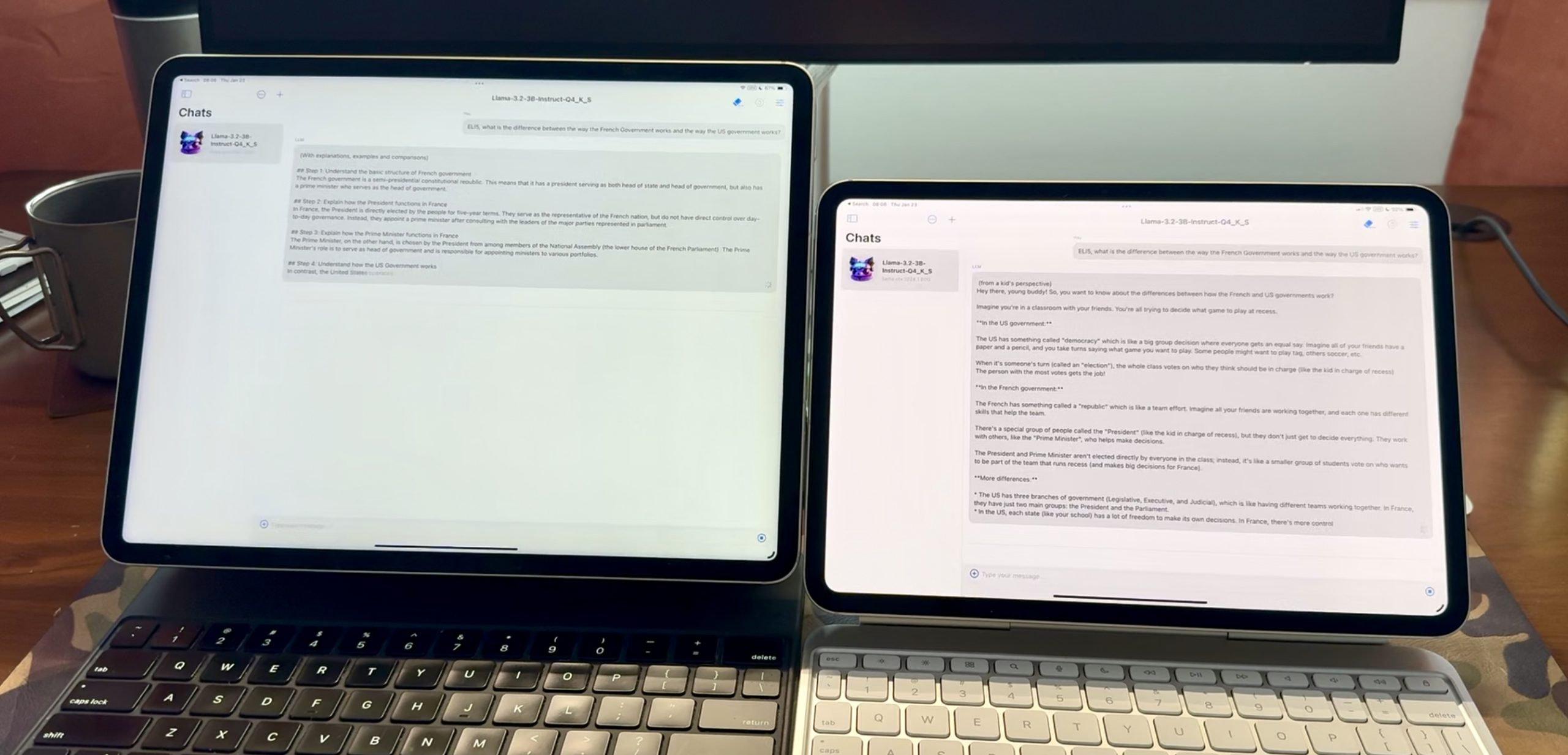
Comparing the speed of a local LLM, M1 left, M4 right.
Outside of that, it is nearly impossible to tell. I don’t do video editing or encoding, so there’s not much else to say. I can say, that I think the extra RAM has resolved a lot of my issues with Safari bogging down quickly when you have many tabs open, or are scrolling a long webpage on a shopping site (why do they do that bullshit, pagination is really user friendly). I don’t know if that’s the CPU, the RAM, or what, but my gut would say it’s the RAM. Is it faster? Yes. How much faster? Also Yes.
Pricing
The price of these new iPad Pros is fucking absurd. Are they amazing hardware? Yes. Are they the best tablet on the market? Easily. Are they completely out of wack with reality on the pricing? Yes.
The bottom line is that these cost too much money, and almost every single person wanting one (myself included) would be better served by buying something else, even if that’s a MacBook Air. I love the iPad, and I was willing to pay about $1,000 more for the ability to have an iPad over a MacBook Air — and you can save nearly $700 buying a fully loaded 13” MacBook Air over the 11” iPad Pro. It’s purely insane, and that’s before you take into account more modular laptops like Framework, where you’d save more still.
You don’t buy an iPad Pro because it is a good deal, you buy it because you are an idiot — this is the only logical conclusion.
13 to 11
The last time I tried to do an 11” iPad Pro full time was back around 2017/2018 — so it’s been a minute. I had been repeatedly growing frustrated with the 13” form factor on my iPad Pro. I use it attached to an external display at my desk, so it never mattered to me the screen size there.
Instead there’s a push and pull with these two devices. The 13” clearly offering a better “laptop” experience when attached to its Magic Keyboard cover and non-compressed keyboard. But the 11” clearly offers the better ‘iPad’ experience when not attached to any thing and being held.
That last bit is where the 13” was driving me insane. It was unwieldy to use as a couch computer. Too heavy to want to hold and read, or doomscroll while mid-flight. Instead, I started to realize that my 13” never left the keyboard cover, becuase it was always annoying to use in any way which was not in the keyboard cover.
So I took a gamble on the 11” to mitigate that issue. Which is taking a gamble that I would use my iPad more hand held, or attached to a display, than I would in the keyboard cover as a laptop. And a hope that when using the iPad with the Magic Keyboard it would simply be good enough in a pinch.
I was wrong on these assumptions in the best way possible (for me).
What I’ve found is that the 11” iPad Pro is better in almost every way than the 13” iPad Pro. The only time the 13” iPad Pro has been missed is when I am watching a movie with my wife on the iPad (hotels), or the rare times when I need to reference many apps at once to get some work done. But those times are so few and far between, that I’ve not even once regretted the change.
The smaller Magic Keyboard is imperfect, but almost a non-issue for me. I have now written a dozen or more articles on it, and not yet thrown anything in frustration over missed keystrokes. It’s a solid compression of the keyboard and only took me a few days to get used to it. Practice makes perfect, and months into this, I can say that I don’t even feel a difference now with the smaller keyboard.
And I was right that moving to a smaller iPad would increase my usage of the device in hand. I now can be found more readily tossing the Magic Keyboard cover to the side, and scrolling my iPad as needed in my hands.
Simply put: the 11” iPad Pro is the better size, and the correct size. It’s more portable, lighter, and more inviting to use because of it.
Generally, Then
You should buy a MacBook Air, with an iPad Air — you’ll save money.
But, if you are unconcerned with money, the 11” iPad Pro M4 with 1TB and the nano texture thing, oh, and whatever they are calling the current Magic Keyboard — well it’s pretty great, I just can’t quite say anymore than that, because there’s no good software to really push this thing.
I know that’s a dead-horse and the finger pointing as to why is rampant. But I know three things for certain:
- There are not enough apps for the iPad which really push the bounds. There’s only a couple of really shoddy looking local LLM apps, which the iPad Pro seems ripe for that use case.
- The amount of good iPad apps is declining.
- If there was money to be made making amazing iPad Pro apps, then there would be increasing numbers of iPad Pro apps. Who is to blame for this, doesn’t really matter, it’s a simple fact.
Anyways, how about those MacBook Airs?
P.S.: A single USB-C port on a $2800 device should be illegal.