
Sometime around 2003, I decided that The Matrix was very cool looking, and that the translucent terminal windows you could get in Linux systems at the time was the way to go. I was in college, and that was the extent of my thinking. There was a guy who always walked around campus with one of those small Sony Viao Ultrabooks with Linux on it and everything was a bunch of translucent terminal windows — what a nerd, but what a fucking cool looking machine.
I reformatted my Dell laptop and installed Red Hat on it — I think I even had to go to a store to get the disks in order to do this.
I spent the next several months completely lost on the system, not knowing how to do most things. I had no guide on it, and every time I tried to submit a paper/assignment digitally, it failed because of incompatibility. It was a mess, and as cool as I could make the system look, it was actually useless to me. And truth be told, I barely could figure out how to make the system look cool.
Then our house was robbed and that laptop was gone. I replaced it with the vaunted PowerBook G4 12”, and I was a Mac convert. Until 2015, when the iPad Pro came out and I ditched the Mac for iPads.
I have not, to be clear, switched back to a Mac or a Linux based system, but I do think Linux is very much worth considering right now, and should I need to give up my iPad Pro, Linux is where I would head. I say that as someone who also has a MacOS based computer in my office — that is for the first time in quite some time, I’ve been in and out of all three systems.
Linux, in 2025, is vastly different than it’s ever been. And it’s really good, and very easy.
I am not, however, here to tell you that everyone should go and switch. But I am here to tell you that if you look at Windows and macOS and are annoyed by both, well there’s a half dozen (or more) fantastic flavors of Linux you could try out, today, for free — well unless your only machine is a Mac, because that’s vastly more complicated.
STFU, What’s Good
Let me tell you what is really good about Linux (and not just good in comparison to old Linux days, but generally good):
- Flexibility: unlike Mac/Windows, modern Linux OSes are highly flexible systems which can be adapted very well to what you do, and what you need. There’s no artificial limitations, only how far your desire to customize goes.
- Stability: like with Macs, Linux systems can run for a long time without needing to be rebooted, nor do they have issues which cause a reboot to be necessary. They are highly stable and can run for months at a time. I am shocked each time I need to reboot my Linux machine — it’s on par with a Mac.
- Opinionated The Way You Want: Mac and Windows are opinionated systems, but you as the user don’t get a say in what that opinion is — Microsoft and Apple do. With Linux, there’s a plethora of distributions which use similar backbones to create a system opinionated the way you want it to be or rather which aligns with your thinking of the way things should work. If you want something that is unbearably boring, but hugely performant on old hardaware, done. Something that looks like a Mac but is fully open? Done. Windows, but with full terminal support? Done.
- Data portability: because Linux doesn’t get to dictate anything on the consumer side of OS systems, almost all data you create is portable to any other systems. You are highly unlikely to stumble into any type of data which you could not later easily open on a Mac/Windows machine.
- Speed of change: unlike Windows or Mac, there’s no cycle with Linux distributions. So they update quite quickly to react to big changes, as long as you have an actively developed distribution. While at the same time, the core code being used updates much more slowly and only after much testing — but you can still choose to be a part of that testing. Which means that you are not likely to be stuck waiting for most new things to catch up. Most, not all.
Sounds Good, but I’m Scared of the Terminal
There’s two bits of very good news on this front:
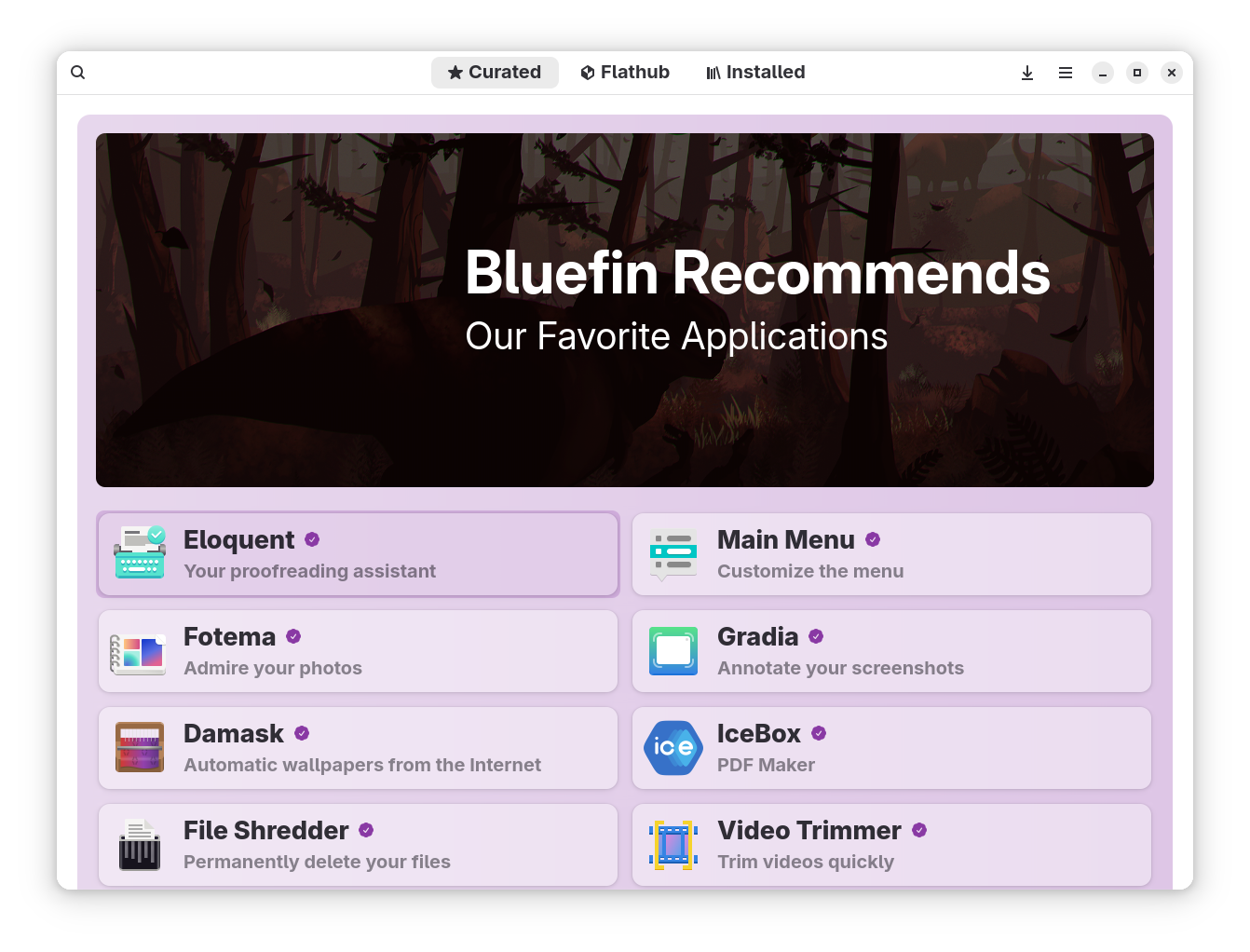
- Modern Linux distributions have shifted to being able to be run graphically if needed/wanted. Meaning you don’t need to do most things in the terminal anymore, as there are tools you can double click on, and windows with checkboxes for things which used to be the domain of the Terminal only.
- LLMs are insanely good at helping you navigate anything there is not UI for. “How do I do X, on Ubuntu 24.04?” Can be plugged into nearly any modern LLM, with an accurate and copy-pastable result from the LLM.
Thus, not only are the operating systems highly user friendly these days, but LLMs can bridge any gap better than a Google search or a Usenet board could. The LLMs can explain everything to you, or even, do it all for you if you so choose. They can troubleshoot, and create.
Does It All Smell Like Roses?
There are still some very rough edges around Linux distributions. This list is by no means definitive, but here’s what I’ve seen lacking:
- If you live in Office apps all day long, then you’ll find yourself using the web-based versions of them. While there are suites like Libre, they are a far cry from what Mac and Windows users have. Instead you’re better off in Google Docs or Word Online.
- Backups are a joke on Linux. Where a Mac or Windows user might be able to do a nightly clone of their system so they don’t lose anything, Linux backup systems are largely relegated to your personal files and directories of that nature. This is a huge area of concern if you store things locally, or need to reformat and spin back up your systems often. There are tools, but there’s no one simple way of doing it.
- There’s still certain things which require the terminal, and no Linux distribution is the exact same, which means the commands for your system might vary and you need to know all that (or use AI). And unless you want to learn a lot of commands, some of this is going to be blind trust, which is always a little unnerving when you cannot backup well.
- Not all hardware works well on Linux. There’s odd bugs with some hardware setups which require you to research a lot to sort out what you might run into. And even at that, down the road, you might try and plug something in only for it to not work at all. Or, you’ll be so used to everything seemingly working plug and play, until you plug one thing in and your entire system crashes. There’s just not that level of user protection that both Mac and Windows offer with hardware and external devices. I have yet to find an in surmountable issue, but I won’t be surprised when I see one. I mostly run into this with storage formats on flash drives and external SSDs.
- Cloud storage systems largely do not work natively. There’s zero way to plug into Apple’s ecosystem. Microsoft 365 (or whatever they renamed it by the time this publishes) kind of works as a native thing, but not in any sense where you want to rely on it. Even places like Proton and Google — it’s a struggle to get any of it to work in your normal file browser, which again will push you to working online in web-based apps. Which is honestly a lot better because of the backup situation.
- To that end it is very likely that you’ll need to go through painful changes with your online services. Password managers, Photo storage — all of that small stuff might need to change. And, to be clear, it’s a massive pain in the ass to migrate most of these systems.
- Email clients are trash on Linux. I do not care what anyone tells you. Trash.
- Power management is highly dependent on like every factor. You can have insanely good battery life on Linux, but you’ll have to find the perfect mix of bios, OS, hardware, and software settings. Luckily a lot of this can be discovered with searching, but you cannot really say “I’ll use Fedora on everything because it gives the best battery life.” More likely it’ll be great for like 3 out of 4 of your devices and the 4th will perform better on something like Arch. It’s silly and annoying. I have had the same laptop get 3-4 hrs max battery life on one distribution and I move it to another and I can stretch to 6-8hrs without any difference in how I work. But figuring that out can be tricky.
- Downloading and installing software is messy. There are ‘app stores’ on a lot of the distributions, and other stores you can install independently. Those make it mostly easy, but not every system updates those apps the same way. You might install an app from a Flatpak, and then run the app and it says there’s an update, but clicking update takes you to a website to download directly, not as a Flatpak. So you’ll end up waiting and ignoring that dialog until it’s pushed and updated in your App Store source. Confusing? Yes, and that was a simple explanation. You can download loads of apps online, but you might not know what is safe and what is not safe. You might also not know if you should download a
.debor.rpmfor the app, among others. It’s all quite fucking messy.
Clearly, I don’t see much of this as dealbreakers, but some of it will be for some people — which you should not be scared of saying “that won’t work for me”. At the same time, while the above is messy, it’s simply a learning curve like any other OS has.
Tell Me The Best Way to Start
If that did not scare you off, there are a few good paths with Linux to get going, I’ll break those down quickly:
- Use an old laptop you have: most old hardware runs really efficiently on Linux as there’s been plenty of time to sort it out. The caveat being Apple silicon Mac’s, or a Mac with a Touch Bar, is likely to not work (same with a TouchID sensor on the keyboard). You can get those to work, but it’s a lot of work to do that — I have only had 20% success rate there. However if you have an old PC laptop, it’ll be fantastic. I’d recommend searching (or asking AI) which distro works the best for the specific hardware you have by telling it the computer and anything else you know. AI can even write the installation instructions for you. Good stuff. (You can also run these live, directly off the USB drive, thus allowing you to test how it would work before installing fully.)
- Cheap miniPC from Amazon. For under $300 you can get a performant little miniPC from Amazon and put Linux on it. These are often more powerful than old laptops, and there’s less hardware incompatibility issues, as they are largely made from pretty standard parts and the drivers are readily available.
- Buy a Lenovo. For the most part, Lenovo computers work insanely well on Linux and are among the most “Apple-like” you could possibly get from the sense of how well and small they can be. But know that there’s nothing at MacBook quality levels. That said, Lenovo is the safe pick for people who simply want zero issues and instead want something with a good company to deal with for support and easily installed drivers, etc.
- Buy something niche and get more performance. Companies like System76, and Framework are building their machines to be highly compatible with Linux. They each list the distros that work best with their systems and note potential issues. You’ll get a lot more bang for your buck, but the downside is that you are being supported by a much smaller company.
I started with a couple MiniPCs, installed on some old Macs we had, and then went to Framework. It made everything rather low risk for me as the miniPC was cheap and I didn’t care if I broke it repeatedly. And I for sure did, I reformatted that machine a half a dozen times before I found a setup I liked.
Don’t discount Linux right now, it’s gotten very good and is improving rapidly.
FFS, Give Me Your Normal ‘Do This’
Here’s what I would say is your best bet:
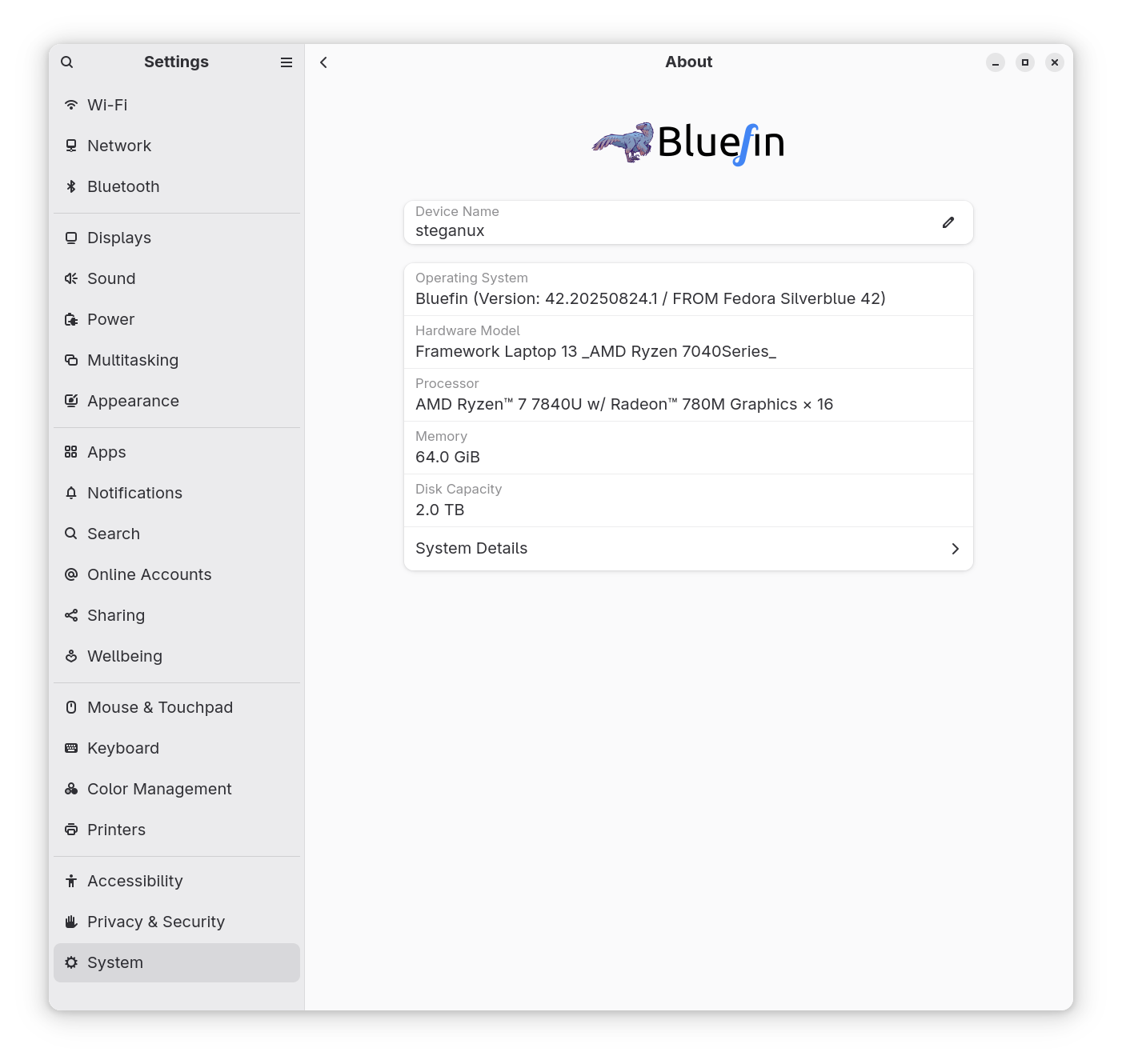
- Framework machine with Fedora. The Fedora core seems to give the best battery life on Framework hardware, and the Framework hardware itself is quite good and well priced. If you want something a little rosier than Fedora, I use Project Bluefin which I’ve found to be fantastic, but a little trickier to extend in the normal Linux ways.
- Lenovo X1 Carbon (latest gen) with Ubuntu. This is the “I want to think about nothing” option, but also probably the most premium hardware you can buy overall. You can get Ubuntu pre-installed (I heard that’s the better choice over Fedora for Lenovo) and select from a few curated options. The downside is the cost, which is not cheap.