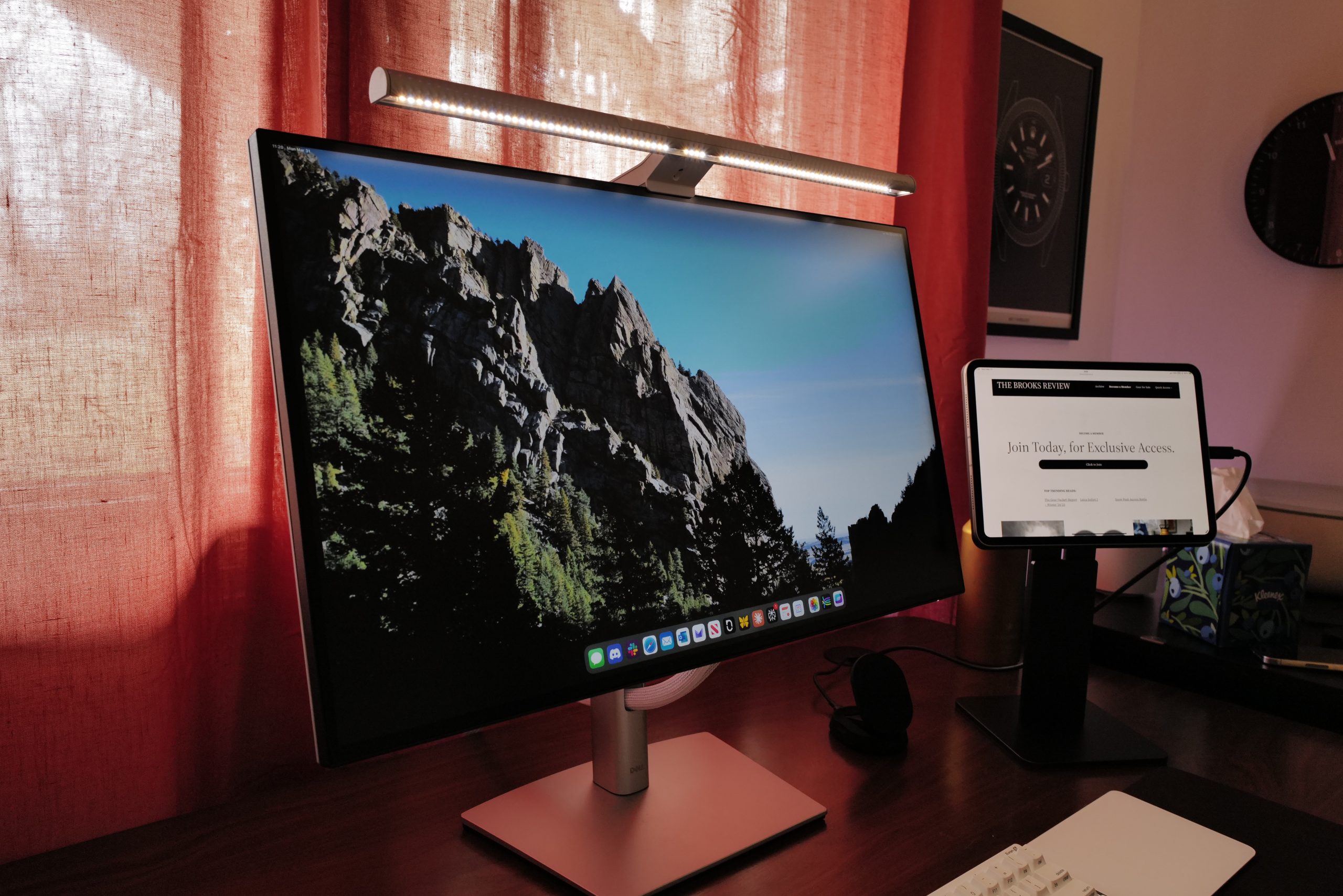
One of the bigger trends in desks, which I was late to the party on, was the idea of a monitor light. This style of light clamps to the top of your monitor, has a bar/strip of lights, which are designed to shine downwards in front of your monitor. I suspect that the reason for these existing, is that the overall size increase of monitors the last several years, as meant that there’s often very little space left on a desk for a more traditional desk lamp.
Which is why I ended up buying the BenQ ScreenBar Pro. BenQ invented this category of lights with the ScreenBar line back in 2017, fast forward to today and they have a bevy of options — and a wide range of randomly named competitors on Amazon to boot.
But, I went with BenQ, because of all the lights available, they seem to be the only ones with a very specific focus on the quality of the light they are outputting. And that is speaking my language.
This light bar is, without caveat, exceptional.

Specs
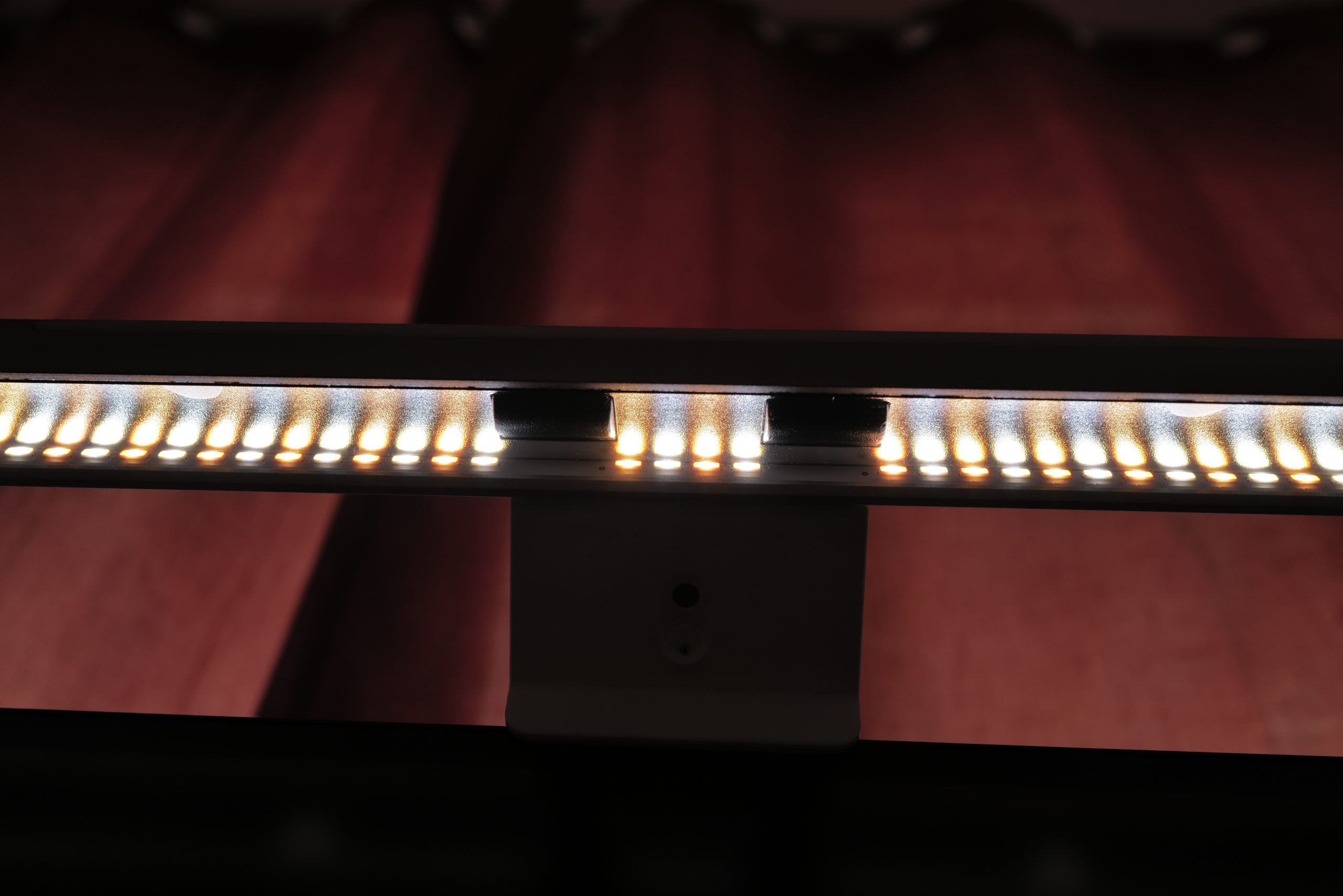
Alright, let’s dive into the specs on this:
- Over 500lx at max
- over 1,000lx around your keyboard mouse area
- 500lx outside that
- Max general area it spills to is 45” x 23”
- 8 section reflector
- 24° adjustment to ensure light does not hit eyes, with 18° cut off angle
- Light is designed to not spill on to display
- Ra greater than 95
Those specs slightly downplay what is actually happening with this light. BenQ has very clearly spent significant time designing (and patenting) this light to really nail this use. There’s three things I think BenQ has clearly focused on with the ScreenBar line (and the Pro specifically):
- Color Rendering. Typically you won’t see this mentioned outside of “high CRI”. I’ve really hammered on this when talking about light bulbs and flashlights. But a typical lightbulb from the hardware store likely has a CRI of 70ish. A low-end higher CRI bulb is around 80. The Sun at high noon is 100 (perfect score!). An actually good CRI is 90, and really good is 95, and if you can get above 95 then you are getting into a special zone. This light being 95, is telling, as that’s not a simple feat, especially with a light that can color temperature shift (which is mixing warm and cool temp LEDs for this light bar). The only thing leaving me for want with this light bar, is for BenQ to specifically state the R9 value, which is the rendering on reds, the most difficult metric for LEDs.
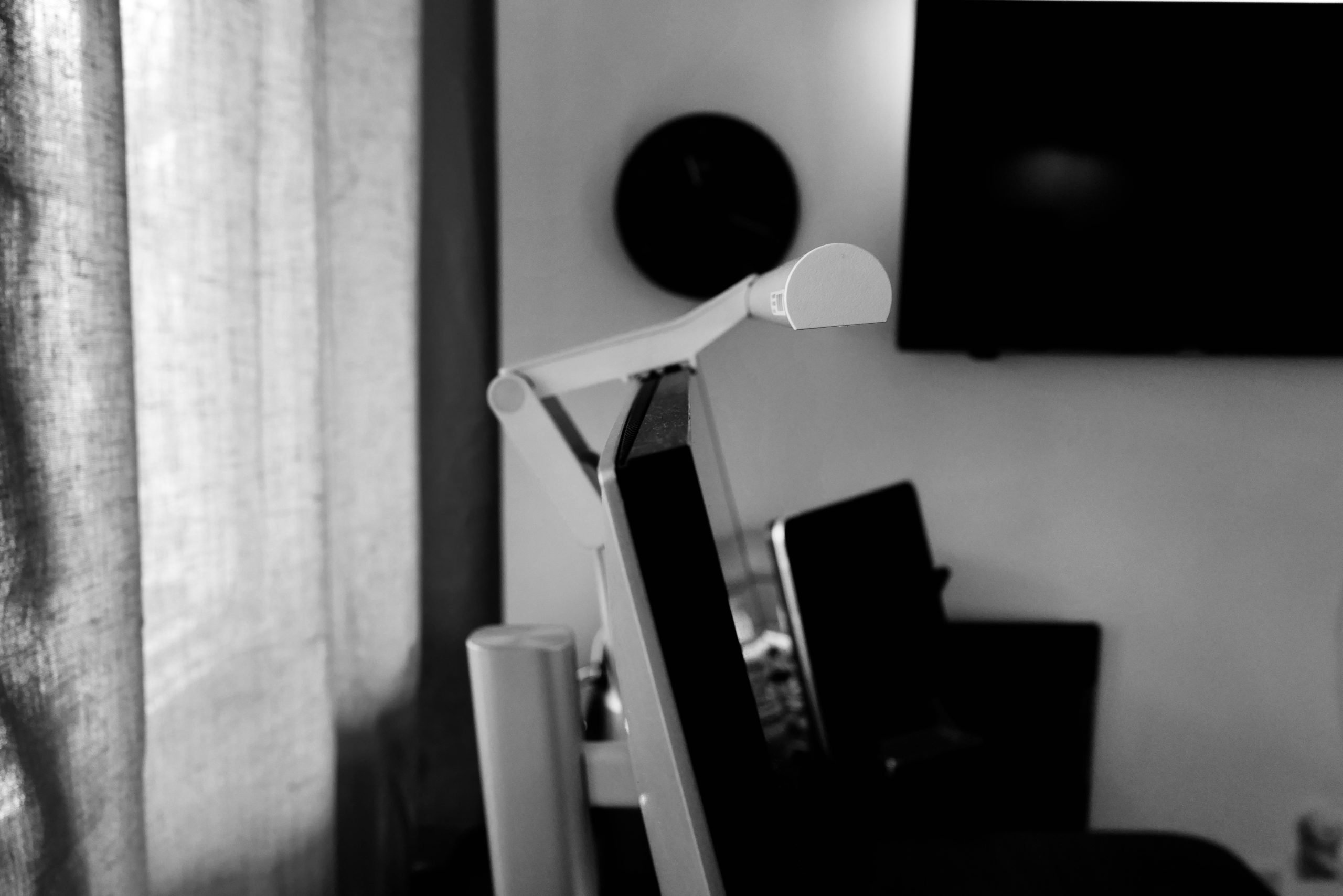
- BenQ spends an absurd level of time talking about how they have refracted the light so that it shines downwards, and spills outwards from the monitor. They effectively keep the screen in the shadow, with no light spill on it, while shooting the light out, without the light hitting your eyes directly. That is, simply put, fucking impressive light engineering.
- I have my complaints about the light sensor, but the actual design of it is interesting. ANSI specifies 500 lx as the optimal working light amount which will reduce eye strain during extended use, thus the sensor is adjusting the light to make the level 500 lx. All to often we measure light in lumens, but that’s only because it is easier to measure lumens (lm) than it is to measure lux (lx). The fact that they measure lux, as does the light sensor — well these guys are fucking serious about their light.
tl;dr: Impressive.
In Use
As I mentioned above, I was running out of space on my desk for a desk lamp to fit on the desk neatly, and also provide good lighting. I got curious about the ScreenBars and dug in. The Pro model is the middle-ground model from BenQ, with the Halo model offering and additional light to illuminate behind the monitor, and a little remote controller to fine tune it all. With my monitor in front of a window, and my desk space at a premium, both of those upgrades were downsides for me.
I’ve been using the ScreenBar Pro for several months now, and it’s simply fantastic. First, let’s talk through how it mounts, and the potential downsides:
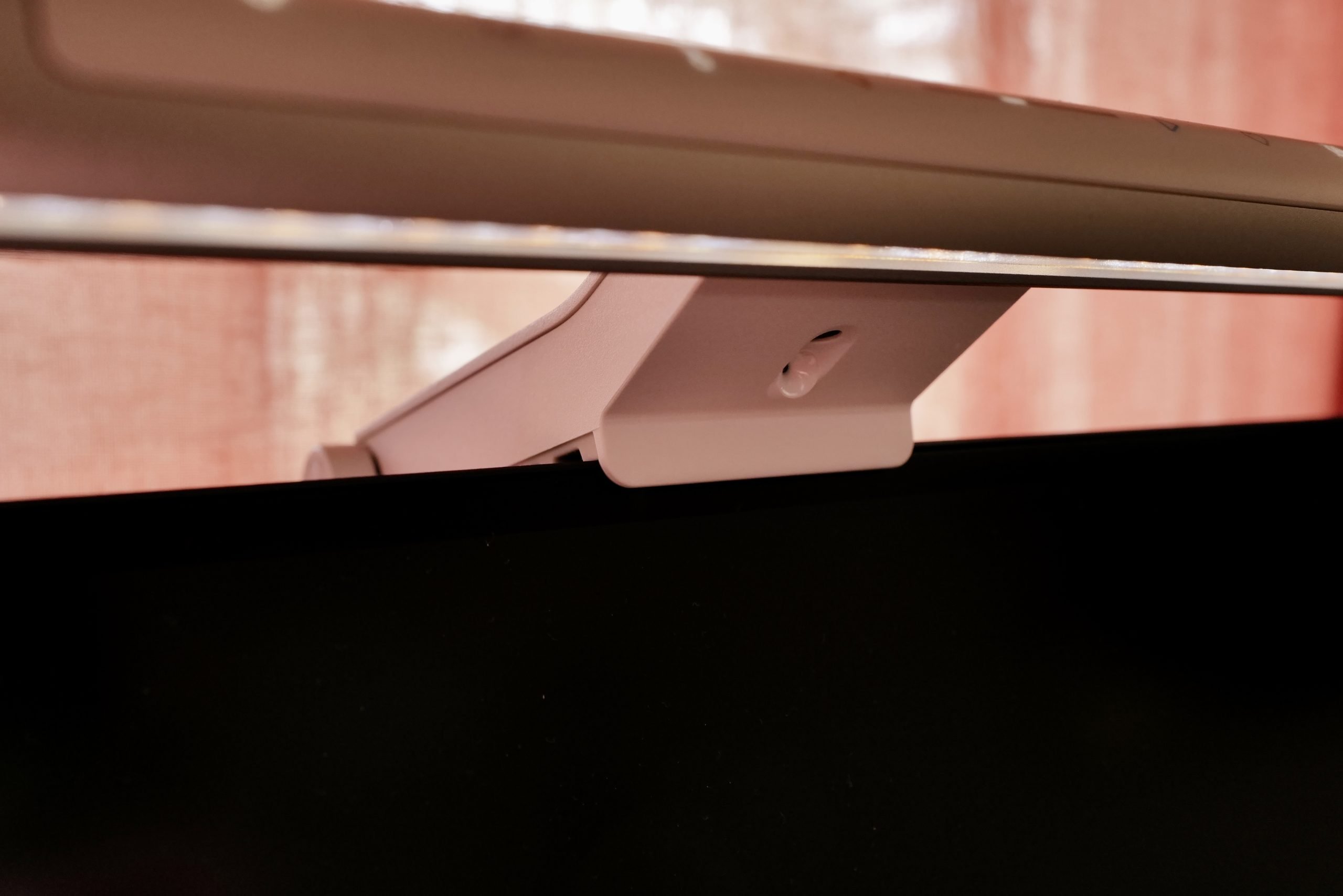
- BenQ has a really cleverly designed clamp (which was recently redesigned, and is what I have) which can easily clamp the light on to just about any monitor shape/size. There’s a tiny lip at the front, and a large angled arm to secure the light. Even with the controls being touch controls on the bar, I’ve yet to have the light fall off, or move out of position. It’s really good.
- I have heard that on some monitors with integrated camera systems, this can block them. BenQ calls shenanigans on this, but it largely seems limited to Apple’s Studio Displays. While I’ve not tested that, there’s some very simple solutions all over Reddit, however, this could be a potential problem if you have a monitor with cameras. The front lip on the bar is very small, impressively so.
- One big downside is that this sits right where you might mount your camera for video calls. Luckily BenQ will sell you a mount that sits on top of the light bar, so you can use both the ScreenBar and a camera. I’ve not tried this, but I will say that because of the design, the camera would end up being comically high in the air, and thus looking down on me if I were to do this. Less than ideal, and likely the largest overall downside to this type of light.
I found that, even thought those seem like they could be quite the trade offs, they are practically a non-issue in practice. Next, let’s go over what it’s like using the light, and isn’t it annoying to reach up to control it all the time:
- The light itself is simple, and powered via USB-C cable (which I power off my monitor).
- There’s two main adjustments: color temperature, and brightness. Eight levels of temperature, and 16 levels of brightness to control them.
- The touch buttons work nicely, and if anything require a little more firm of a touch that you might expect for the press to register.
- While you can turn the light on and off, and the adjust the controls, BenQ offers three additional modes which greatly streamline the use of the light.
- The first is “Presence” which turns the light on and off to the last used model (manual, favorite, automatic) based on whether you are sitting in front of the screen or not. There’s a little sensor on the bar which can detect your presence. If you are gone long enough, the light turns off. Effectively making the light set and forget. It’s a really nice touch on this light and works exceptionally well.
- The next mode is favorite, which allows you to ‘save’ one light setting to it.
- The last mode is automatic, which reads the lighting in the room and adjusts the brightness to match. I have found that this mode is often too bright in dim light, and too dim in bright light — I think it’s the correct way to setup a mode like this, but it runs contrary to how I would set it up. This mode really needs automatic color temperature adjustment as well, but alas it does not have it.
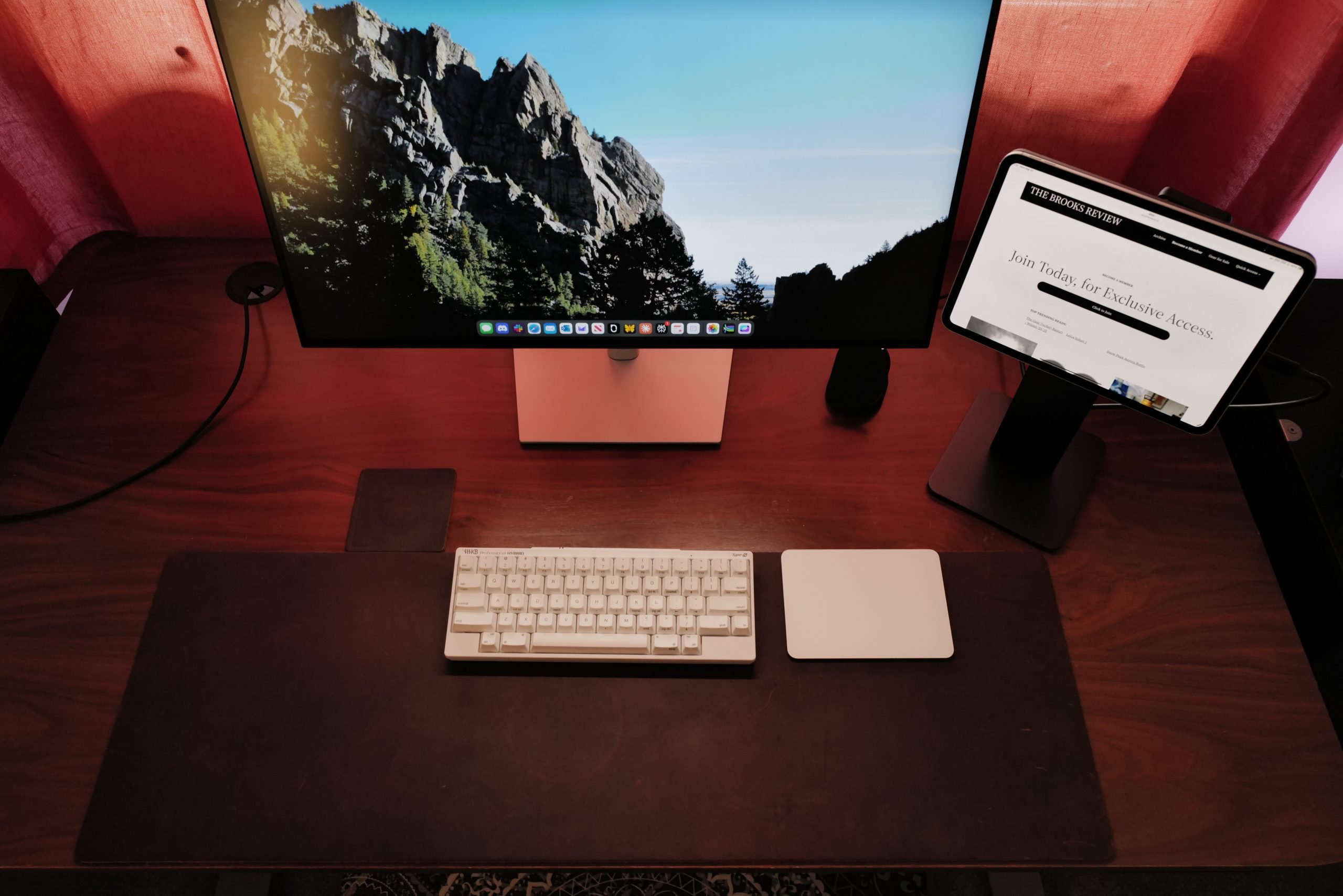
How my keyboard generally looks, no hot spots of light.
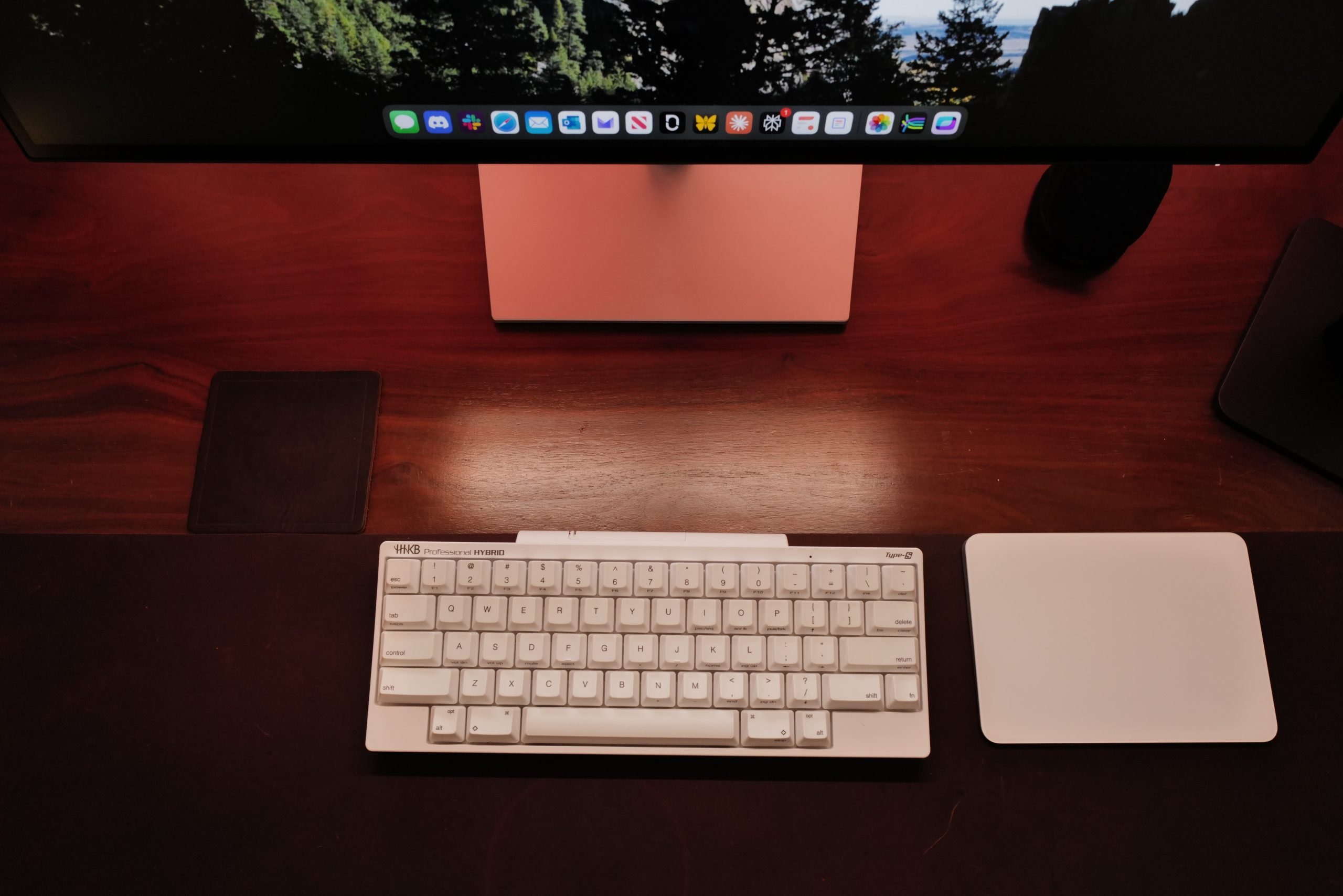
I angled the camera to get as much of the hot spot as I could.
Alright, let’s talk through what I thought for sure would be the biggest issue: glare. It seems unfathomable to me that you can mount a bar at the top of a monitor like this, and not experience some degree of glare. But, this light is so well designed, there’s no glare. There’s no glare on my screen, and there’s no bright light shining in my eyes (and it’s above eye level for me). It’s astounding that this is the case, and a testament to how much thought and engineering went into this.
I was also quite worried about the quality of the light, but again I was proven wrong there, as the overall quality is excellent. Good rendering, and no dead spots visually on my desk.
At my desk this light stays set on presence mode at all times. When I leave my desk for the day, I switch the mode to my favorite, which sets the light to the dimmest and warmest, levels. Thus, when I walk into my office at 5am to grab stuff and the light turns on, it’s not blinding or overly cool in temp — it’s inviting and useful. When I start my day, I move the light to automatic and don’t pay it another thought.
I wouldn’t go back on any of this. This is a really nice bit of kit, and a well thought through and designed product.
Overall
There are many competitors, but this one has so very clearly been designed to be so perfect,, that I can’t imagine what you lose with others. It has solved my desk lamp issue, it looks great, and I have no regrets.