Month: November 2012

  • The FLOTE

    A brilliant idea that is *almost* perfect. [I first found the FLOTE](http://www.floteyourtablet.com) while lamenting about the difficulty of reading my iPad while holding a sleeping infant. The jackals in the chatroom pointed me to the FLOTE, a simple, beautiful, iPad stand that solves this very problem.
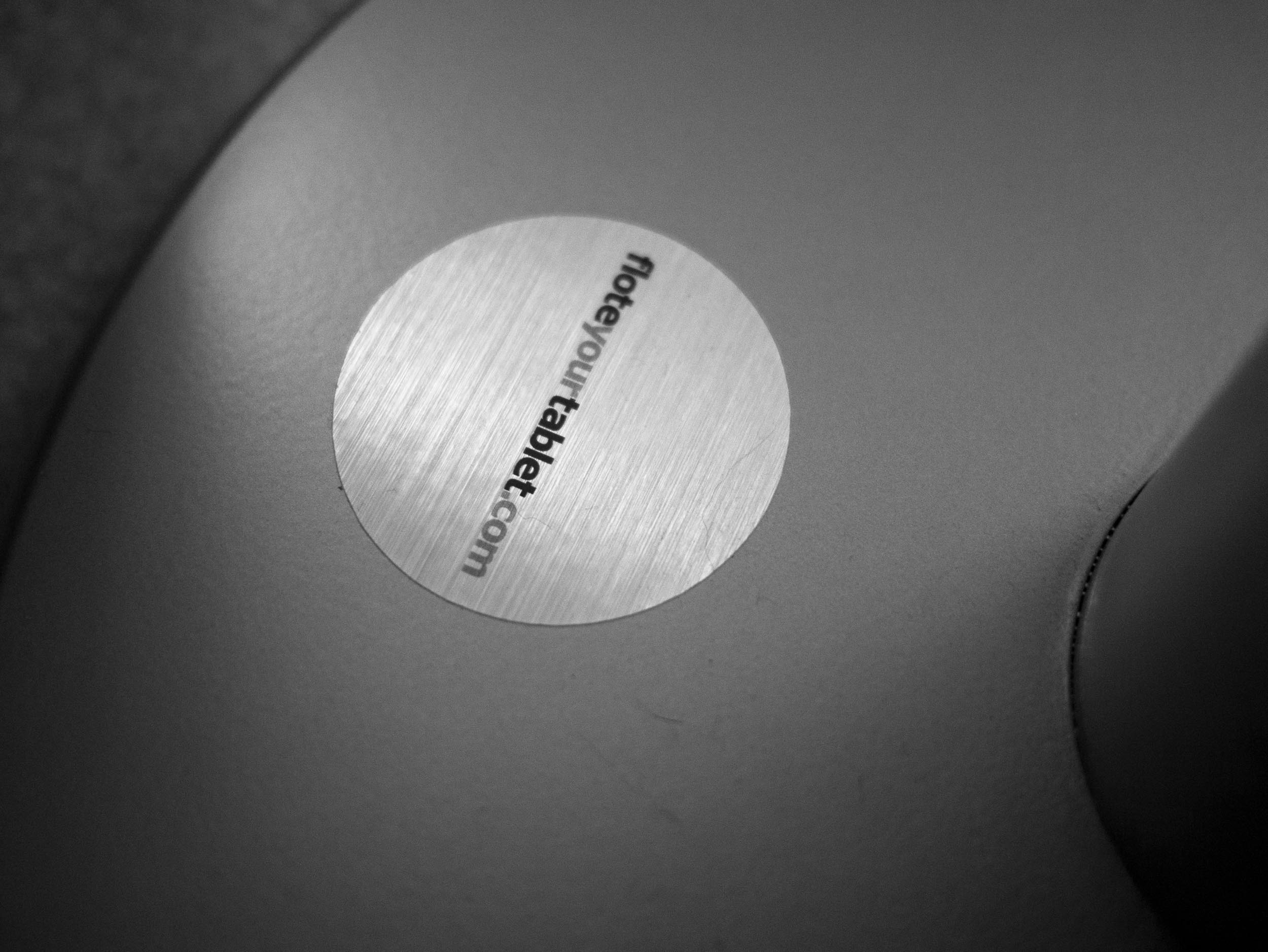
    The base of the stand.

    There were only two catches:

    1. This was a Kickstarter project that had not shipped yet.
    2. It is priced at $319.99.

    The price, honestly, seemed a bit much, but in looking at it more I could truly see the quality of build that was going into the product. I paid up and waited.

    I waited a really long time. Past the time when my daughter was sleeping on me all the time. I still wanted it.

    I finally got it, and it is a mixed bag for me.

    ## The Design

    The creator of the FLOTE kept me in the loop and I can tell you that the detail he focused on is amazing. There is a lot of care in this stand and it shows.

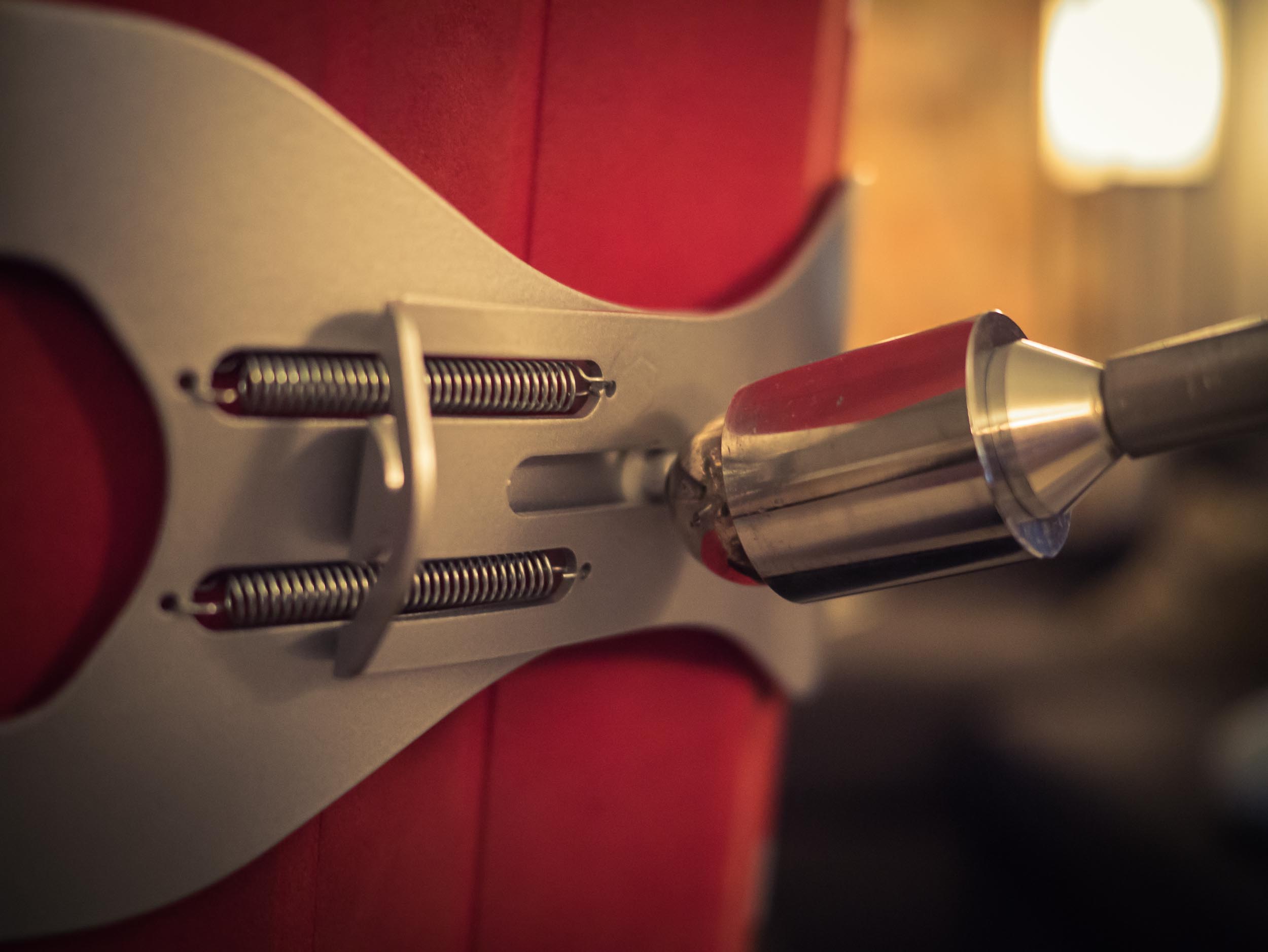
    The magnetic ball of perfection.

    The magnetic ball that allows articulation of the iPad is amazingly well designed. It’s quite honestly my favorite part of the stand, so well done that it seems as though Apple designed that bit.

    The looks are fantastic. The stand is sturdy and decidedly will not tip over — it weighs a lot. The clamp for the iPad is strong and allows for many different sized tablets. However the clamp seems like it could have been better. It’s not bad, but I’ve yet to be able to take my iPad in or out with just one hand. That probably wasn’t a design consideration, but when you are relaxing on the couch it is much harder to do something on the stand with two hands than just one.
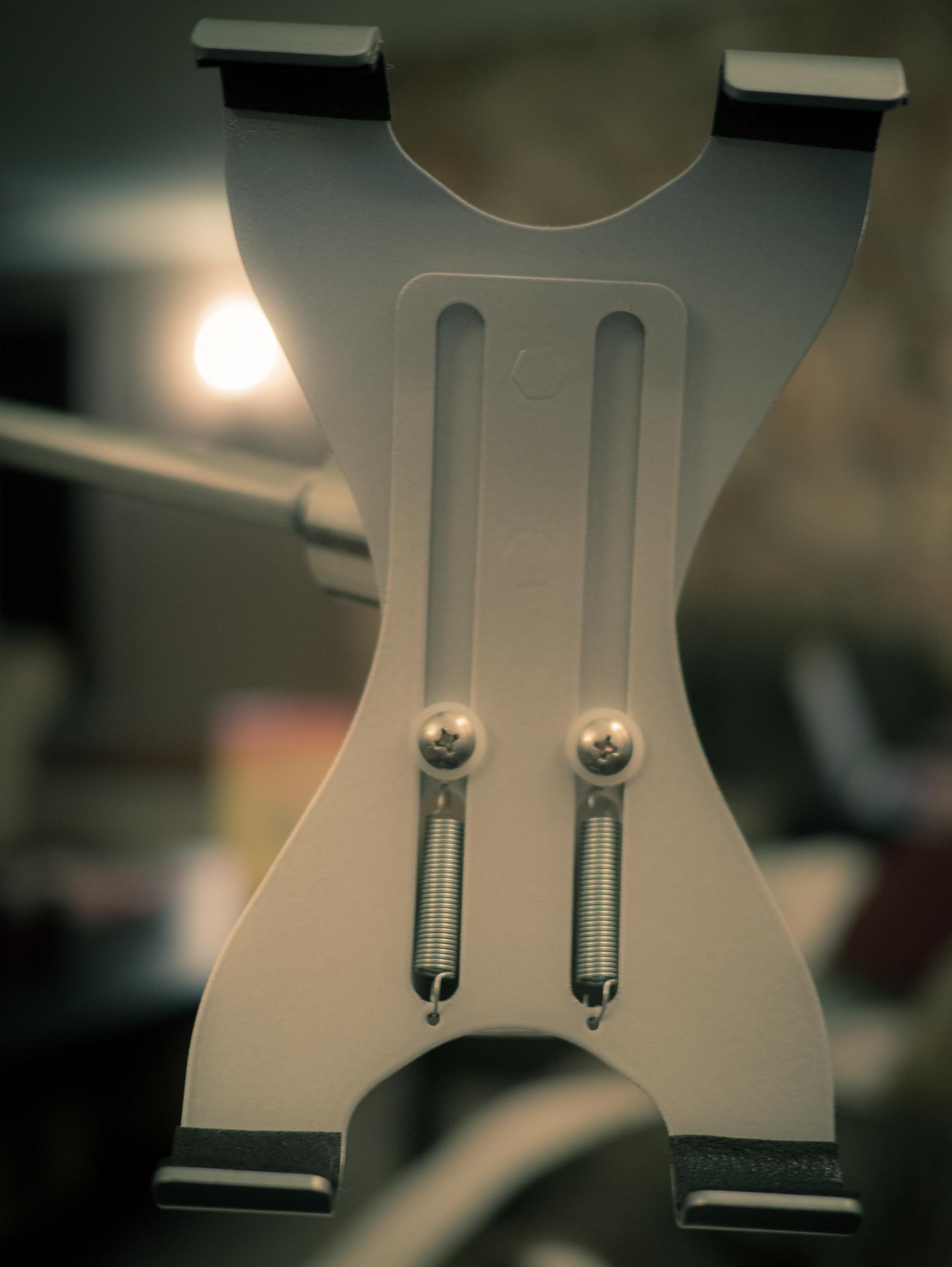
    The iPad clamp.

    The stand itself swivels amazingly well. The telescoping arm was added after the funding was complete, and it works decently. The action is smooth, however the plastic finger nut is an unfortunate necessity. I have found, though, that you rarely need to telescope the arm — so it’s a set it and forget it thing for me. Thus, this doesn’t bug me too much.
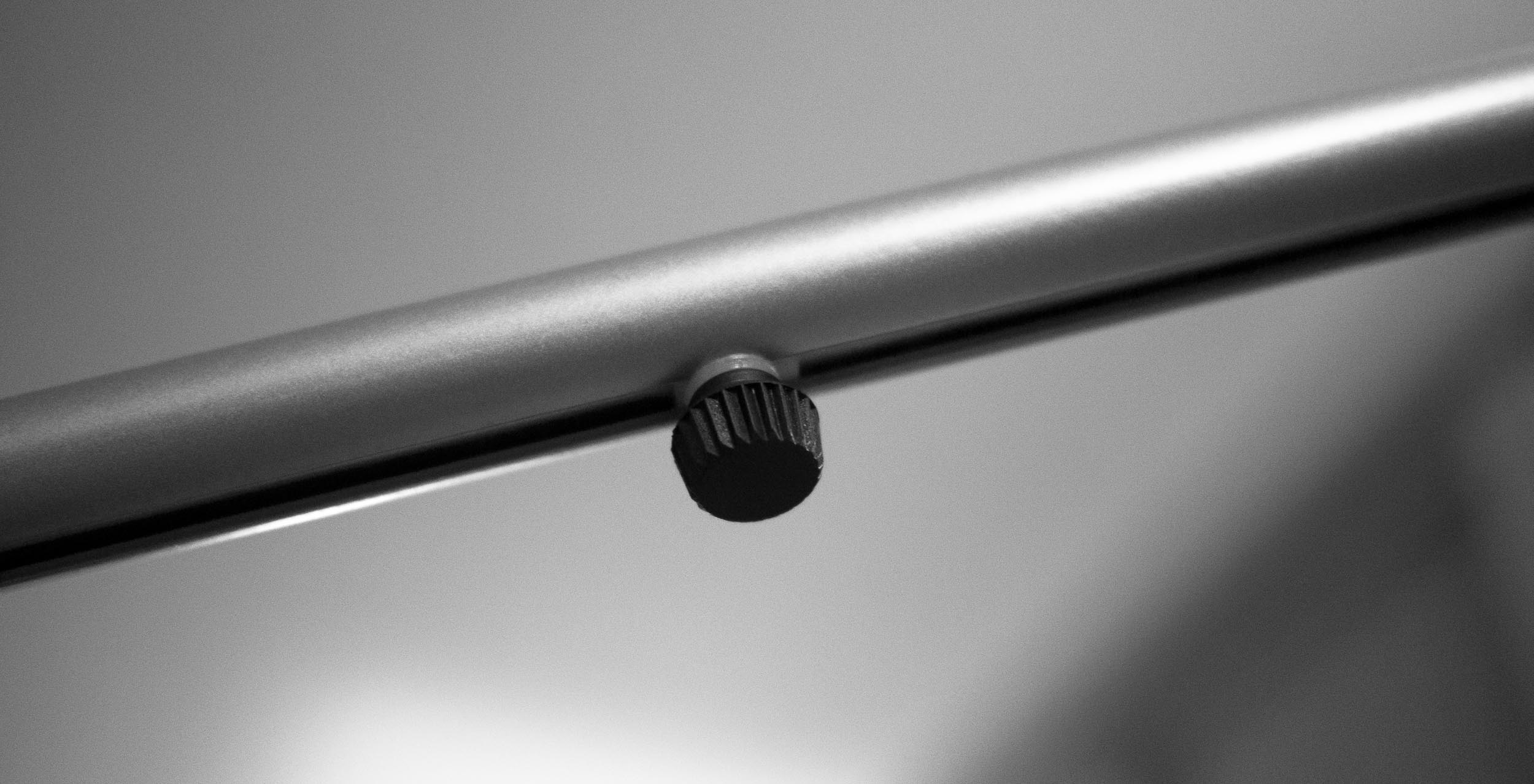
    The finger nut for the telescoping arm.

    Which leads me to the one thing that drives me nuts about the stand: the up and down arm action. The arm that holds the iPad out from the vertical pole is secured with a large hex bolt. You pre-tighten it and then you are supposed to be able to use it with no issues. That, however, isn’t how it played out for me.
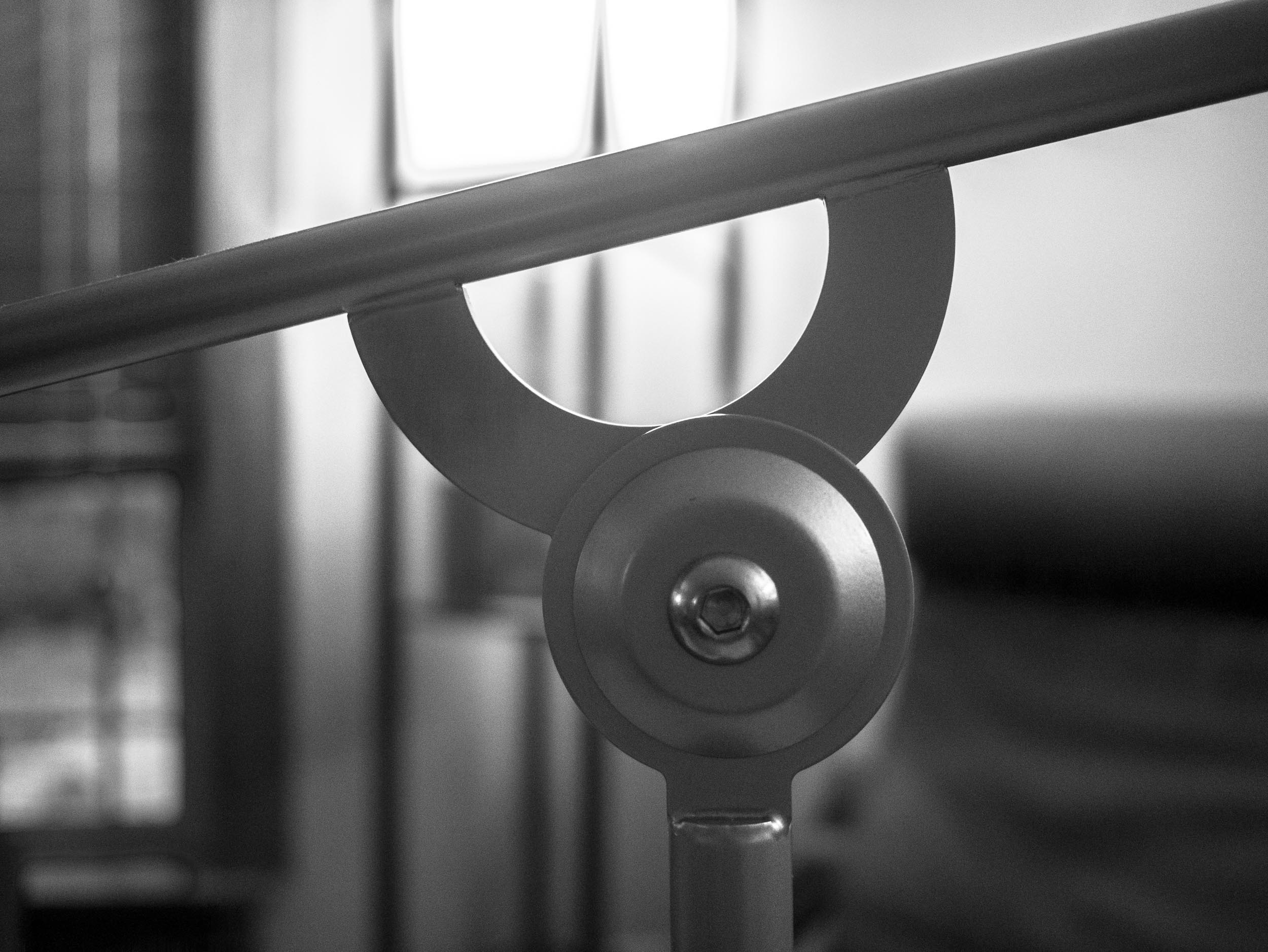
    The hex bolt of doom.

    I have yet to find the sweet spot that allows for smooth travel of the arm, with a firm hold when I want my iPad to stay where I want it. The creator is revising the design, to add a plastic wing nut instead of the hex bolt, but even that isn’t a great solution. This isn’t a deal breaker, I just tightened it down more so that it is a bit tougher to move — that works, but it’s not great.

    ## The Real Problem I Have

    What I have come to realize is that no matter how good this stand was, it simply wouldn’t work for me. The iPad, it turns out, is a very intimate device. Whereby I mean that part of what makes the iPad great is touching it and holding it. So when you off-load the holding to a stand, the iPad just becomes a screen.
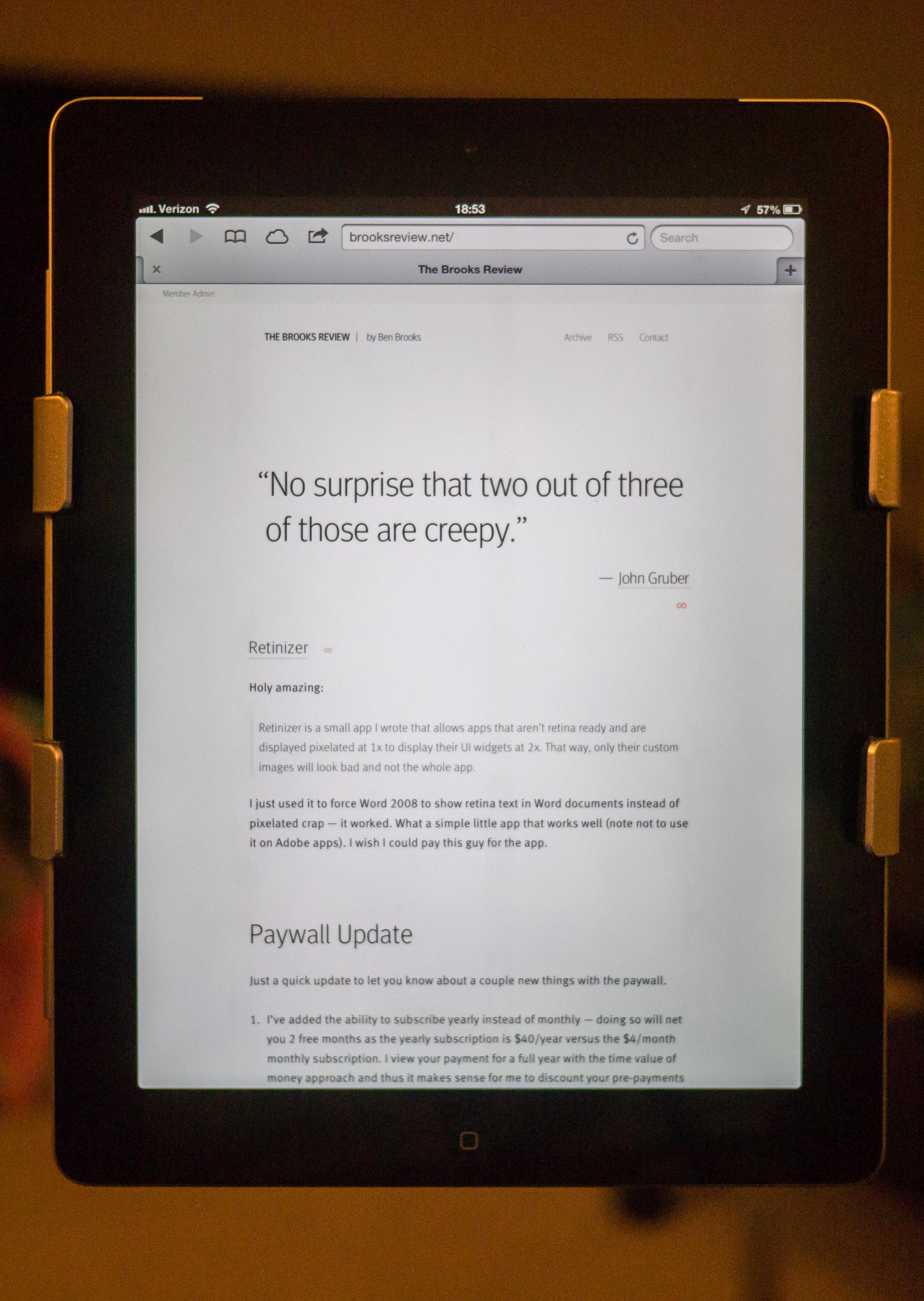
    In use, iPad can be used at any angle or orientation.

    That seems nice at first, but then you realize it’s not really great as just a screen.

    Therein lies the problem: I don’t like using an iPad if I am not holding it.

    ## Back to the FLOTE
    iPad clamped in with Smart Cover still on.

    The FLOTE is not perfect, but you’d be hard pressed to look at it, use it and still say that it is over priced. It’s well made, it’s solid. A lot of thought has gone into it and the two problems I have with it are fairly minor in use.

    No, my real problem with the FLOTE is that it solves a problem — that as it turns out — I really don’t have.

  • Quote of the Day: The Macalope

    “If Amazon’s big loss is due to selling a ton of Kindle Fires, shouldn’t that loss have been offset by the company selling lots of content?”
  • Tip of the Day: TextExpander’s Folder-Level Options

    Justin Blanton:
    >Is there a way to force TextExpander to ignore non-whitespace chars that prevent expansions? E.g., ” xyz” expands, but “(xyz” doesn’t.

    Turns out, there is. I had no clue, and am red in the face for not knowing this.

    Question: Why do you (readers) separate your snippets in groups (folders)? I never have, and would love to hear why.

  • The B&B Podcast #83: Listener Q&A

    >Shawn and Ben answer questions from the listeners, covering topics about Pinboard, budgeting, tech purchases, Apple Care, upgrades, covering Apple news, and more.

    Brought to you by our outstanding sponsor:

    – Doxie Go — A better way to go paperless. [Go get one, or two.](http://www.getdoxie.com)

  • ‘Scrolling vs. Pagination’

    I rarely disagree with Lukas Mathis, but in this case he is incorrect:

    >Scrolling affords a completely empty kind control. The user is doing more, she’s controlling more, but she’s not actually achieving more.

    and:

    >Pagination gets out of the way. Read a page. Push a button. Read the next page. Repeat. No needless interference with the actual text being read, no unnecessary interactions that could pull the reader out of the book’s world.

    In an ideal world, he is correct, but on the web he isn’t correct. Let’s use Instapaper as an example since it pulls all pages of an article and allows scrolling or pagination. The pagination is a great touch, but it leads to a broken reading experience in my usage.

    Why? Because an algorithm not a human chose the pagination points. A well designed and devised pagination system — from the author — works well because the author can choose a natural break point.

    So in Instapaper I scroll, because the reading experience is more fluid and less broken. I like pagination in reading apps, but I much prefer a fluid reading experience. So scrolling is still the best in my mind.

  • Atwood’s Surface

    Jeff Atwood on his Microsoft Surface RT:

    > Surface is just like the first iPad in that it has all the flaws and rough edges you’d expect in a version one device. But it is also like the first iPad in that there is undeniably the core of something revelatory and transformative here – a vision of the future of computing that doesn’t sacrifice either keyboard or touch.

    A great and very much positive take on the Surface RT by a guy who just wants cool computers. He makes some fantastic points, including the above quote.

    Last night I saw an ad for Best Buy that features a convertible Microsoft laptop of some sort and I have to say, I can see the appeal of that for people. For example I am tapping this out in my iPad, sitting in a vacant office space waiting for a service technician — this is something I do often. I have my iPad 3 with LTE, my iPhone 5 with LTE, and my retina MacBook Pro all here. Yet I’m only using the iPad, because at a moments notice I will need to get up and meet a technician. With my laptop that means I’d have to close it up and stuff it carefully back in my bag. The iPhone is too small for typing like this, so I go with my iPad, but I would be done with this post already if I had a keyboard for the iPad, then again that’d be silly because my retina MacBook Pro is right here.

    All that to say that I often find myself in situations where such a hybrid computer would not only be useful, it’d be *better*. Now, I am wondering how that would translate for the rest of my life, could I dump my iPad and retina MacBook Pro for just one device? It doesn’t seem possible, especially if it means switching to Windows, but then again I thought the same thing when I switched to the Mac in 2004. I don’t want to switch to Windows, but I also live to find a better, easier, way to live.

    Maybe it is worth giving it a try… Really.