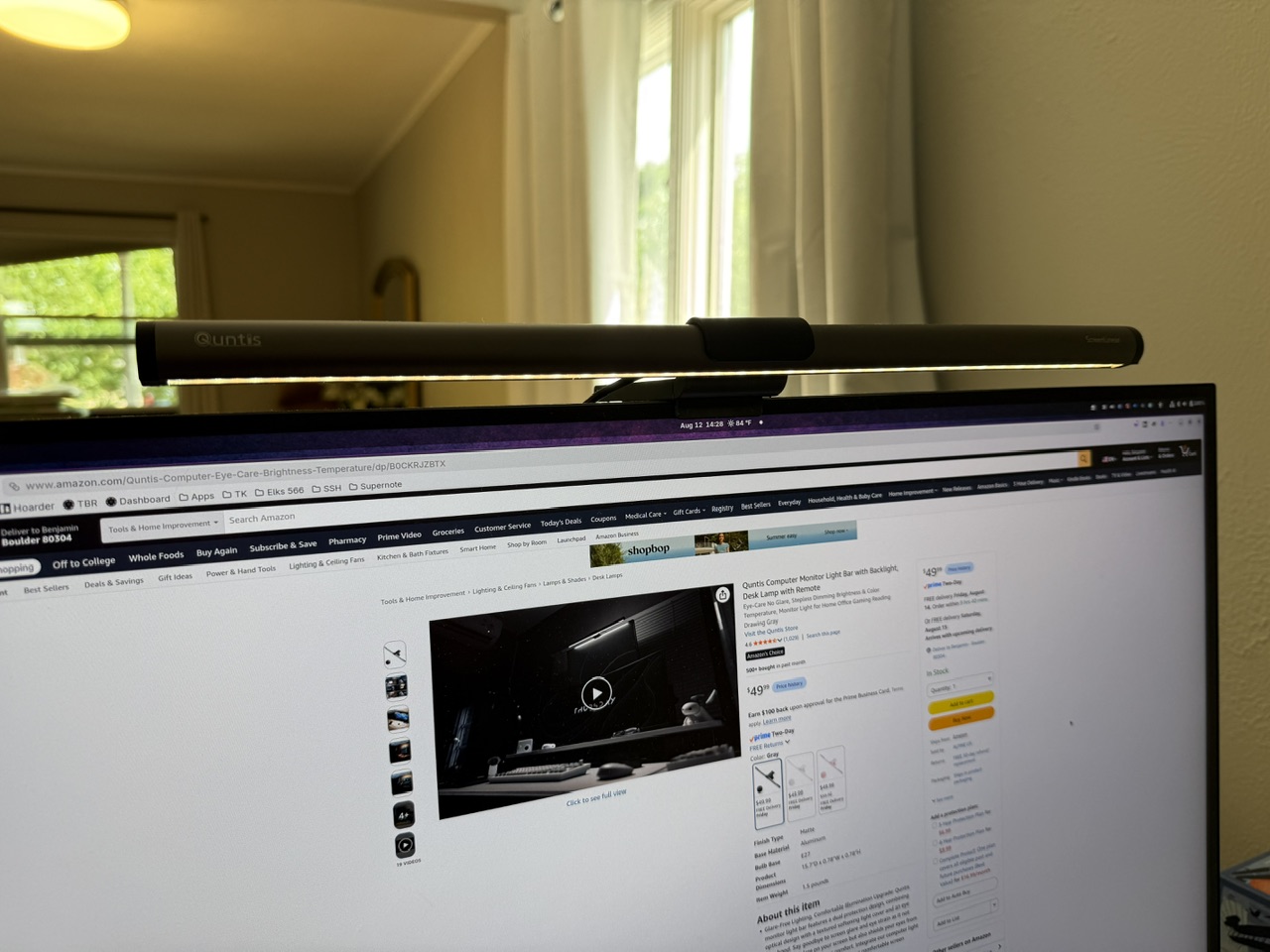
Note: This item was provided for review.
For the last couple of months (or more?) Amazon has been recommending this light bar to me, but since I already had one, I kept scrolling. Then Quntis reached out to ask if I wanted a review sample of the Quntis Monitor Light Bar Glow 16.1 inch (41 cm) Grey, and I accepted — I needed to know how well this light worked given how much less expensive it is than the leading brand(s).
It’s been about a month of full-time use on this, and it’s very good, and when you factor in the value proposition, it’s fantastic. Let’s dive in.
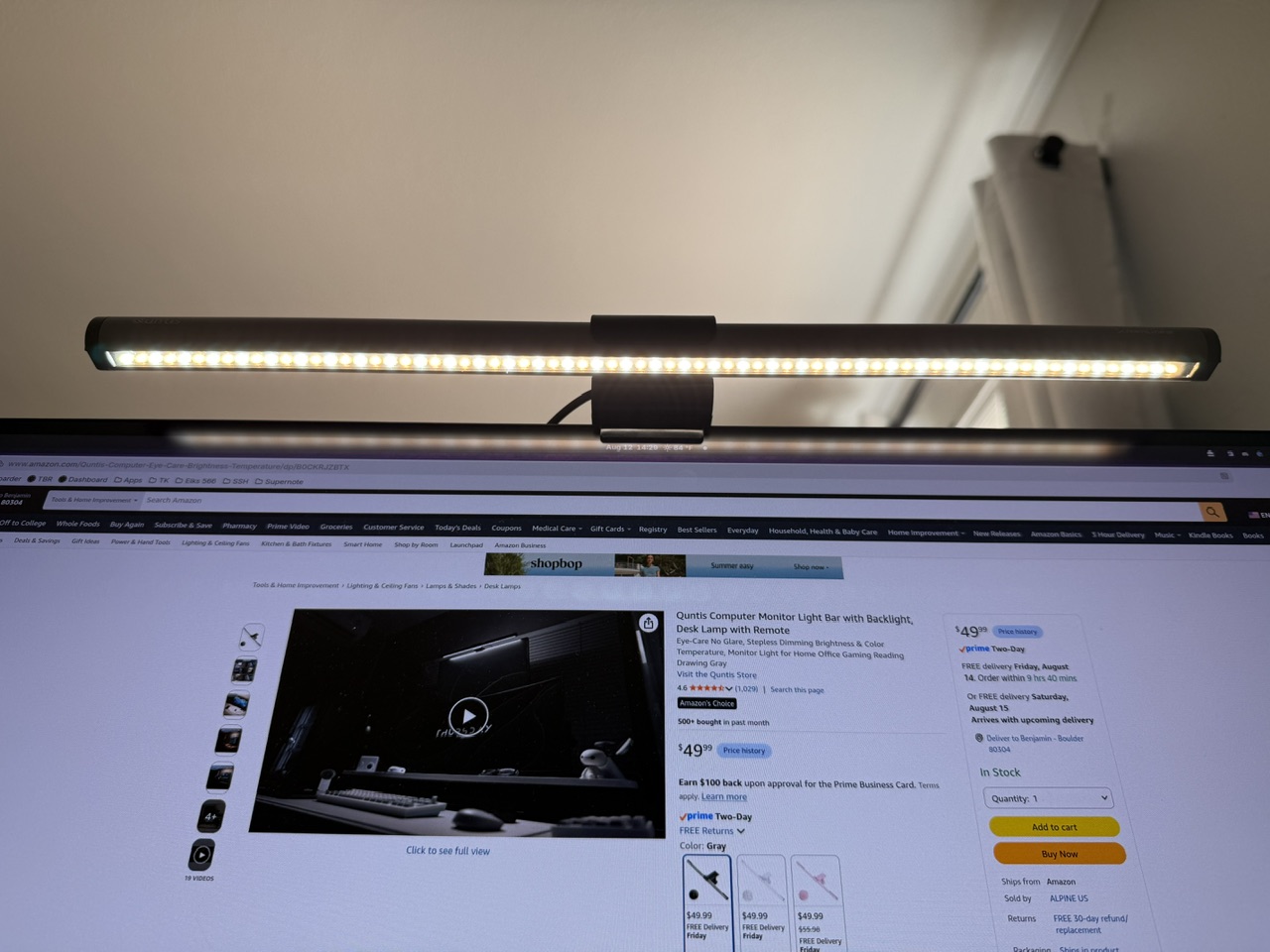
Specs
This light is 16.1″ long and offers Ra95 with a CCT range of 3000K–6500K in a ‘stepless’ manner. It’s powered by a USB-C port, and there’s a remote puck which is powered by AAA batteries.
Here’s a quick rundown on the specs:
- CRI: Ra ≥ 95 (claimed) — no R9 is specified.
- Color temp: 3000K–6500K, stepless
- Brightness: stepless 20–100%
- Illuminance: ~874 lux
- Optics: 45° asymmetric design, frosted diffuser panel + eye-care hood
- Lighting modes: front only / backlight only / front + back
- Control: wireless remote, non-mechanical buttons with orange backlight; AAA batteries
- Mount: patented sliding weighted clip, marketed for ultra-thin and curved
- Power: USB-C, 5V/1A
- Certs: RG0 / IEC-TR 62778, IEC/EN 62471, flicker-free
- Weight: ~1.5 lb
The overall build quality of this feels very sturdy, and the remote has a nice heft to it so it doesn’t slide around. The entire thing is a nicer package than you’d expect for the price, and simply nice in general.
In Use
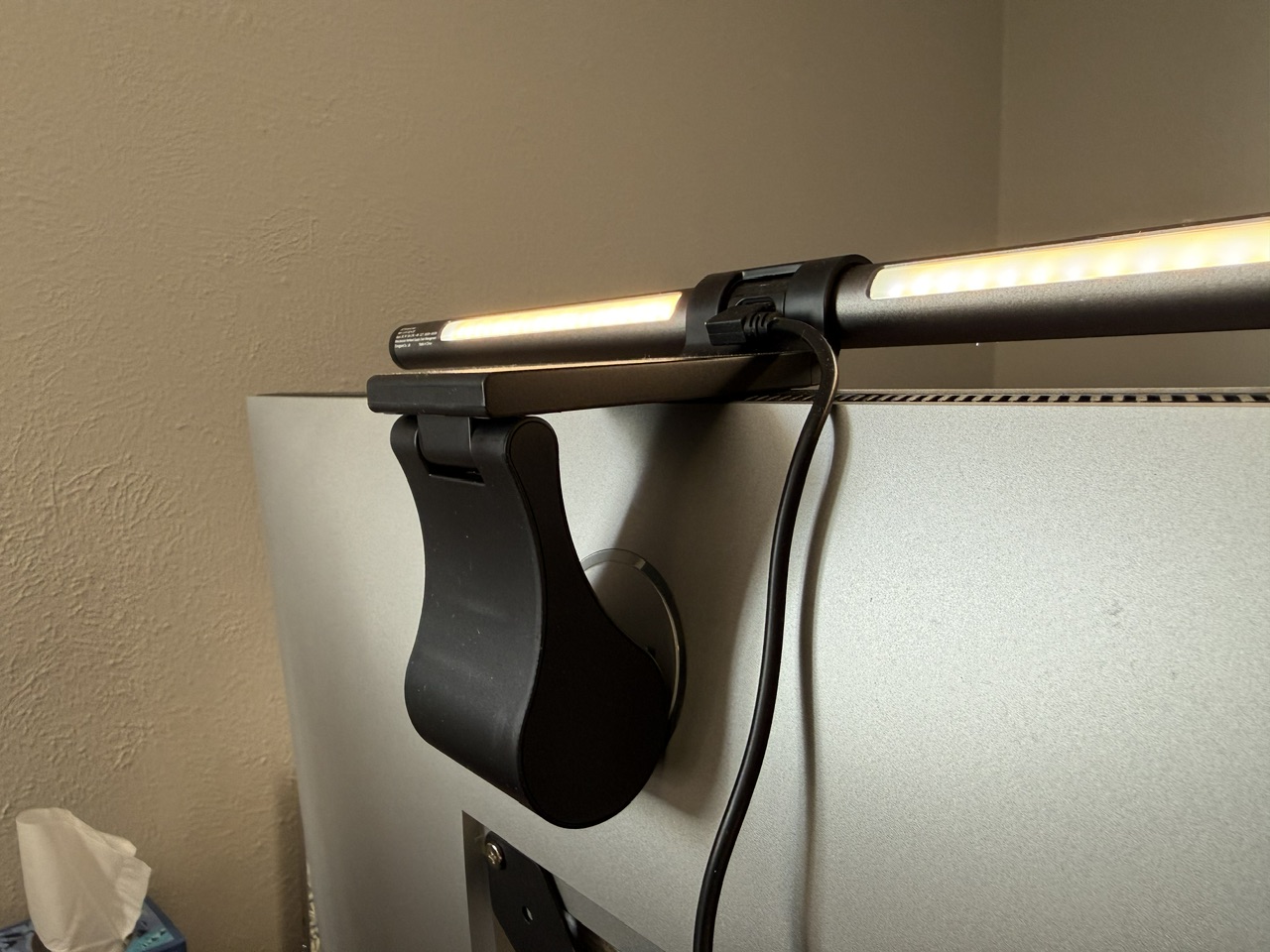
The first thing I noticed about this was the clamp. This is a large and sticky setup, and I was skeptical of it. Because I was temporarily sharing my office with our bedroom, I was constantly tossing a sheet over the monitor to hide all the glowing LEDs, and even when pulling that sheet back off, the light bar mostly stayed put. I cannot say the same for the BenQ, as it flew off my monitor every time doing that same sheet over the bar routine. This mounting clamp is really good. Very easy to use, and very secure. It has a large flat surface at the top for any cameras you might want to mount on top of it. Really excellent.
The controller is another huge upside for me. I thought I didn’t need it, so I bought my last light bar without one, but this controller puck is great. Tapping the light bar often led to the light bar moving, and I needed to do that to adjust it. But with the puck, it’s very easy to adjust the settings and get things right where I want them without issue. It does take a little to get used to the control setup, but I had it down in the first couple of days. Only downside of the puck: it’s a fingerprint magnet, so keep it under the light and you won’t see that. The Quntis does not have the presence sensor, which means you have to use the remote, but in practice this didn’t even register as a minor annoyance.
There’s no published data I could find on the light spill area on this Quntis bar — however, I can say that it feels like it has a lot more spill than the BenQ model. The net effect of that is positive for me. Instead of it feeling moody, this feels much more practical when I am using my camera to ‘scan’ documents on my desk, working on small parts, or just writing. At roughly the same output level, there’s a larger light area with this bar, and I’m a fan.
I have no reason to doubt the Ra95 claim, as it feels very high CRI to me, and certainly high enough for a light in this use. Likewise, I’ve seen no flickering with this at all, even when using the video mode on my iPhone. The brightness and CCT controls move very smoothly when you press and hold the button, with almost indistinguishable shifts, while also moving rapidly if you simply tap to adjust instead.
There’s only one area where I feel that this doesn’t quite stack up: LED channel design. On the BenQ it feels as though there’s no light which hits the screen, and at sitting height I cannot see the individual LEDs. On this light bar there is certainly some light which hits the screen, though not enough to impact in any way I can tell, and I can see the hot spots from the LEDs when I am seated. Having said that, if I didn’t have the BenQ to compare this side by side with, there’s no chance I would have caught this. It’s minute, but catching the minute is my thing.
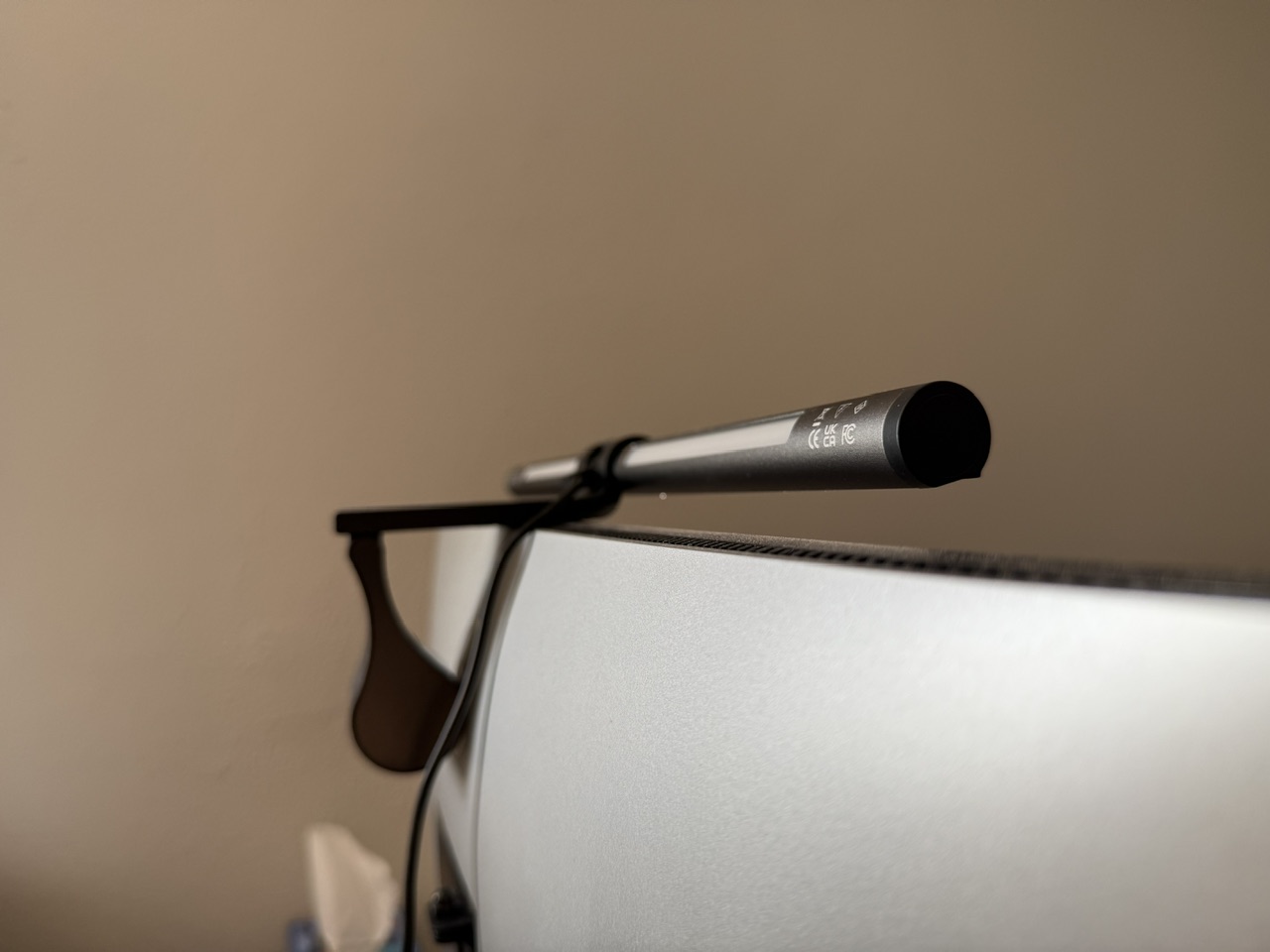
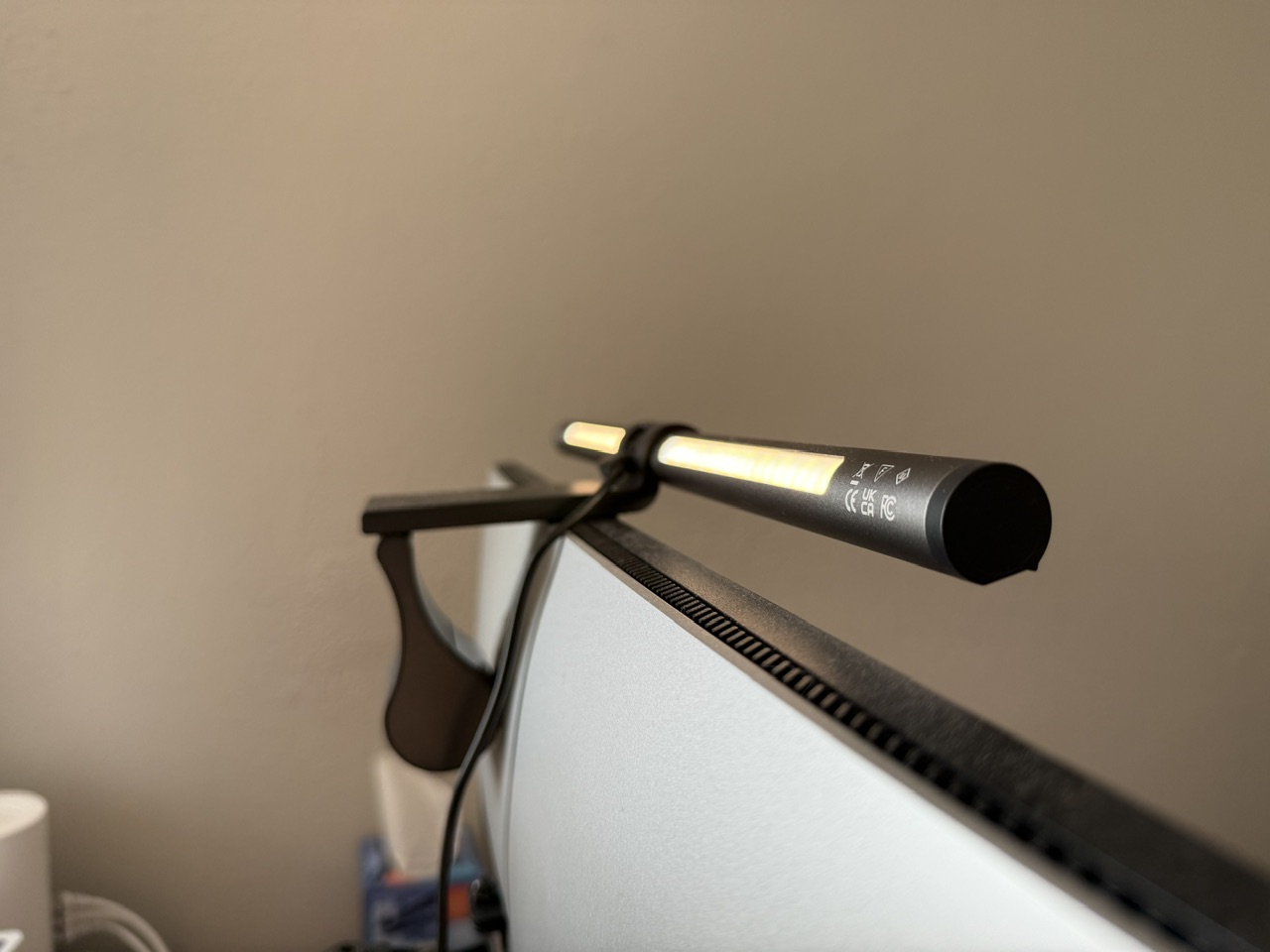
Oh, and that backlight. This is my first go with a backlight on a screenbar, and I did have my desk against the wall for the first few weeks. It’s a fantastic add if you have your desk against a wall like that. It adds lovely ambiance, and is subtle enough that it isn’t a gimmick, but a pure upgrade. Once I turned my desk away from the wall, it was barely detectable whether it was on or off when I was seated at my desk.
Overall
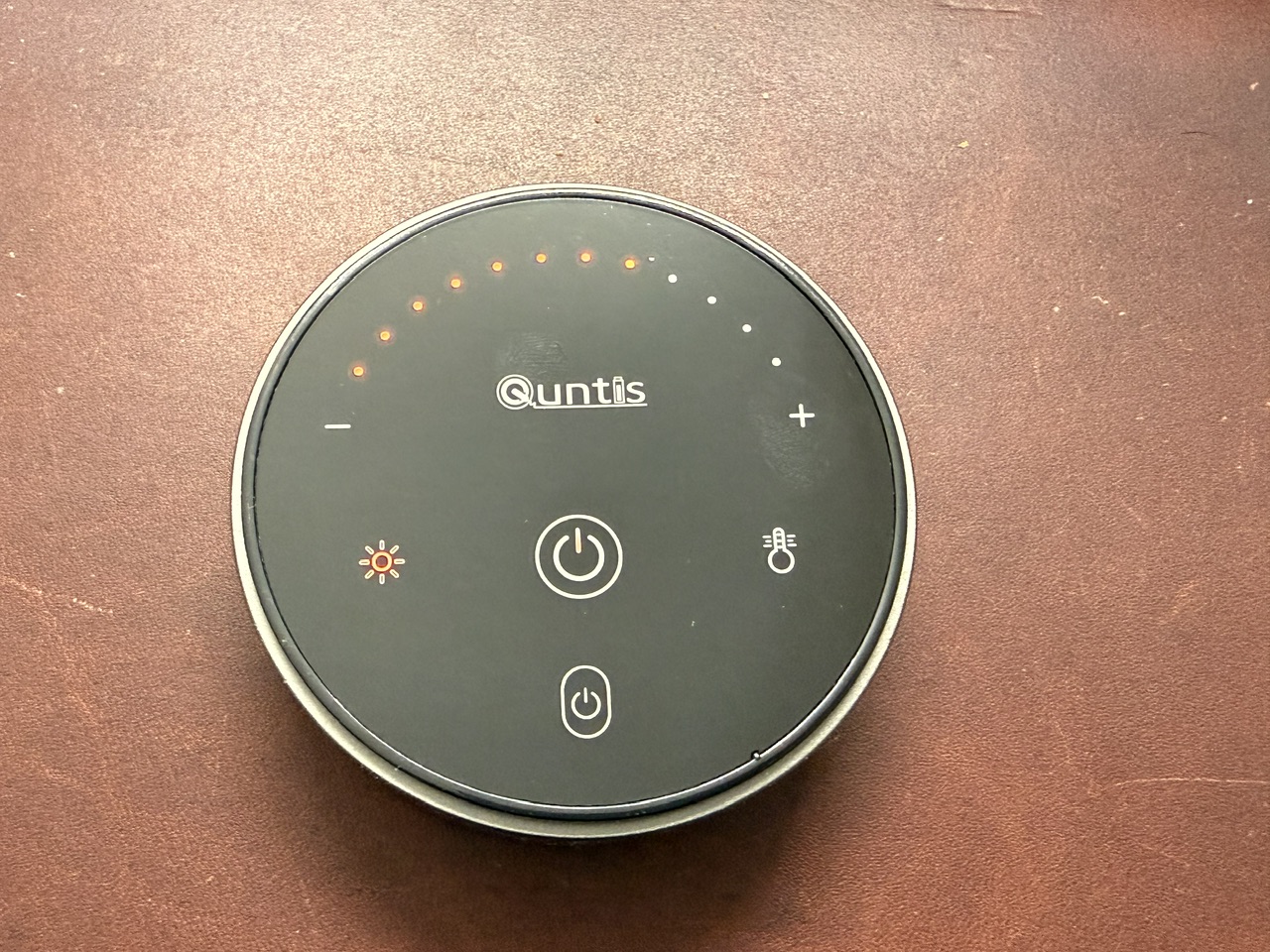
It’s nearly impossible to talk about this light without talking about the BenQ. Right now the Quntis (the model reviewed here) is $49 with Prime shipping on Amazon. To get the comparable BenQ (with the remote and backlight) is $199 (or $139 for the model I reviewed). So effectively you would pay $150 more for the BenQ and gain a little less light on the screen, and less-visible LED hot spots to your eye, but with a reduction in spill area (which can be good or bad depending on your desk).
I don’t mind spending more, but that’s a stretch for even me. The delta in price is massive, but the delta in performance is very minor.
In other words: this Quntis would be a great buy at $100, but you only have to pay $49 to get it. I highly recommend this.