I don’t remember a time in my life when I didn’t love taking pictures — back in the day those pictures were mostly of pets, ok truth be told they still are — but I love photography. Over the years I have amassed a lot of gear, sold some off, and bought more expensive gear — safe to say I have used a lot of different kinds of cameras and camera systems.
For the past five years I have been been a Canon shooter and have grown to love the platform, but the iPhone changed this with the introduction of the 3GS the majority of all the photos I take are with my iPhone. Yet, I find the iPhone 4S camera lacking in a lot of circumstances, even though it is truly a fantastic camera for how small it is, you just can’t expect it to replace a dSLR. So I often find that I snap a picture with my iPhone because I end up getting too frustrated trying to compose an image with my iPhone.
When the micro four thirds camera movement came about I was really intrigued by these little beasts. I was mostly skeptical about how good these cameras would be and why they are/were better, but then these cameras started getting really good, while at the same time my values started to change: I no longer wanted to lug around a camera that so distinctively screamed “LOOK AT ME — I TAKE TEH PICTURES”. That means the 5D is left collecting more dust, and though I like my Canon G9 ((Do you see the price on this thing! Holy cow!)) , it is a joke to shoot with above ISO 400. So, I have been impatiently waiting to get a micro four thirds camera for quite a while, and not too long ago I pulled the trigger on one.
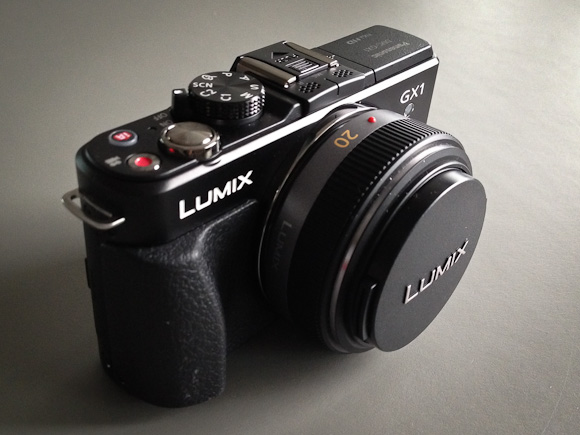
I went with the Panasonic GX1, with the 20mm f/1.7 Panasonic lens — that comes out to about a 40mm lens on a standard, full frame, camera (note: all links to products in this post are affiliate links). Which works out nicely since the most used lens on my 5D is my 50mm f/1.4 — that lens practically lives on my 5D.
The Idea or Why This Instead of That
The idea of the GX1 (for my usage) is that it should fit between my 5D and my iPhone — mostly it should be what the G9 should have always been: an awesome daily carry, compact, camera. ((Dimensions: 4.58” x 2.67” x 1.55”.)) Some might think the GX1 isn’t that small, and truthfully it isn’t fitting in your pants pocket unless you wear cargo pants, but — actually — never mind. The camera does however disappear amongst the space in my Smart Alec and carries fairly comfortably in my jacket pockets. I will say that unless your jacket is zipped the weight of the camera will pull down one side of your jacket in a very awkward manner.
In comparison to carrying around a camera bag for my 5D, well the GX1 practically isn’t there. I just want a camera that is fast and easy to shoot, but gives immensely great control than my iPhone and that performs really well in low light.
(Personally I don’t see the point in going any smaller thent he GX1, as the GX1 is just about as small as can comfortably be held in my hand. For those times I really need a super-compact camera I will go with my iPhone. Which is why most point and shoots are not in the discussion.)
My goal: take more pictures with less frustration. Remove the friction, have fun.
The Build
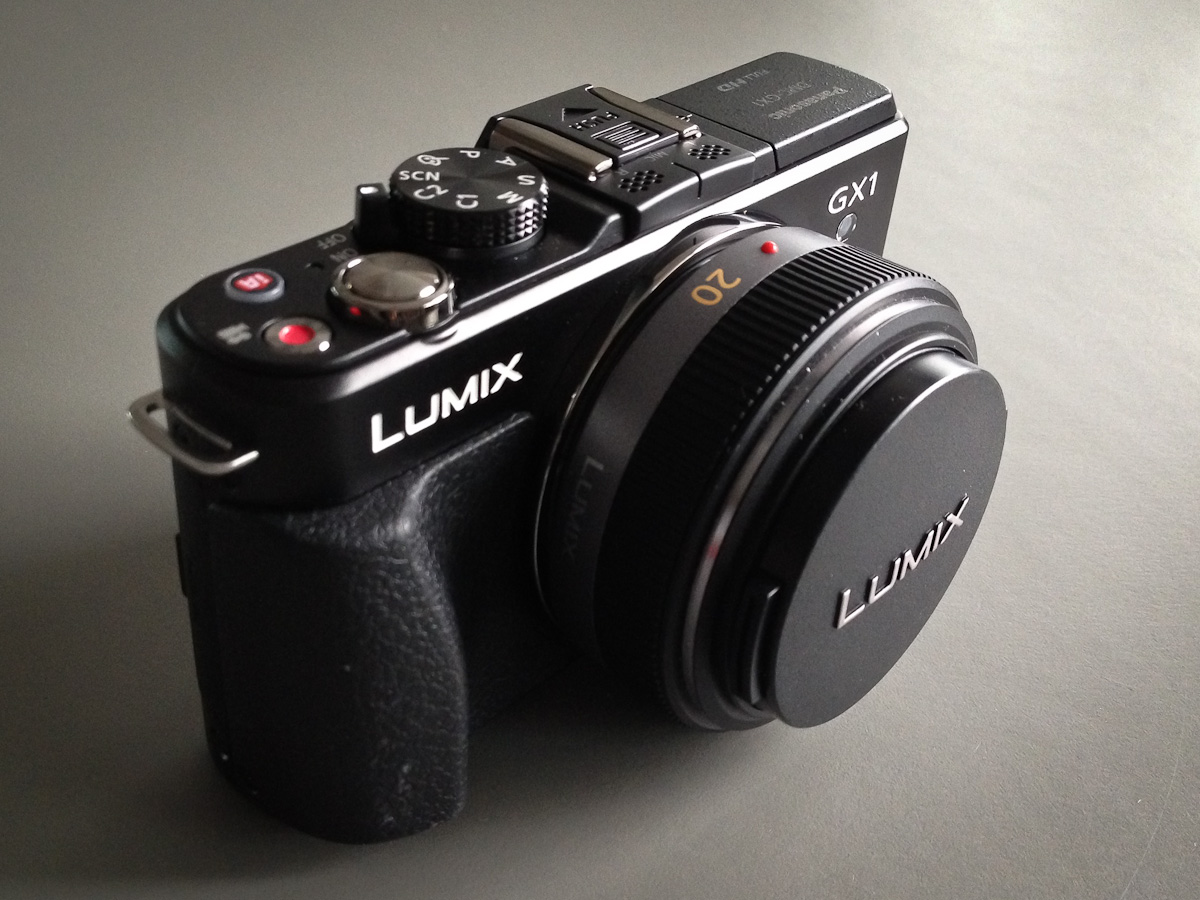
Prior to buying the GX1 I had never touched one. I read the reviews and knew the general size of it, but I had no idea what to expect when I put my hands on it. I am pleased to say that this is a solid camera — it feels more like a solid object than something with hollow spaces inside for chips and sensors. ((It clocks in at 11.22 oz.))
Most of the entire back panel is taken up with a 3” LCD screen that is also a touch display, with just enough room on the right edge for my thumb to rest without blocking any of the display. The oddest part for me about this camera is that it feels and works so much more akin to my 5D than my iPhone, that the lack of a viewfinder is very unsettling at first — something that quickly went away after a few days of use. ((You can in fact buy the electric viewfinder for the camera that attaches to the hotshoe on top, but it is around $250 and adds more size to the camera.))
There is both a molded grip on the front side for your fingers and a molded thumb area on the back that helps to get a firm hold on the camera. It’s not as comfortable as the 5D, but leaps and bounds better than trying to hold an iPhone — to Panasonic’s credit, never once did the camera feel like it was going to slip from my hand — a daily occurrence with my iPhone.
Remember that right edge that I said my thumb covers, thats where you will find some function controls for the camera. I never accidentally press these on accident, but have found that it is easy to drop your thumb down to them to change settings while holding the camera.
One dial that isn’t great is the dial that sits in the thumb grip.
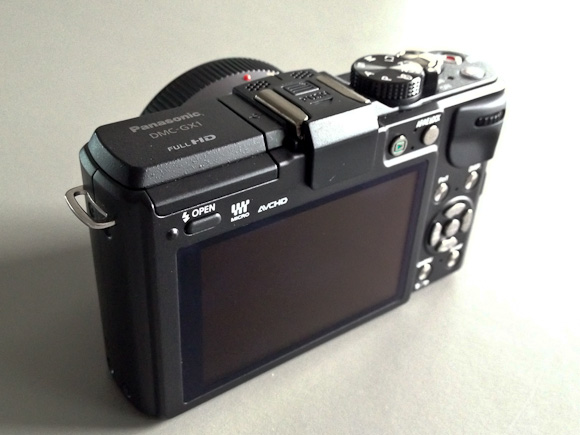
This dial scrolls from side to side and can be pushed in. With soft hands it is easy to operate, but after moving into a new house and painting my hands became firm and callused, once that happened I had quite a bit of trouble easily operating this dial. The biggest problem I have had is accidentally pressing in the dial while trying to turn it (which toggles what you are, um, toggling). Now, until my hands heal, I have to use my finger nails to spin this dial. Needless to say, this is a big pain in the ass to do.

The top of the camera has the mode dial, on/off switch, shutter release, video mode toggle, and an iA button for a special mode Panasonic created. With the exception of the iA button these all feel very heavy duty and well made — the iA button just feels like a cheap plastic button, luckily I have only ever pressed it twice.
So the camera feels good, is built pretty well, but how does it look? It looks like a camera. It’s black (you can get gray, but shouldn’t) and it isn’t anything fancy.
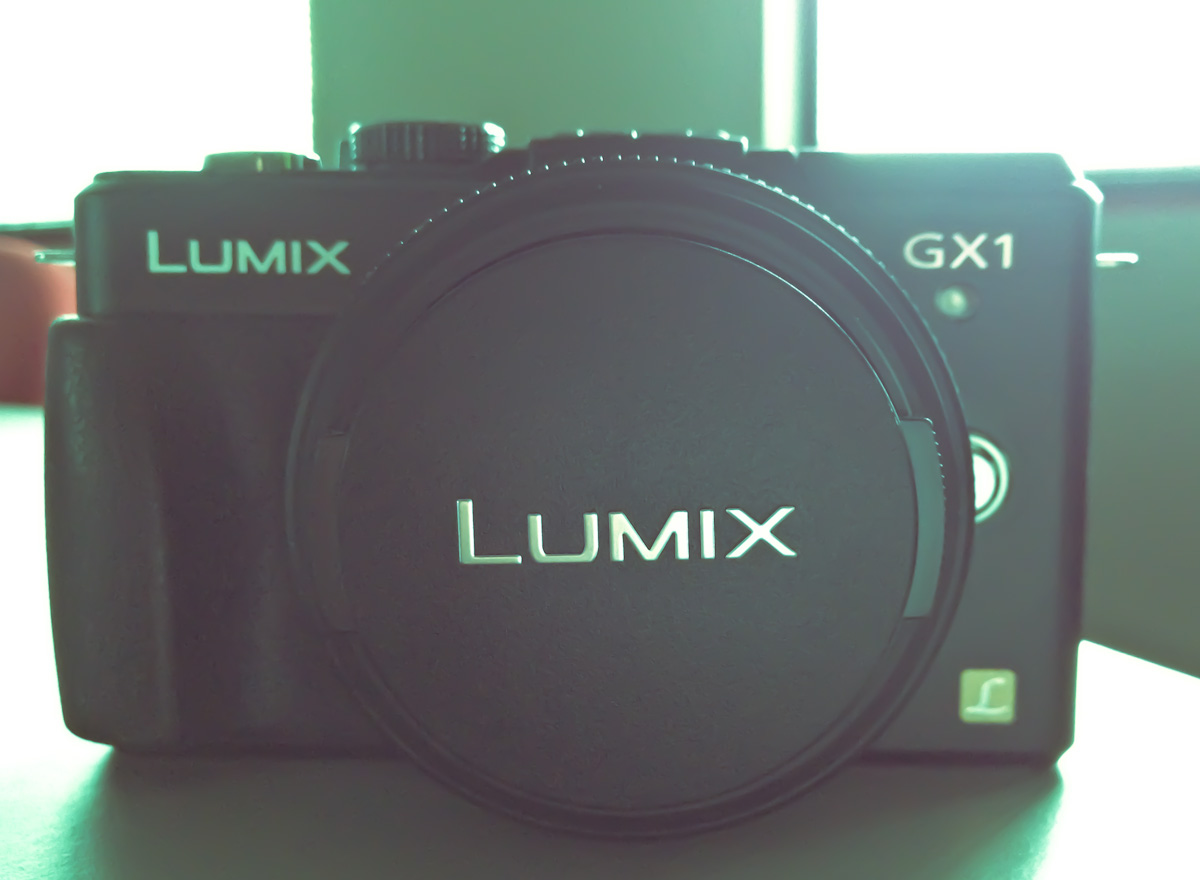
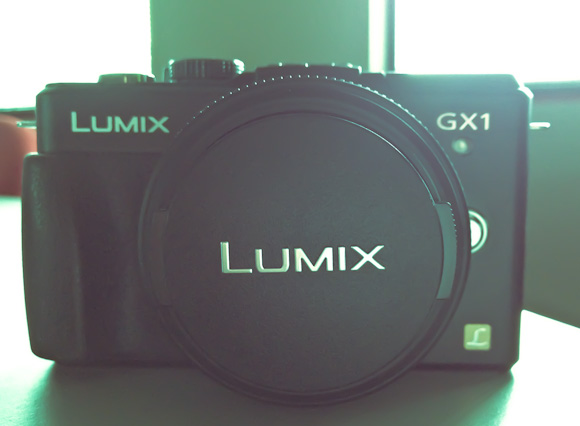
I will say that I could do with a lot less labeling and badging. There’s only one side of the camera without a written word on it — that’s kinda sad. With the lens cap on you read the words Lumix twice, right next to each other and then get the L Lumix logo on the front as well — it’s a bit much. This kind of over branding isn’t unique to this camera — it’s an industry wide problem.
Other than the massive amount of text on it, the design is simple and straight forward — just what I like in a camera.
The Images

This is what you want to know right: how do the images look? Short version: awesome. The GX1 shoots at 16MP and that’s plenty big enough for anything I am going to do. What I can say is that there is a different quality to the images than that of my 5D, the images seem less smooth — which is both good and bad. The bokeh isn’t as silky looking and the noise (when there is noise) is far more, shall we say, colorful. All things to be expected with a smaller sensor camera.

Since I mentioned noise I should note that the GX1 has an ISO range of 160 to 12,800 — which boggles my mind a bit. If you shoot between 160-800 you are going to have to view the images at 80-100% to see the noise and even then Lightroom can vanquish most of it. I find the noise to be acceptable up to 3200 and useable at 6400 — beyond that godspeed.

The best thing I can say about the image quality and over all functionality of the camera is that it never once held me back. Whereas with the iPhone I always feel like I could make a better picture if I just had a different camera.
Software / Controls
My favorite and most used mode is A, which is Aperture priority. Basically you, the user, sets the aperture that you want to shoot at and the camera automatically sets the shutter speed (you can use Auto ISO, but I never do that, preferring to set that manually as well). The GX1 has a few other modes: shutter priority, program, full manual, custom 1 and 2, and a few ‘scene’ modes — this in addition to the full 1080p video mode.
The modes are pretty standard, but a neat surprise in the camera is that it has a gyroscopic sensor of some kind that can give you an indication of how close to level you are holding the camera (if you want). This isn’t just to tell you if the camera is level on a plain, but if you are also tilting it downwards or upwards — this is one of the best features of the camera, any camera really.
I wish it was a bit more sensitive and there is some lag between adjusting the camera and the indicator moving, but it is acceptably good if you have no point of reference for leveling your shots.
The menus are lacking in design, but functional. Most of the menu items seem comically large, but then you have to remember that you can also tap to select many of the menu items. Most users will stay out of the menus once they setup the camera, but I find constant use in the quick menu and so I wish it was a bit better looking.
Lens
There are three lenses that you will see being sold with the GX1: the 14-42mm, the PZ 14-42mm, and the 20mm f/1.7 that I purchased. I have no experience with the other lens options, but in researching them I learned a couple of things that I want to pass along.
The 14-42mm f/3.5-5.6
This is the most common lens that you will find in ‘kits’ (when the lens and body are sold together). It is a dead simple lens, but it is slow (meaning the fastest aperture is 3.5) and it is big. The pictures alone show you how big it is, but it works like a ‘normal’ SLR lens when you zoom with it. The best review of the lens I found, was here. It’s not a bad lens, but it is far too bulky for my needs.
The PZ 14-42mm f/3.5-5.6
The PZ makes a huge difference and it stands for ‘power zoom’. What does that mean you ask? Basically it is a super compact lens that zooms out with the help of an electric motor. Think of it like how the zooms on a point-and-shoot works, you move an electric jog and the lens zooms in and out. This is the same principle.
Again I never used this lens, but the compact nature of it appeals greatly to me. Again though, it is just too slow for me to consider. Ultimately the fact that I couldn’t find a solid review for it turned me off, but it is impressively compact — just look at this preview for the lens.
The 20mm f/1.7
This lens is what many call a ‘pancake’ style lens. It is about as compact as you can affordably get and the lens I ultimately chose. Again Photozone.de has an excellent review of the lens and notes the distortion and vignetting problems with the lens — both can be fairly easily corrected on your computer (and is done automatically in many cases).
I have nothing but good things to say about the lens. It is exactly what I wanted: small, tough, sharp, and fast.
The GX1 also will accept the standard micro four thirds mounts, so that opens you up to a lot of lenses — many much more expensive. For starting out though I think I found a nice sweet spot with the 20mm f/1.7. I do want to note that f/1.7 on a micro four thirds camera is not the same as f/1.7 on a full frame camera, as my comparisons will show in the depth of field achieved by each lens.
Speed
Enough with the aperture speed, let’s talk about the speed of using the camera, which has a few factors: focus, start-up, frame-to-frame, saving/writing to card. In most every one of those cases this camera is sufficiently quick. (I am using this memory card for the record, a faster card would give you faster write speed.)
In most cases the GX1 is ready to take a picture before I am which is on par with what I am used to with the 5D. However the autofocus would be much improved if it was a bit quicker — it’s more like the speed of the iPhone 4S autofocus than it is of a 5D USM autofocus speed. The AF doesn’t do much hunting to find focus, but it does give you pause to lock the focus. If you are shooting at the same distance (or just on the far end or the close end of the focus scale) then the focus is fast and solid — moving between the two distances is when you start to notice the lag in movement. Like I said: if you are coming from USM focusing on a dSLR then this is going to be slow, but if you are coming from a point and shoot or iPhone — this is going to be on par or much faster (depending on the camera and lens and lighting).
The frame-to-frame shooting can be ridiculously fast. I am guessing this has to do with a lack of a mirror to flip up and down, but even with the shooting set to show the live-view image (which slows it down a bit) it feels like your shutter speed is all that is holding you up, but in reality Panasonic says it shoots at 4.2 frames per second. ((Though by reducing the images size you can push that to 20 FPS.)) Which actually isn’t that fast, but just sounds really quick.
The only speed complaint I really have is the shut down time: it takes longer than I would think. You actually notice how long it takes from the time you flip the power switch to off, to the time it actually turns off.
Comparisons
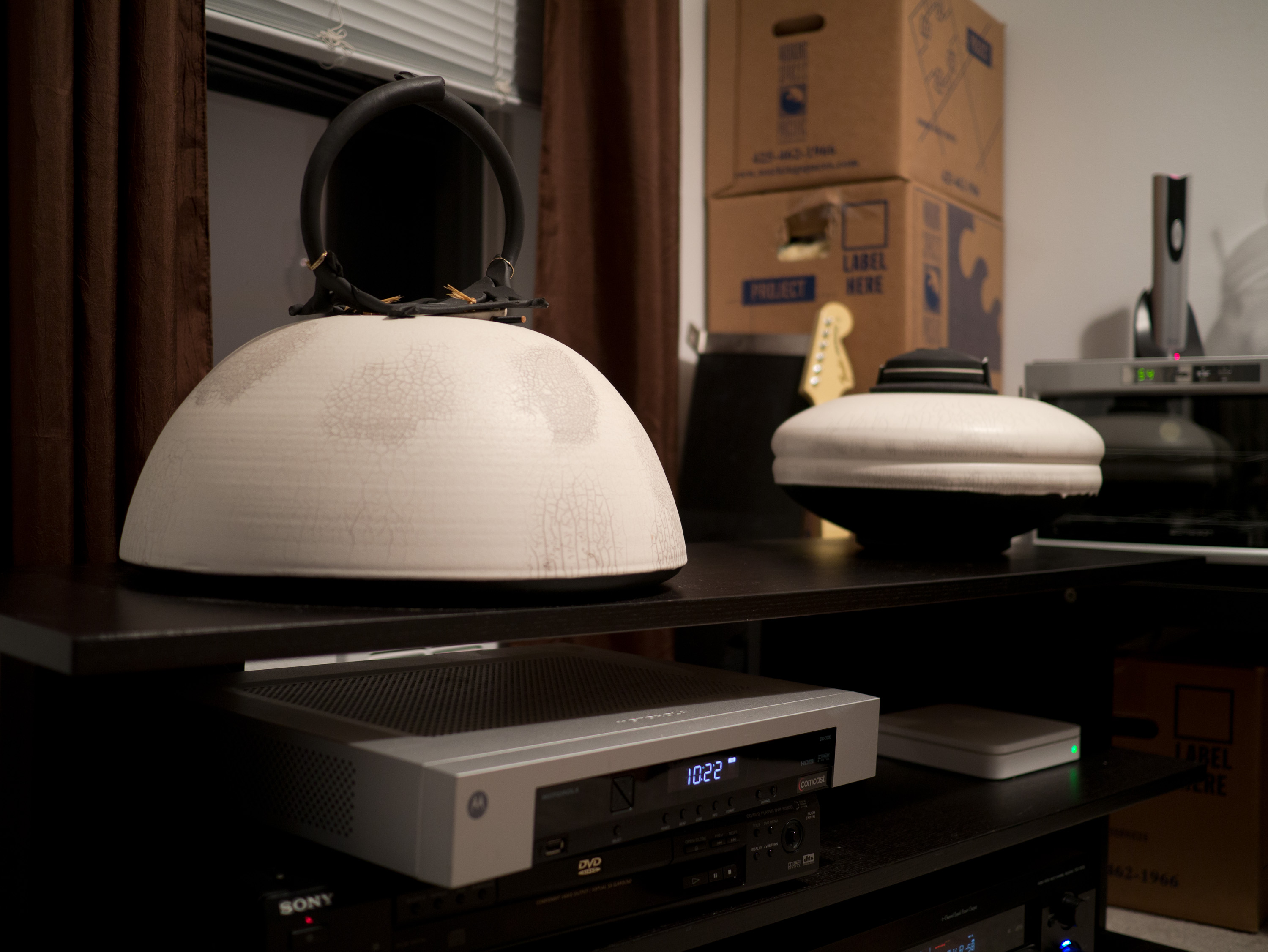
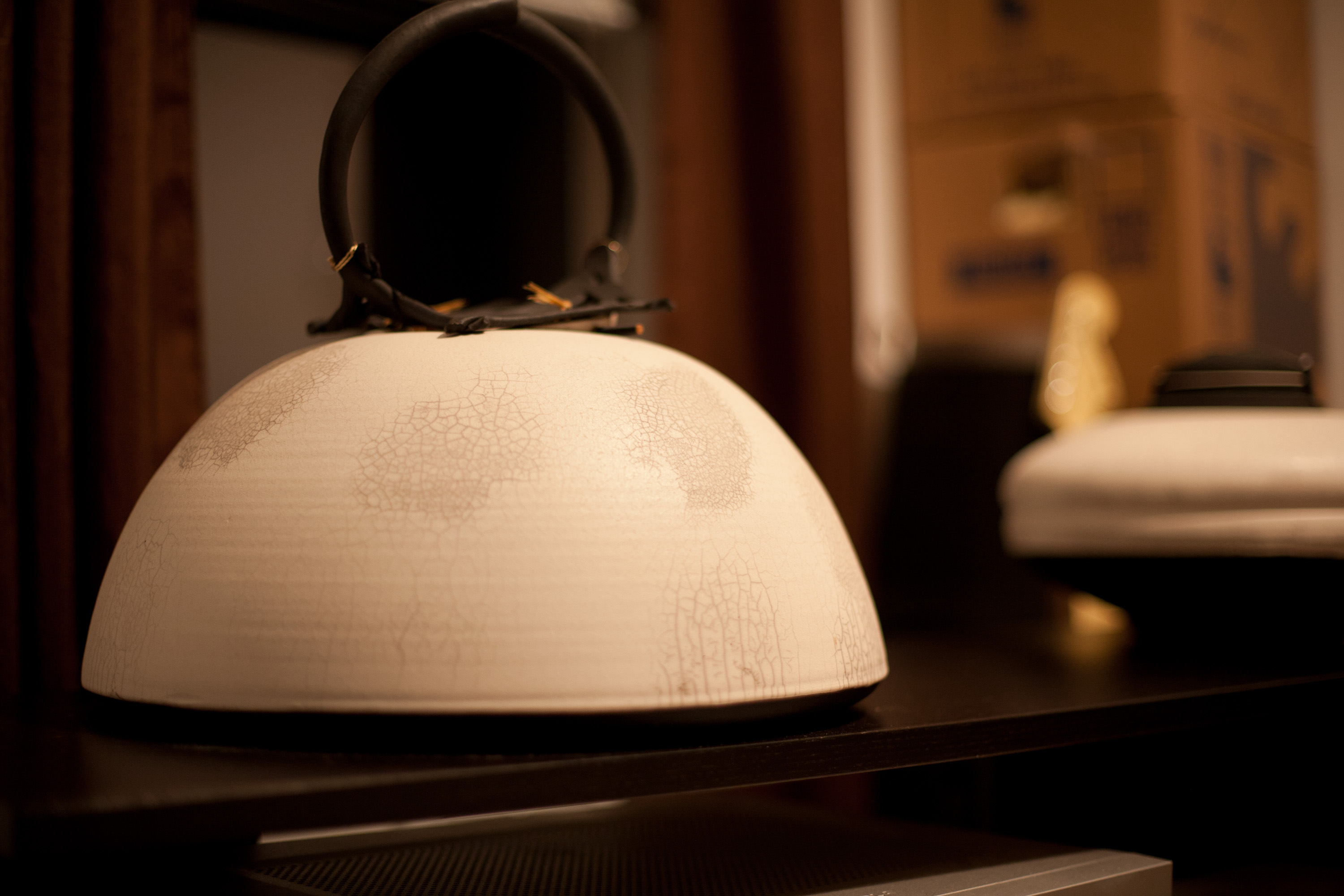
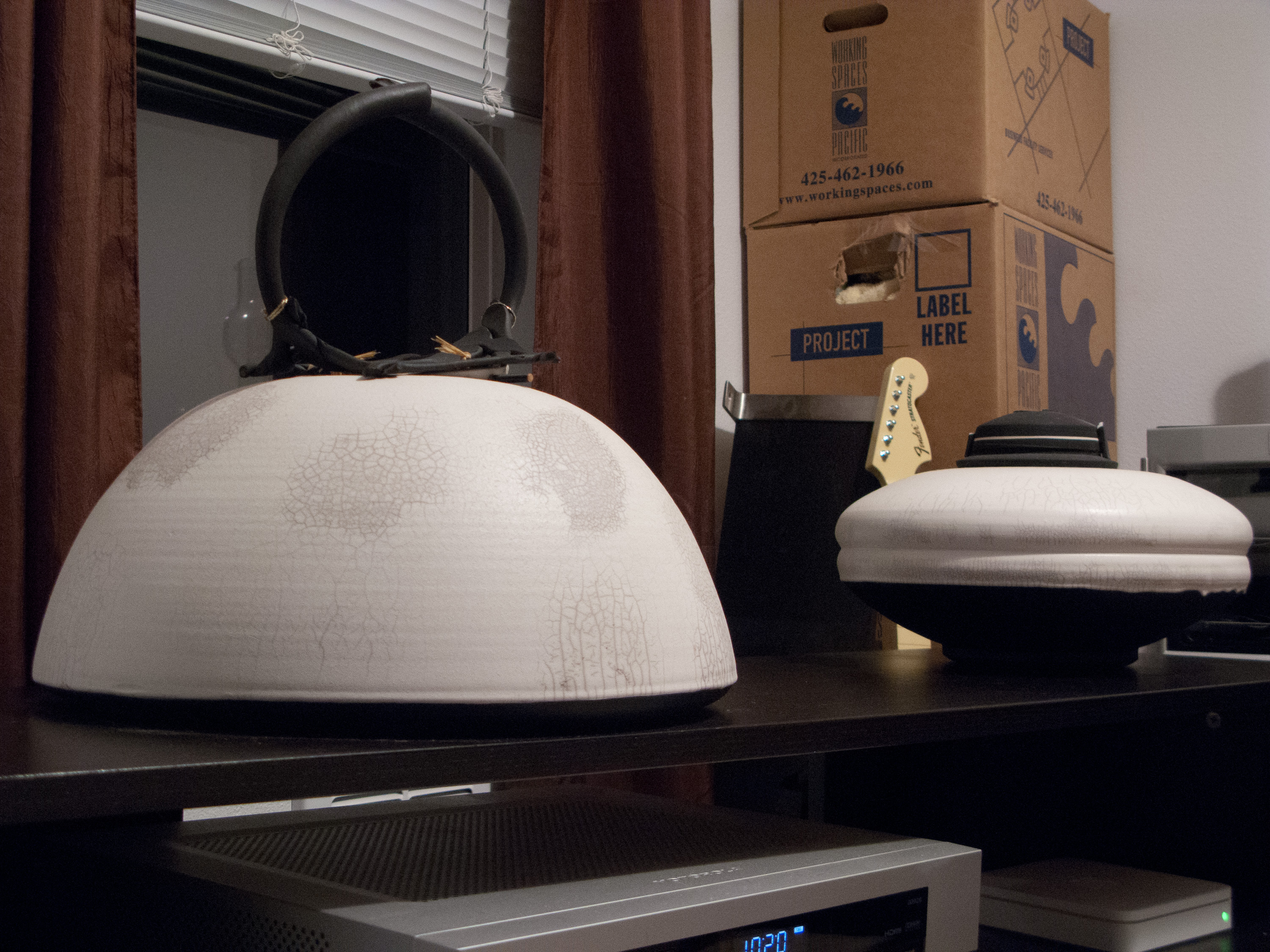
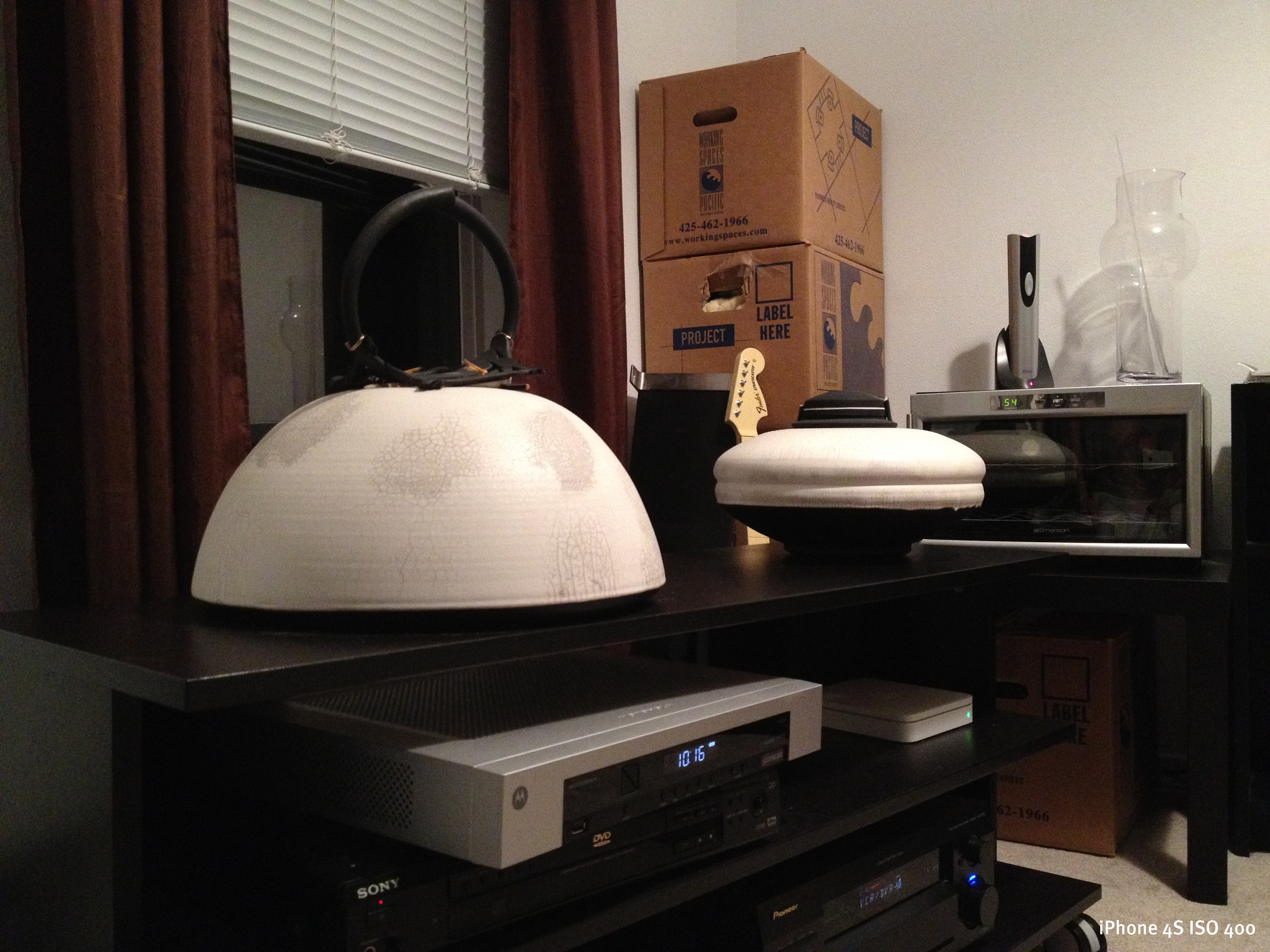
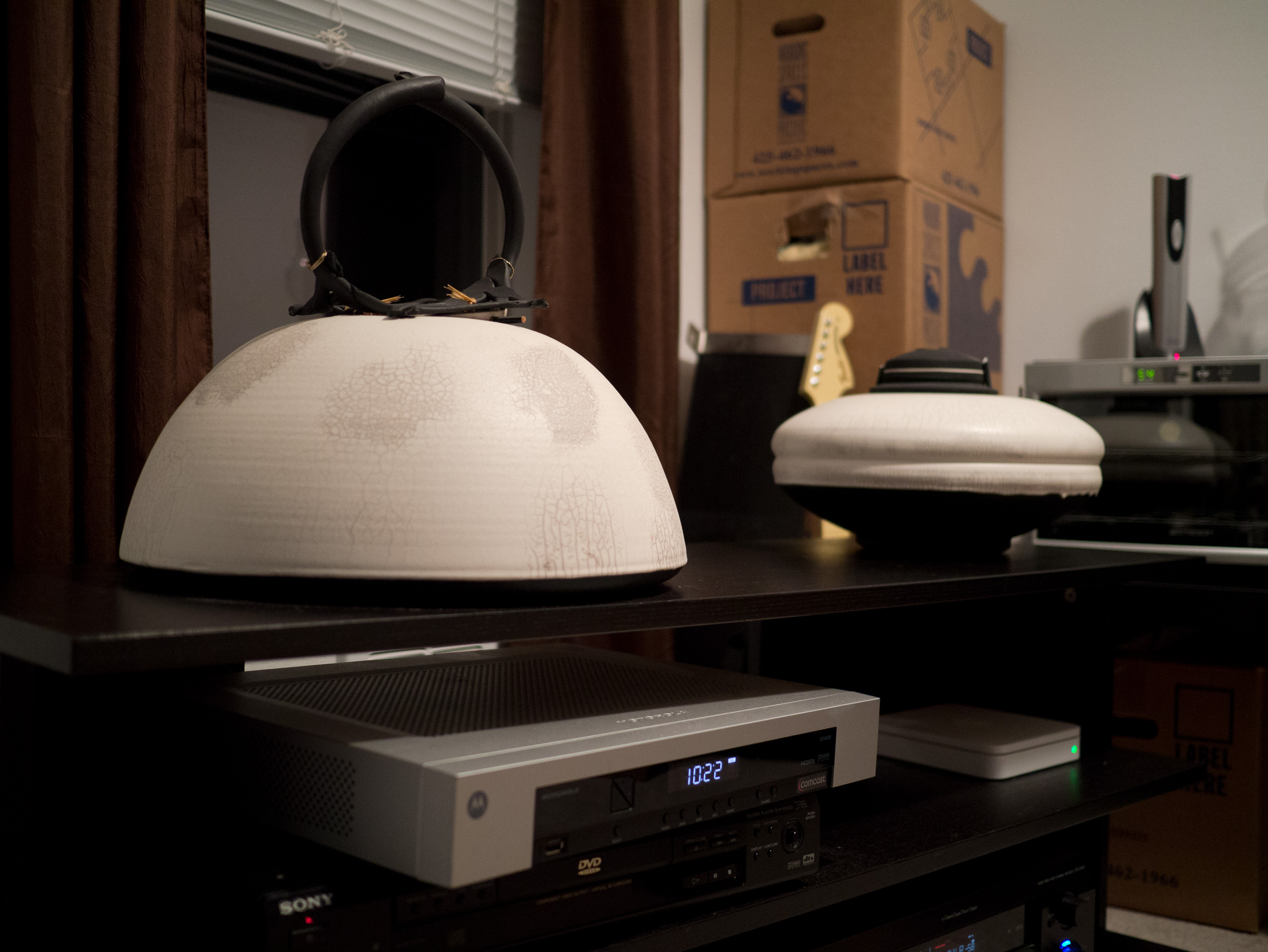
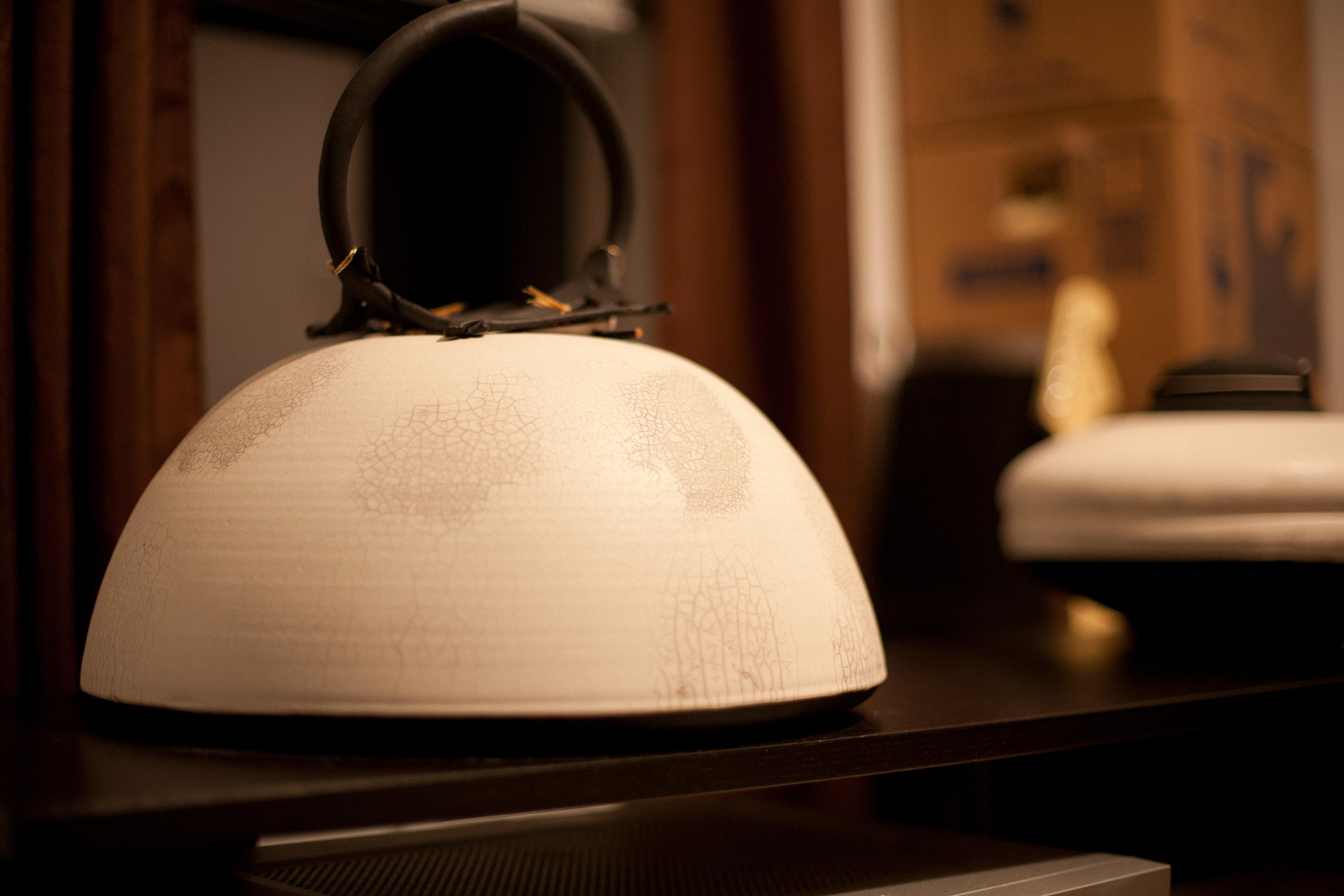
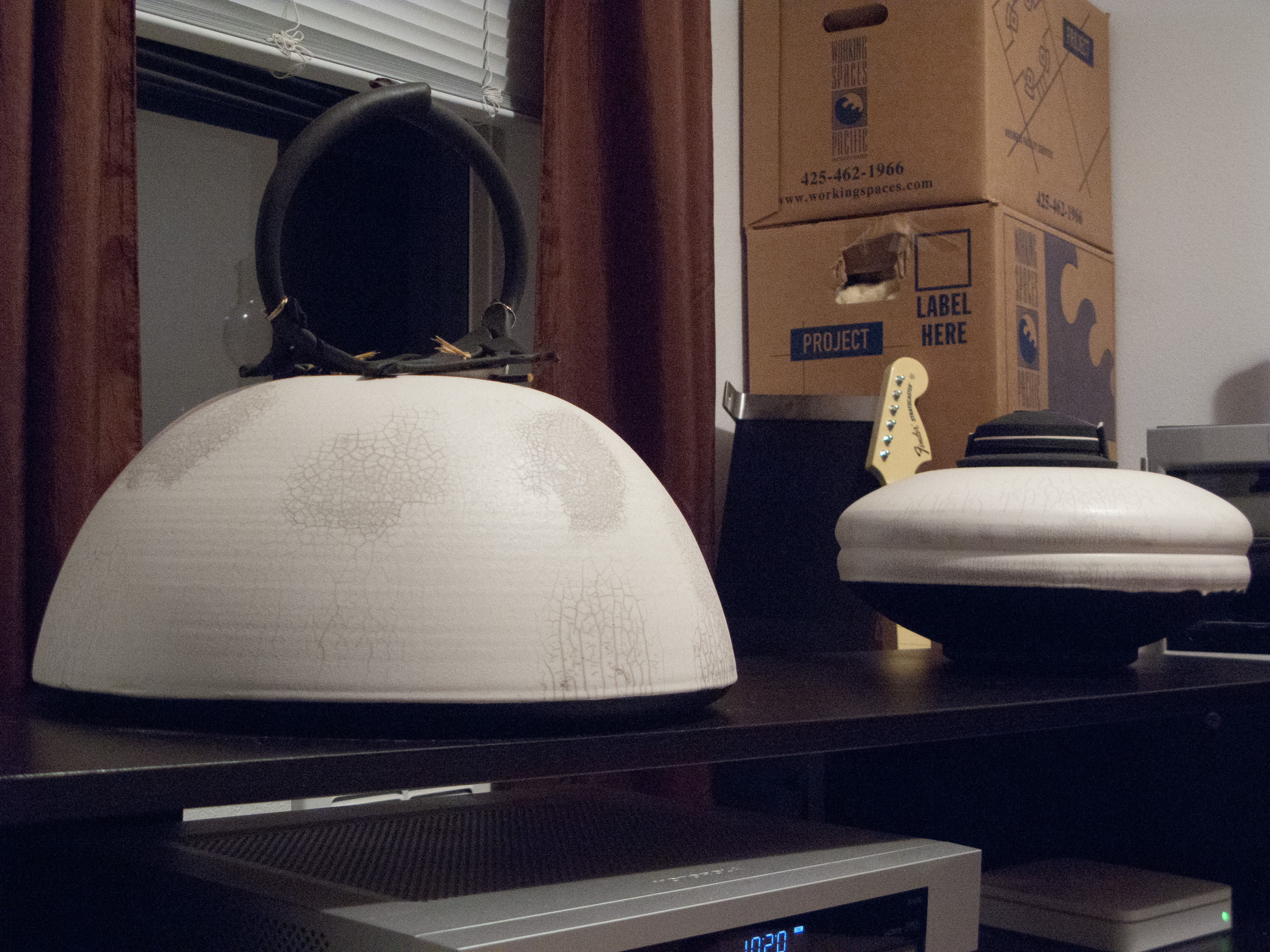
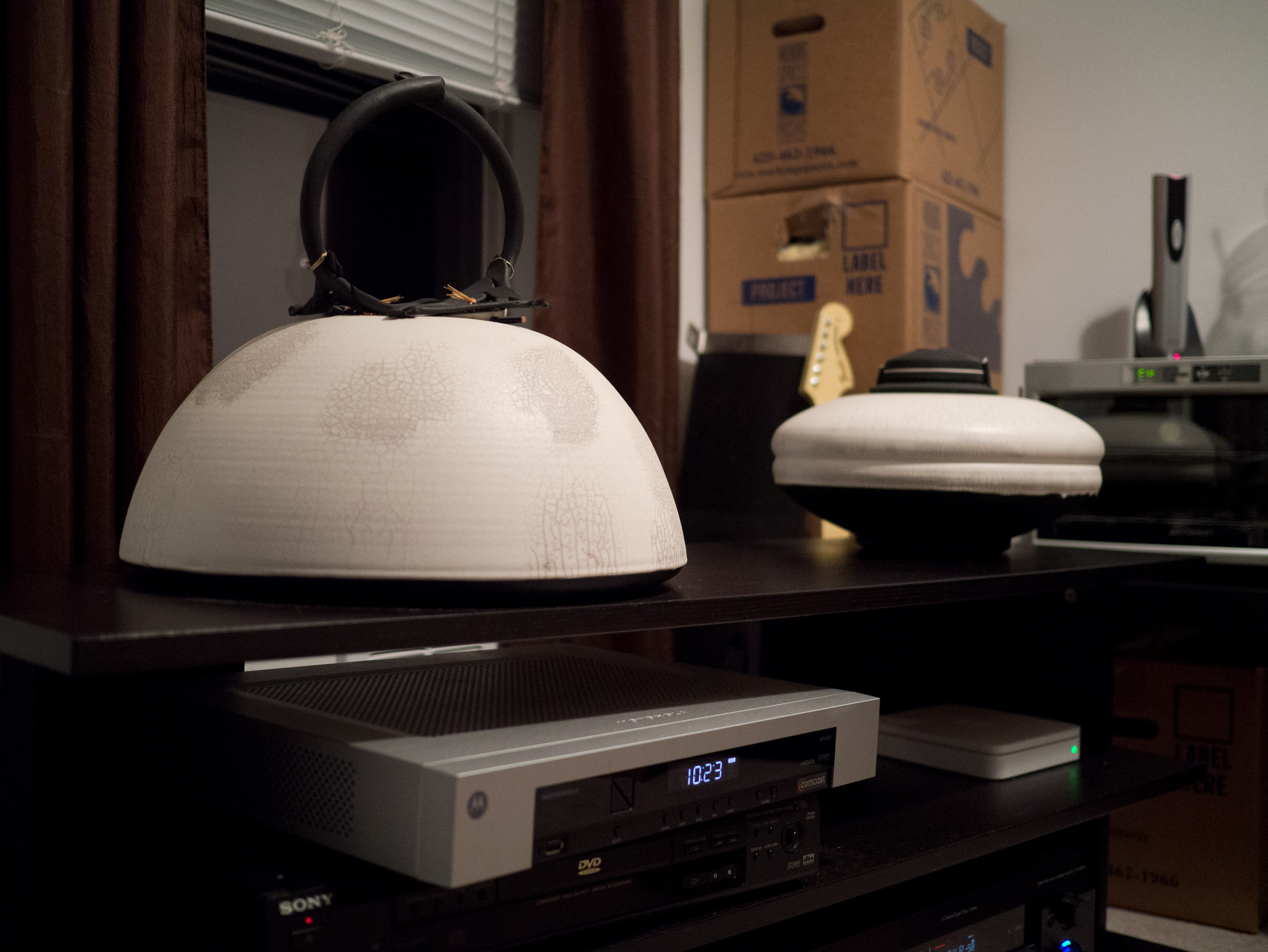
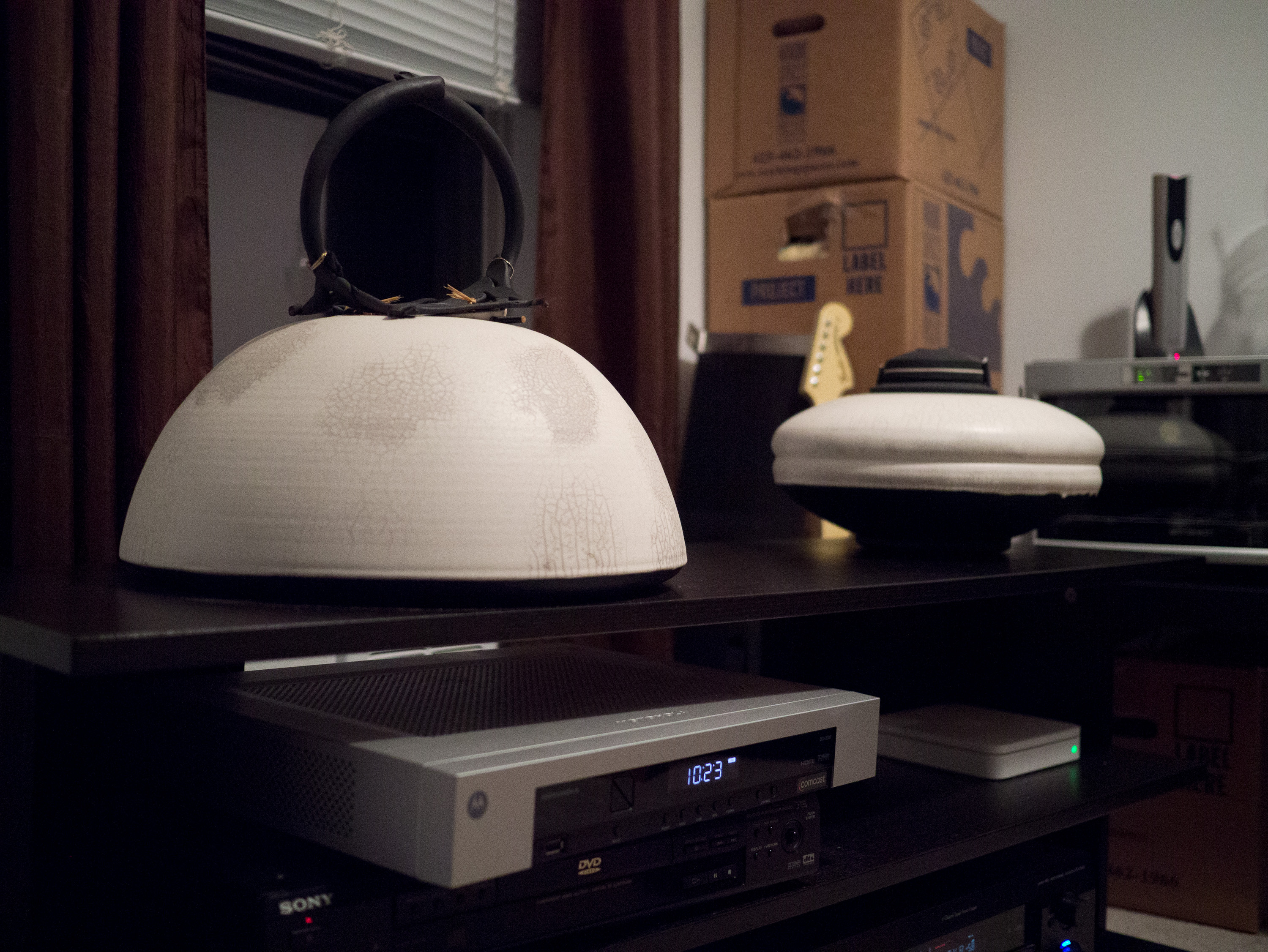
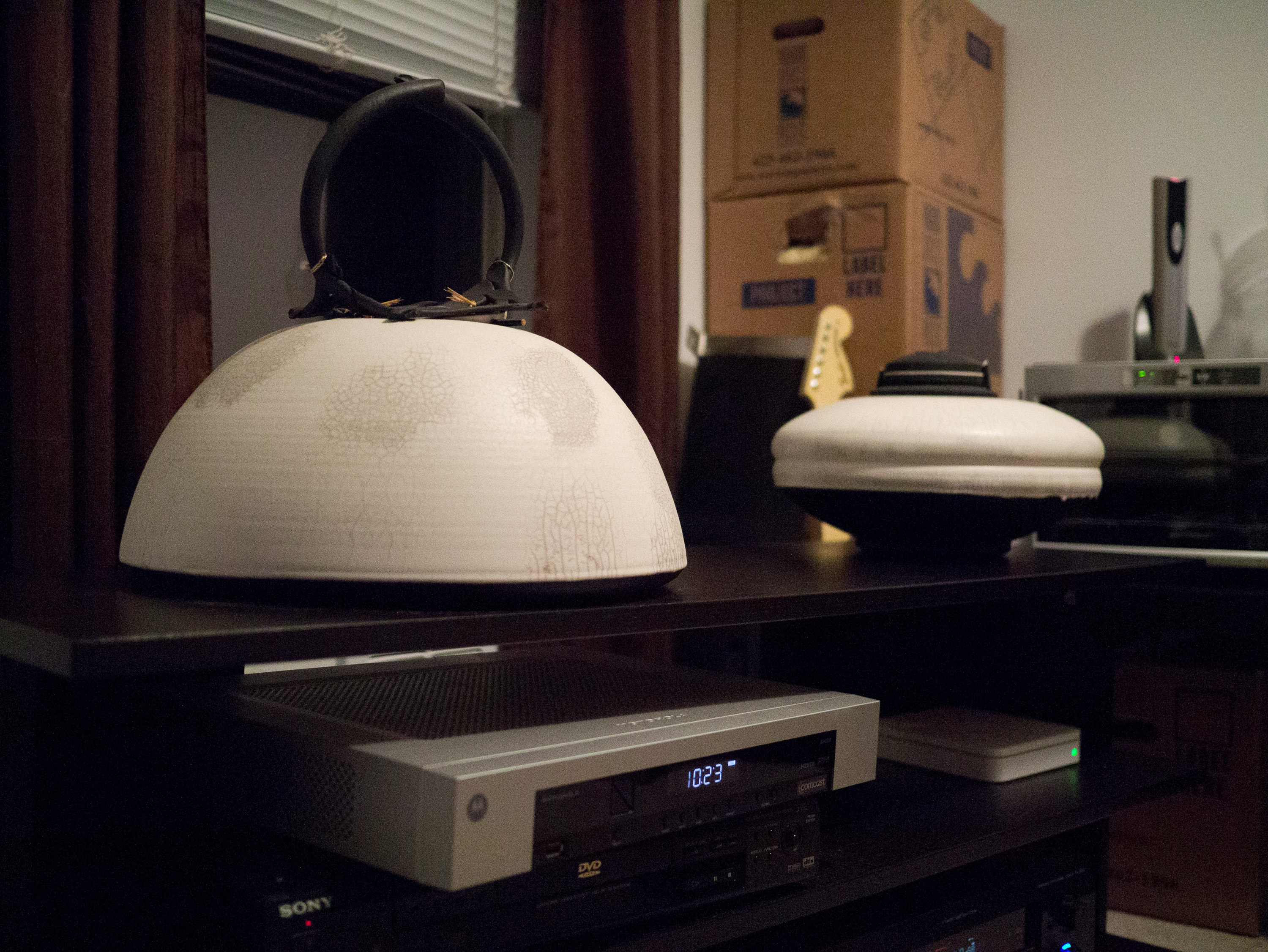
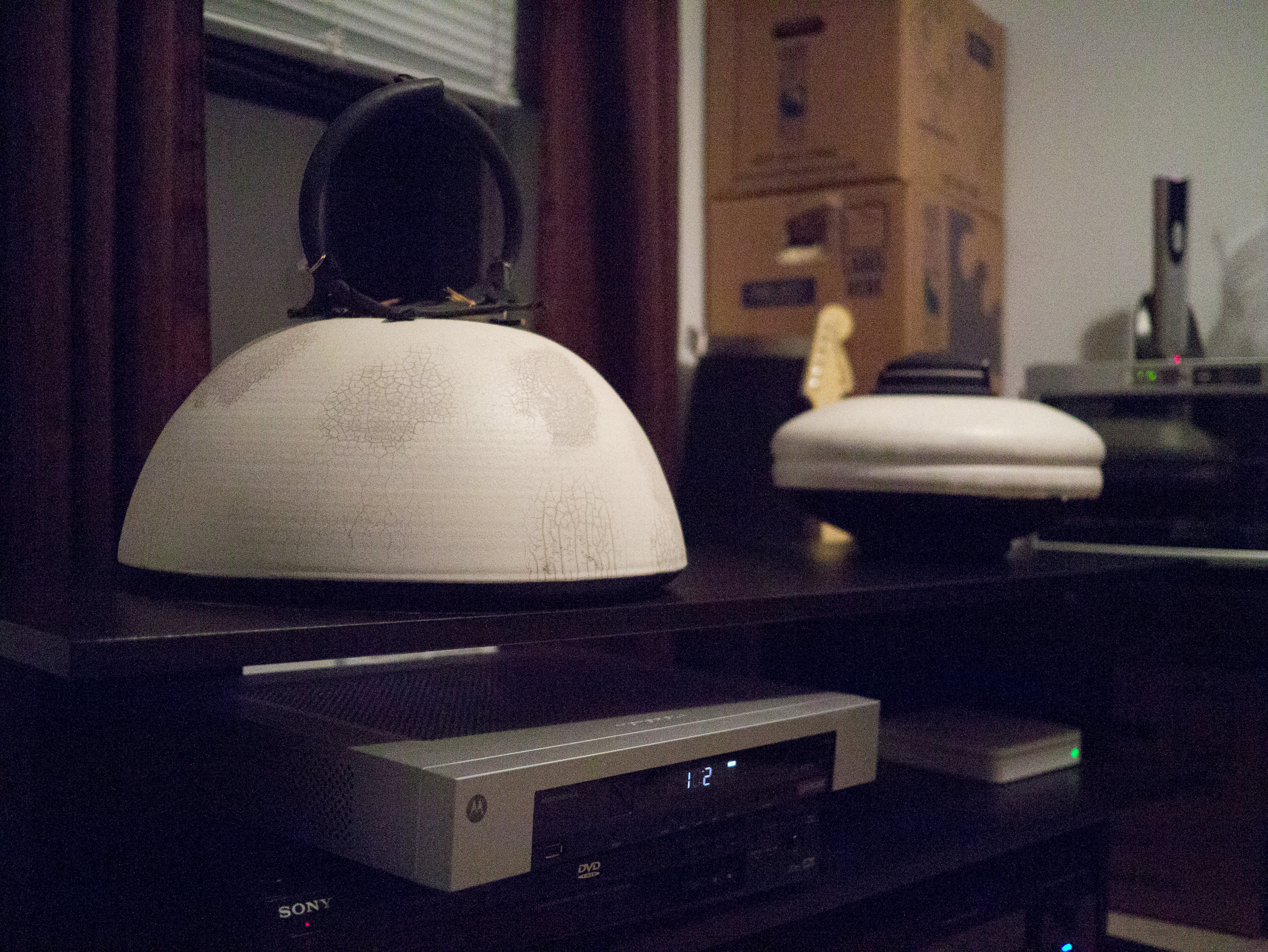
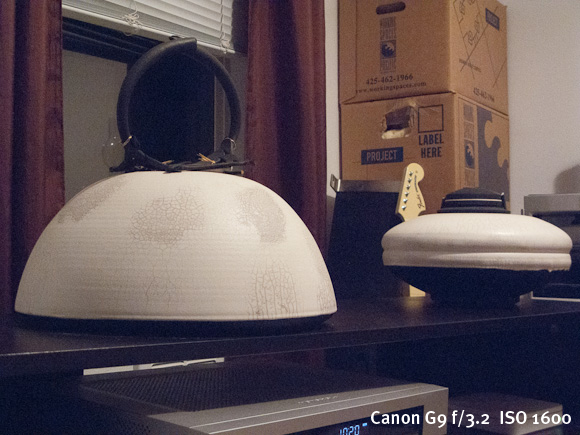
It’s hard to know just how good a camera is unless you start to analyze it at 100% on a high quality display — what is called ‘pixel peeping’. I don’t care to do that, but I do think it is important to know what the quality and feel of the image is with the same composition between the cameras you are used to. For this, I setup a tripod and shot with my iPhone 4S, Canon G9, Canon 5D, and Panasonic GX1 from the same spot one after the other. (The 5D was with the Canon 50 f/1.4 and the Panasonic with the 20mm f/1.7.) I shot all images inside to control the lighting (I also was packing so I found the least box filled area — I wanted some light and dark to show noise — It’s a boring scene and I know that). Here are those images — camera aperture and ISO is listed in the bottom right, lastly no corrections were applied — these were shot in RAW and opened in Lightroom (LR does apply some basic adjustments, but I did not tweak them beyond that). Please note that clicking the images will produce a larger size — a much larger size — so be aware of that if you are on a slow connection.
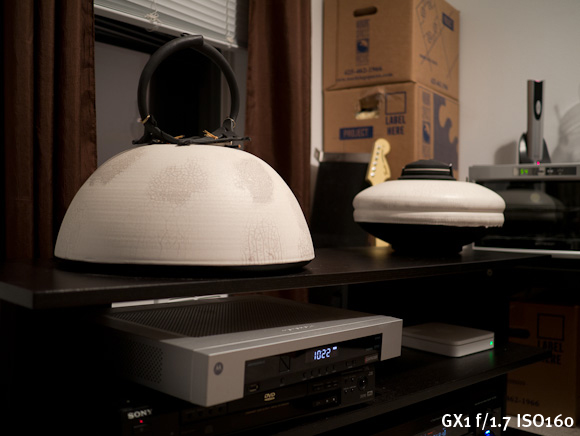
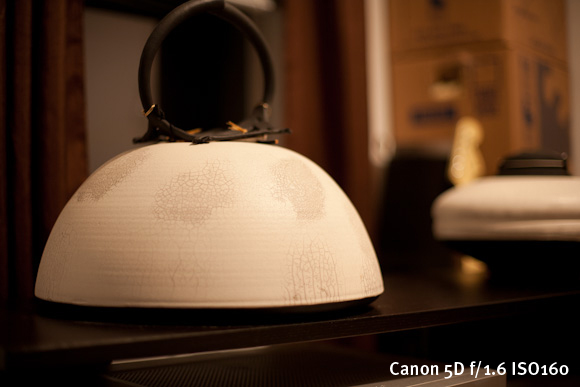
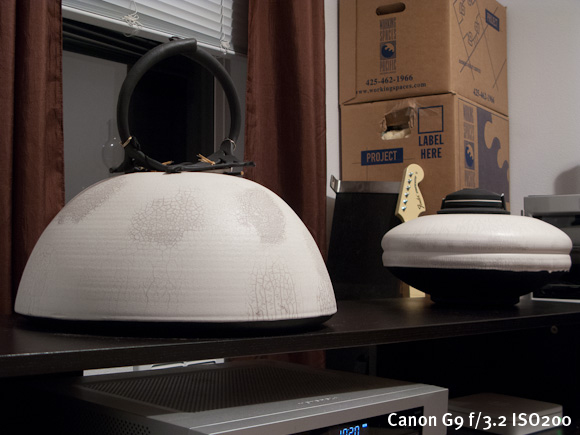
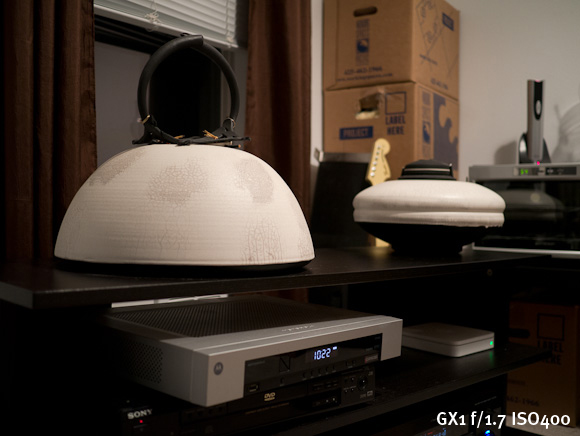
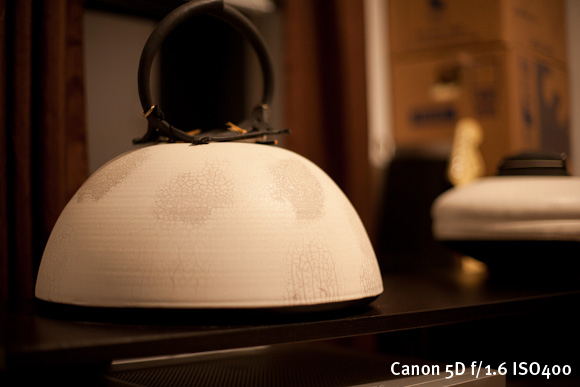
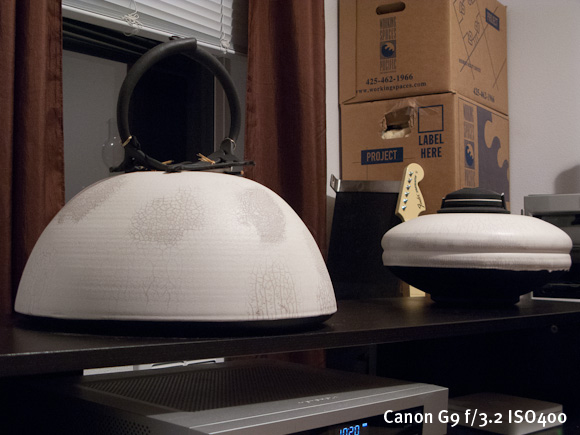
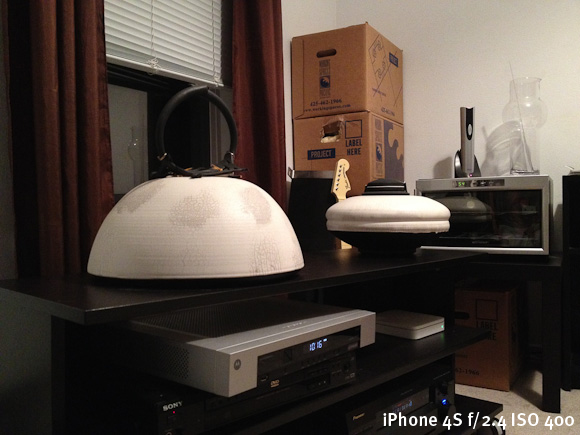
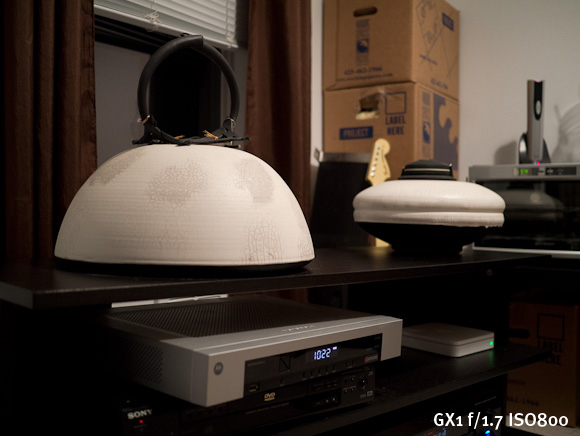
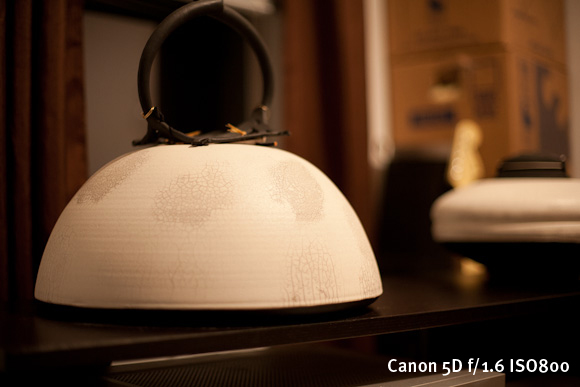
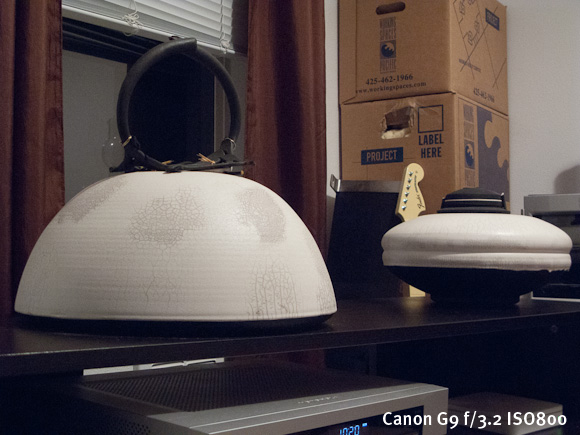
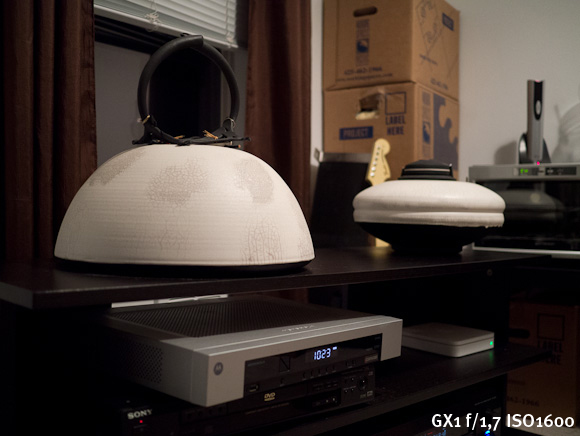
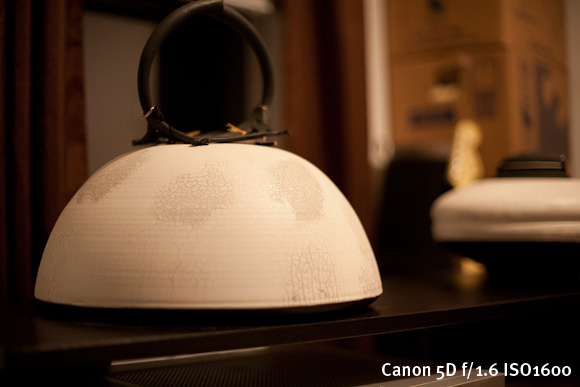
Here’s a couple more shot at ISO 3200, ISO 6400, and ISO 12,800 on the GX1 of the same scene.
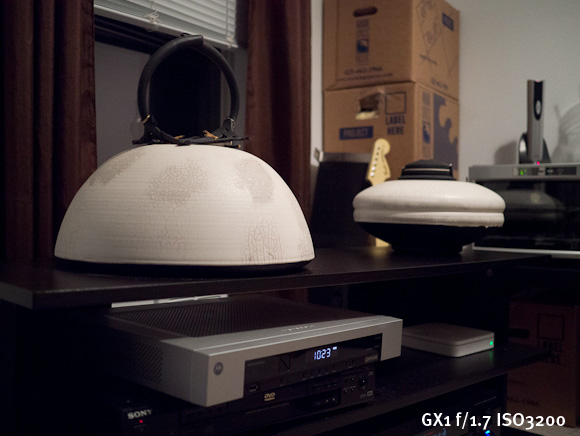
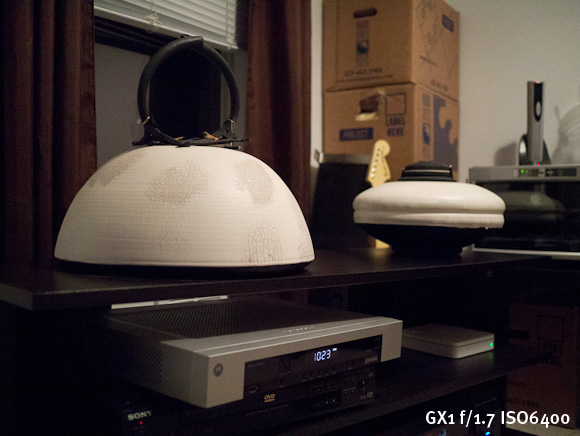
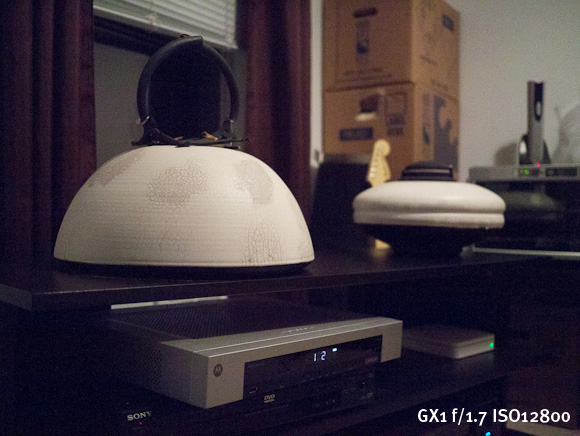
Overall I am pretty pleased with the GX1 — it is leaps and bounds better than the iPhone and the G9 to my eye. The 5D has a warmer white balance overall, but this can be adjusted later. The GX1 seemed to hold down the noise on par with the aging 5D — which is pretty impressive. Amusingly ISO12,800 on the GX1 seems pretty comparable — if not better — than the noise you would see on the G9 at ISO1600.
Annoyances
The biggest annoyance I have with the GX1 is that I will occasionally pull it out of my backpack and the power switch had been flipped on. I don’t know if this happens when I am putting it away or pulling it out — or somehow while it is just sitting in the bag, but it annoys me. I do have to say though that the battery life is fantastic because: 1) I have yet to recharge it and 2) if it is getting left on in my bag see point 1.

That gets me on to a nitpicking annoyance: the lens color. I chose the all black GX1 body, but the 20mm pancake lens is silver. I hate the fact that it doesn’t blend nicely with the body of the camera.
Odds and Ends
The touch screen. Oh boy, that touch screen. It’s really bad. Not that it is unusable, but that it’s just not very good. It’s fine for selecting the odd menu item, but for using the tap to focus/shoot — it’s pretty poor. The problem is two fold:
- The taps must be somewhat firm, therefore you get a lot of camera movement when you tap the screen to focus. This is bad because by default when you tap to focus the camera snaps the picture, meaning you are going to likely end up with blurry photos.
- Secondly when the touch to focus is turned on, I have found that it is fairly easy to tap the screen and take a picture while you are holding the camera, or trying to frame a photo. Ooops. Luckily it is fast, and easy, to turn on and off the touch screen and the tap to focus modes.
There is one part that the touch screen comes in handy for: reviewing your photos. The onscreen buttons and scroll that is meant to be tapped is great for this action and you can quickly jump to the picture you are looking for. I actually like the touch here, I just wish the touch screen was bit more accurate, because coming from an iPhone it takes some adjustment.
I am not really into video, but the GX1 does record at 1080p. I have found that the video quality is great, but the AF falls on its face a bit in video mode. If you are shooting video to edit later then I think this is fine, but you will need to edit as it takes time to refocus when you are shooting. Where I think this video won’t work very well is if you are trying to capture a lot of moving objects like a sporting event — I just don’t think the AF can keep up with that — but is probably fine if you are shooting a ‘scene’.
Wrap-up

The GX1 is basically the 11” MacBook Air to the 15” MacBook Pro of my Canon 5D. It’s fantastic at most everything, but there are still times you will be wishing you had your full-frame dSLR. That said it is leaps and bounds better than the G9 and a lot more fun to shoot with than any other camera I have owned. ((In case you are wondering, the iPhone 4S would be the iPhone 4S in this analogy.))
Where to Get It
Buy it from Amazon here, and the lens here and I will get a cut. B&H is also very good, as is Adorama (which is where I ordered it because it was on backorder everywhere else).