John Gruber:
>Microsoft Surface is not fundamentally about Microsoft needing to control the entire integrated product in order to compete with the iPad on design. It’s about Microsoft needing to sell the whole thing to sustain its current profitability.
Gruber also sees Microsoft buying Nokia, which is something I have long suspected.
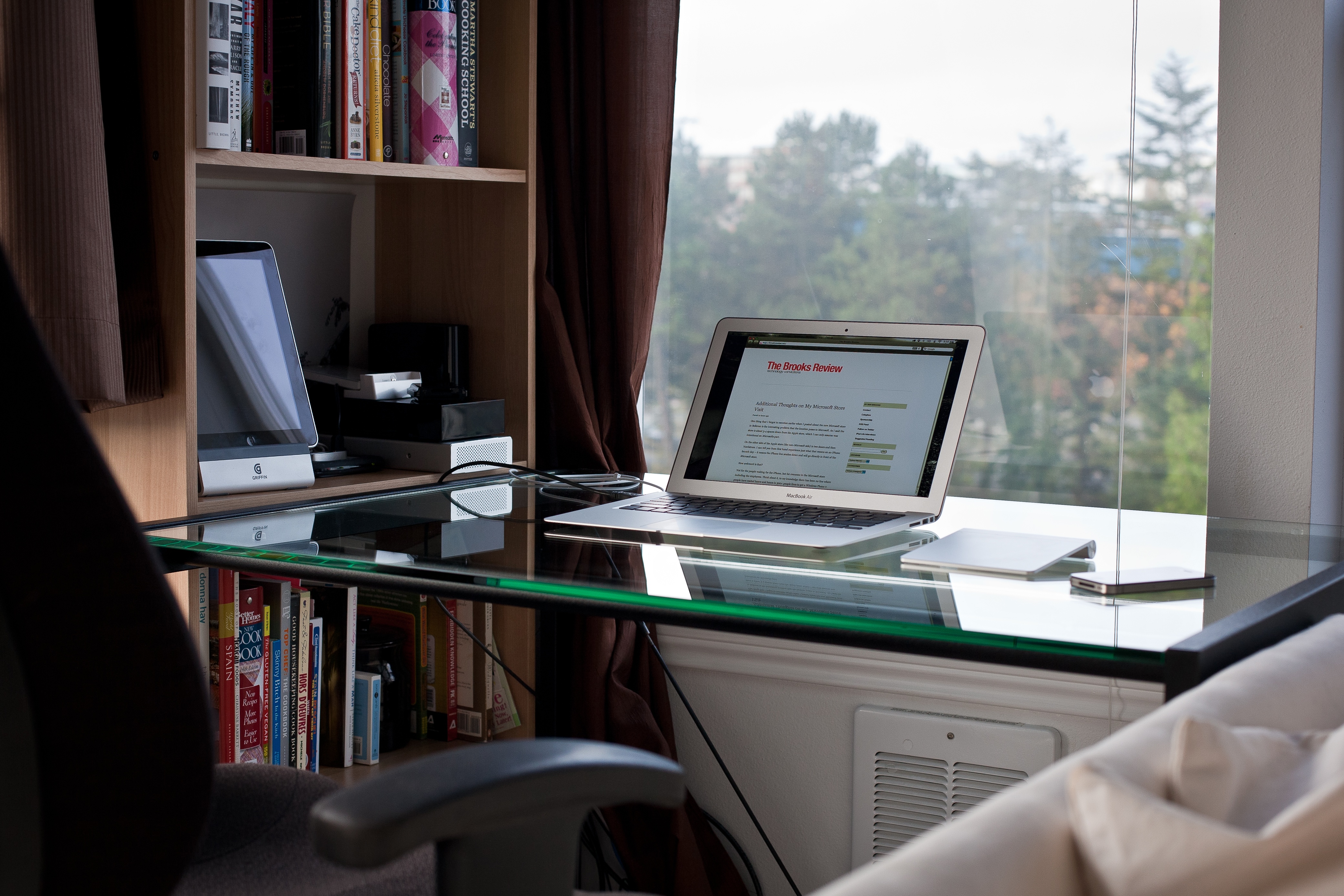
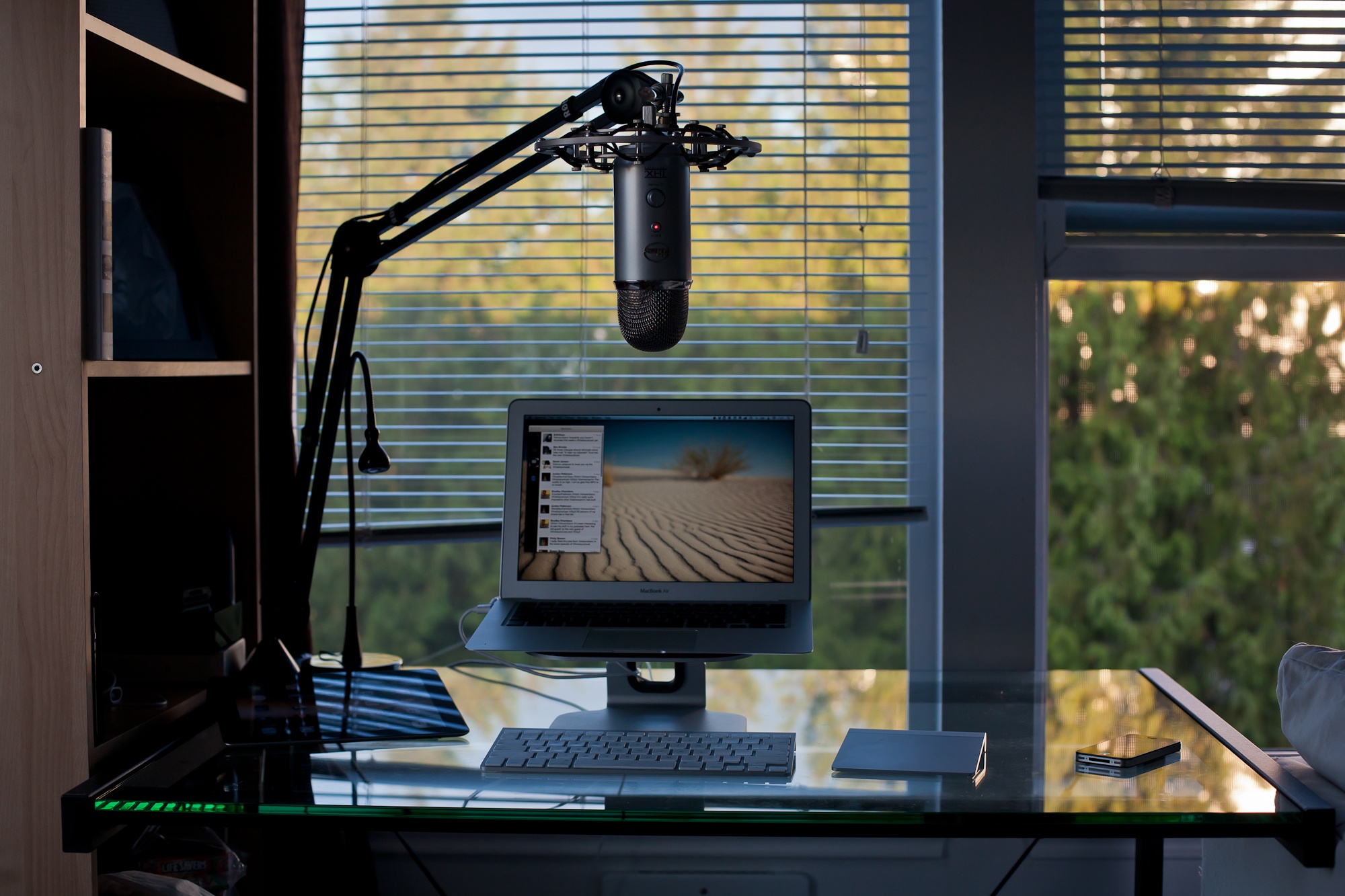
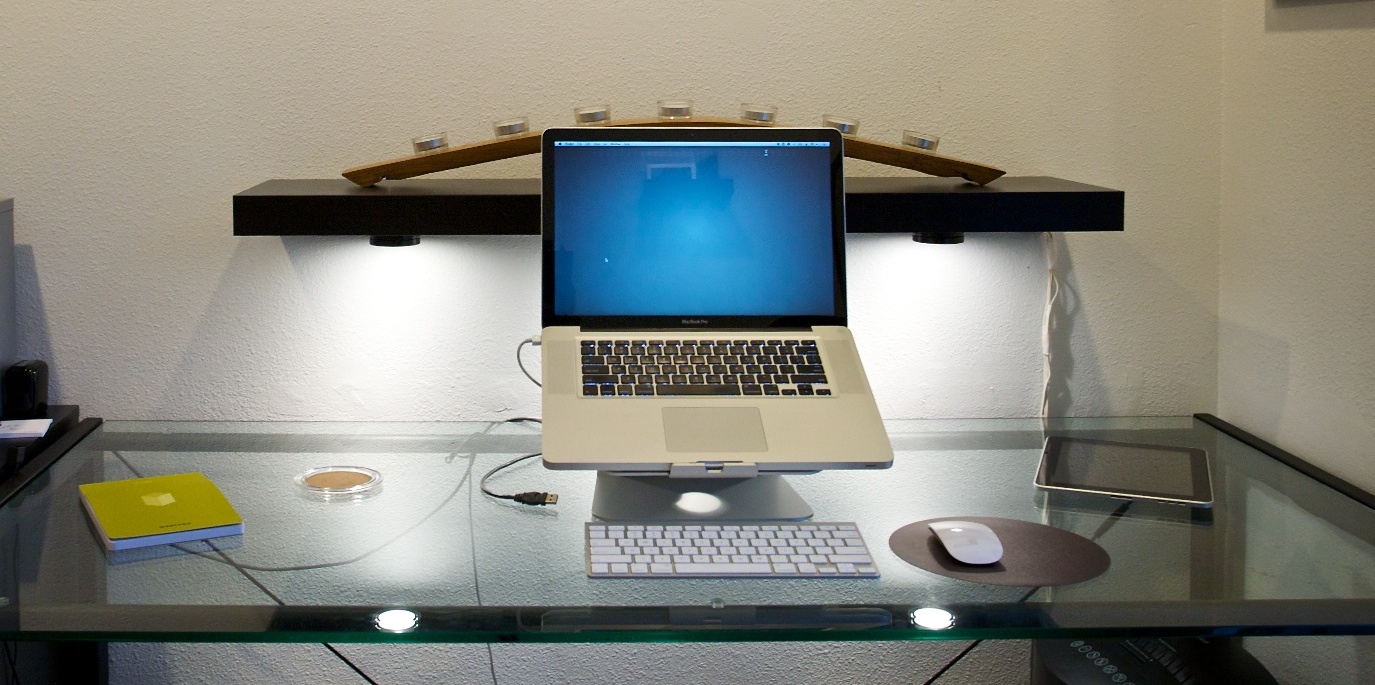
I guilted Chris into writing up something about his desk, and I love this line in his write up:
>It’s not perfect. But having a work environment that brings you pleasure is important. And when you built the major piece of furniture in that environment with your own hands, the satisfaction I get is increased greatly.
One of the most popular posts that I have written is “[The Ballmer Days are Over](https://brooksreview.net/2011/05/ballmer/)” — wherein I argue that it is time to kick Microsoft’s CEO, Steve Ballmer, out of the company. I argue this as: a person that lives in Microsoft country, a person that owns Microsoft stock, and an Apple fan.
Up and until this week I still believed that Ballmer should be gone. This week though, well Ballmer is making his move.
Ballmer seemed to be a pompous ass, perfectly happy to rest of the success of the past — not really his success, mind you, but the success of the company he runs. Ballmer has famously dismissed Apple and everything they created, including the iPhone. He’s been proven wrong, many times over.
This week, here’s what Microsoft did:
– Announced a new tablet.
– Got into making integrated software and hardware devices (see said “new tablet”)
– Announced Windows Phone 8
Those seem like par for the course if you are an Apple fan, but they are amazing feats if you are a Microsoft fan. Windows Phone 7 hasn’t been out that long and now we have 8? For the record Windows itself is just about to reach version 8.
Then there’s the tablet, while it looks to largely copy the iPad, there’s clever features like a keyboard integrated into the cover. Now, they haven’t shipped this yet, but the simple fact that Microsoft is willing to piss off its hardware partners is impressive enough to believe that Microsoft is serious about doing this.
So to recap Steve Ballmer:
1. From 2001 to 2007 he had Microsoft on cruise control, rarely beating the stock market.
2. From 2007 to 2011 he was Captain of a sinking ship and he seemed to be the only one not aware the ship was sinking.
Today, today Ballmer is bailing water out of the ship. I don’t know if he can bail fast enough to right the ship, but I do know that I am willing to give him a chance to do that.
What Ballmer has done this week (though to be fair these are *just* announcements) is something that I didn’t think Ballmer was capable of: he’s changing Microsoft’s core.
Amazingly cool. The new retina MacBook Pro can run three external displays and it’s own internal display. If I had that many displays to test, I would test this myself. Until then I’ll just drool a bit.
But there’s a catch. Take it away Mr. Florian Mueller:
>It’s not even clear that Samsung will make enough money as a result of this infringement finding to offset the 800,000 euros it now owes Apple in legal fees because it lost with respect to three of its four patents.
Poornima Gupta and Lee Chyen Yee reporting on the secrecy that Microsoft kept with the Surface:
>Windows chief Steven Sinofsky made a round of telephone calls but gave only the barest details on Friday, neither revealing the name of the gadget nor its specifications, two people close to Microsoft’s partners told Reuters.
Basically, then, some Microsoft partners learned the name Monday, but weren’t left in the dark about specs, because really no one has the specifications… still.
Also I love this bit:
>Ovum’s Dawson said Microsoft was giving its OEM partners “a huge vote of no confidence” and they would “rightly feel slighted”.
That would be true if Microsoft hadn’t been sitting and waiting since 2010 for the hardware “partners” to make a decent device — and I’m no Microsoft apologist, but you had to see this coming.
I’ve long speculated that a better way to use geofencing is to make use of bluetooth chip to tell your phone where you actually are. Turns out, someone else makes the hardware already. Here’s what David Edwin emailed to tell me about the product:
>Nordic Semiconductor has introduced a new Bluetooth low energy chip, the nRF8002 which is a single chip and can be configured to last for years on a single watch battery. The size of the chip and battery is 3 dimes stacked on top of each other. This chip implements a proximity service and does not require any programming on the chip.
>This chip with its battery (like a tag) can be stuck on a surface and the app on the iPhone can wirelessly detect the chip from a distance of a few inches or upto 15 yards. The tag can be built to have a range of a few inches or 10 yards or mode. The app on the iphone can detect the presence of the chip in a couple of seconds. See attached pictures for the size of the tag.
That’s pretty cool. Edwin also said that he wants to arrange a couple free development kits for developers that read this blog, so get in touch if you would like to get one of those the giveaways are all gone, but you can buy a dev kit [here](http://www.semiconductorstore.com/cart/pc/viewPrd.asp?idproduct=47363).
I love the thought that went into the desk and even more the fact that he went with a budget of $150. Try to buy a desk that even gets close to what he built for $150 — won’t happen.
It’s not the desk I would build, but that’s the point of building your own desk.
Kirk McElhearn details how Apple upgraded the Bento iPad app: by releasing the new version as a new app and updating the old version to have a pop up telling users about the new version.
Technically, desks are really big things, and most people will take their time in finding one that they like and that fits their office/room. This post isn’t about finding a good desk, it’s about making sure that you look at three little things about desks before you buy your next desk.
Thing 1: Stability
If you are going to buy your desk online, then this is one thing that you really need to pay attention to. Before buying any desk you need to stand above it and push down hard on the front edge — if it moves, then you should move on.
I hate desks that lack stability.
What happens if the desk flexes on the front edge is that it will tend bounce ever so slightly when you type. And, unless you have a sturdy monitor, so too will your monitor, ever so slightly, bounce. I can’t stand that.
This is why I recommend that you get a desk with four legs, and not one with just two in the back that cantilever forward.
There’s one other thing, try swaying the desk from left to right. If it does that, then I would take a pass on the desk. My current desk is rock solid in every facet except the side swaying, so I secured it to the wall — this isn’t always practical.
It may seem silly to worry about how stable a desk it, but a stable desk gives you the feeling that you are working on something solid. When you feel that way about your work surface, then you work without worry.
Thing 2: No Glass
Warning: the linked image is huge.
Nothing looks cooler (in my mind) than a glass desk with a Mac sitting atop it. Seriously, that is some cool looking kit. There are, however, two main problems with glass.
The first: they show every cord you have. So unless you want to spend a massive amount of time keep every cord “just so”, you should steer far away from a glass desk.
Secondly, glass desks get dirty — really dirty. I had a glass desk (my wife uses it now and hates it) that I was constantly having to clean. Every little spec shows. Every finger print and moist palm smudge. Nothing grossed me out more than sitting down at that desk after a day of working on it.
I kept a cloth and Windex at the ready the entire time I owned it.
Just don’t buy a glass top desk, it’s not worth the headache.
The one quasi-exception: frosted glass. With frosted glass you get a lot of the same looks without having to worry about cord tangles and they show less grime. However, do see ‘Thing 1’, because I find glass desks to be the least stable.
Thing 3: Leg Room
Ok this is my last point and the one that I hold most dear to my heart. Don’t buy a desk with any drawers or trays. Whether it be a keyboard tray, a pencil drawer, or a set of drawers down the side. Just say no. Also don’t buy a desk that is too narrow, nor one that isn’t deep enough.
You want your legs to be able to fit below the desk in any manner that is comfortable. That’s why my minimum desk depth is 32 inches and I won’t use a desk unless it is at least 52 inches wide. I prefer a 36”x72” desk.
The moment you have drawers on the desk is the same moment you start whacking your knees on the corners of those drawers. Likewise, if the desk is too shallow you are going to constantly be kicking the wall behind your desk, or having your feet hang out in no man’s land.
If your desk is too narrow, or has drawers down the side, you are going to be forced to only work from the center of the desk. Thus you now need to move your keyboard/laptop/monitor/mouse out of the way if you actually need to use the desk for anything else.
If you are buying a desk, make sure you can use the entire desk.
Build It
Take these three tips to heart the next time you are buying a desk and you will be happier about the desk you buy. If it’s me, I would build my own desk and I’d start by stealing this cable management method.
I always wondered that too, luckily Farhad Manjoo answers that lingering question with this paragraph in his treatise for why the Surface is going to be great — keep in mind he only spent 90 seconds with the device, in a powered off state:
>Microsoft has clearly spent a lot of time making this thing look and feel just right. The Surface isn’t flashy—it’s less outwardly gorgeous than the new iPad—but it is delightfully functional. It’s got a kickstand built invisibly into the device, and, even better, Microsoft created an ingenious case that includes a “pressure sensitive” touch keyboard right inside the cover. If it works well, the keyboard—which I got to inspect at great length but not actually type on—is going to be the Surface’s killer attraction.
Things that should be illegal to say until you use something for prolonged periods of time:
Ryan Nakashima for the AP, published in The News Tribune, notes that the Surface should go on sale around September or October of this year and has this to say:
>Microsoft said the Surface’s price tag will be similar to the iPad, which sells for $499 to $829, depending on the model.
>A slightly thicker version – still less than 14 millimeters thick and under 2 pounds – will work on Microsoft’s upcoming Windows 8 Pro operating system and cost as much as an Ultrabook, the company said. The pro version comes with a stylus that allows users to make handwritten notes on documents such as PDF files. It will be released about three months later.
First things first: lol, a stylus. Ok now that that is out of the way: “cost as much as an Ultrabook” — so in other words be really expensive.
So there are two of the main details that were missing about the Surface: price and availability. It sounds like they are coming end of this year and Microsoft is pushing to get at least the ARM model in iPad price territory.
What about that third question, the battery? Well:
>Microsoft didn’t say how long the Surface would last on battery power.
Ha. My guess is that Microsoft is *hoping* to get the tablets out later this year and that they are doing their very best to make the price competitive, but I would also guess that at this current juncture the battery life is still poor. Thus Microsoft is withholding that information until they improve it some more before the device ships. We will see.
It didn’t occur to me when Apple launched the MacBook Air that they ditched not only battery level indicator lights, but also the little glowing white light that pulses while your Mac is asleep.
I liked that little glowing white light.
What didn’t occur to me at the time was that there was a larger reason behind ditching these lights — larger than just needing to cut down on space. ((Though that reason is just as likely.)) Apple also ditched the white glowing light on Cinema Displays — something that had been there before.
Now with the retina MacBook Pro, Apple has again ditched these lights.
But why? It can’t just be a space consideration, can it? ((It probably is.))
I don’t think it is — I think this tells a larger story, something we should have seen coming from iOS.
I think removing lit indicators is Apple’s way of saying: stop worrying about the state the device is in and start using it.
Don’t worry if the Mac is asleep or awake — it will spring to life fast either way.
Don’t worry about your battery power either. These laptops go 30 days while asleep and the batteries last at over 5 hours.
Apple is telling users to stop using their Macs like computers and to start using them like iOS devices. When’s the last time you worried about your iPad battery, or whether it was on or off? It’s just: screen on, screen off.
With Mountain Lion gaining the ability, in newer laptops, to do tasks while the computer is “asleep” the distinction will matter even less.
To me the fact Apple has ditched these indicator lights says one thing: whether your Mac is charged, asleep, or awake, none of it matters anymore — now it’s just: lid open, or lid closed?