You can use Apple’s Reminders on the web, through iCloud.com, but only if you also do not use Advanced Data Protection. So, you turn off that and you have a pretty sub-par way to get at Reminders. Ok, fine, whatever. I didn’t really need reminders on the web, it was just annoying to not see my tasks on my Linux machines. Then I started to use the Framework a lot more, and well the system was falling apart.
I spent weeks trying out different setups (and migrating all my reminders between them) to see what would work. I was done with ecosystem locked tools, I needed something that worked cross-platform. I needed something with really nice apps too.
I ended up on Todoist.
For the first week it felt very much like a “whatever, this is fine” type of thing. And then the little bright spots started to show up, and suddenly I felt like I had been missing out not using Todoist.
So, allow me to talk a little about Todoist and why it is and isn’t a very good app.
How I Use It
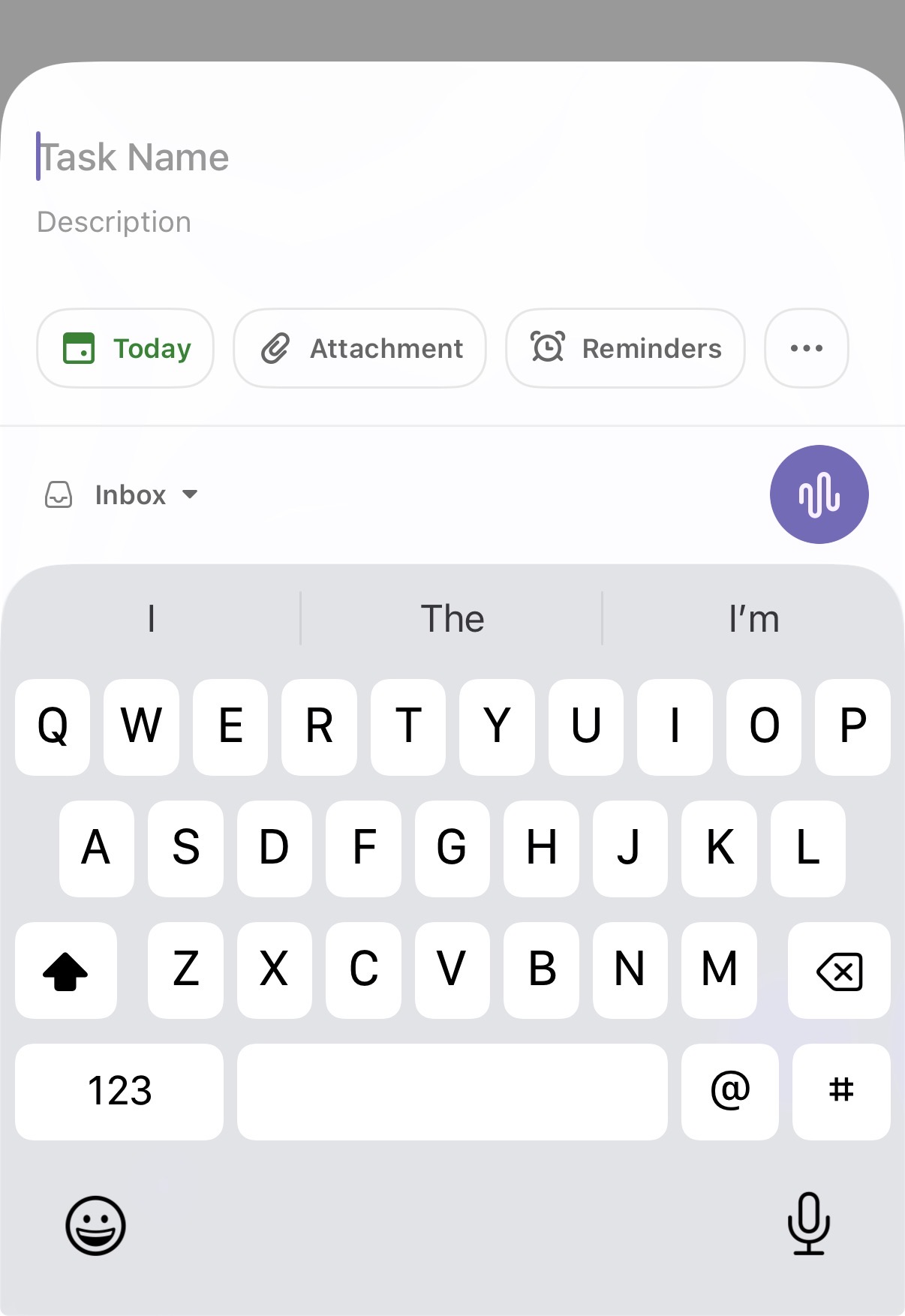
First, it’s important to understand how I use apps like this. I am not someone who makes robust or granular lists. I do not really follow any methodology that would warrant someone making an entire blog or book about. I follow K.I.S.S. (keep it simple stupid). I have a few ‘areas/groups/whatevers’ to help contain tasks, I then assign a due date to each task, and input them. The due date is the date on which I want to do it, not when it is due, keep up here.
I also use my task lists as a reminder list for recurring things: such as changing air filters, or putting out the garbage for collection. Those I must have on repeat — some on repeat X days from when I completed them, others on specific dates, days, etc.
My day to day is looking only at Today and what needs to be done, and dumping in stuff blind to the app for future me to deal with. That’s it — it is all very simple. Again, I advocate not overthinking this, your tasks should be simple so that they are not yet another task. Right?
The Good
I have tried this on Mac, iPhone, iPad, Linux, and web, and on all of those platforms the app quality is quite good. A little non-standard in that it maintains the same layout/look/feel across each, which makes it feel less native, but generally there’s zero performance issues or anything to complain about.
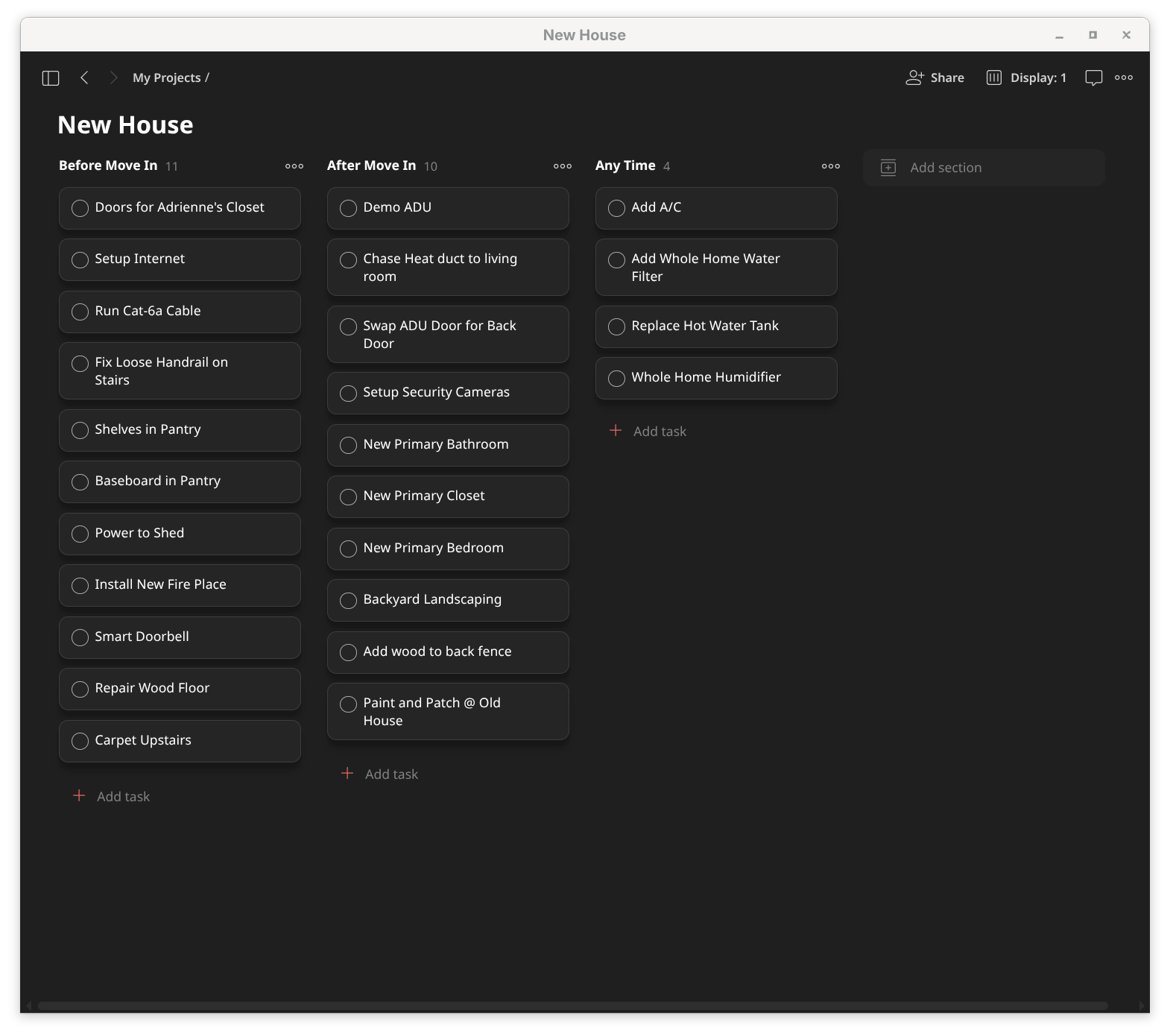
Further, the app has the ability to do a lot more. If you want a Kanban board for a project, you can have it! I set one up for a house move, and promptly forgot about it, but hey it was really nice looking when I made it.
What really sets Todoist apart from other apps are three key things:
- The sync is absurdly fast. A pet peeve is checking something done on one platform and waiting for the others to catch up. With Todoist open on two devices, marking it done on one will nearly instantly clear it from the other before my eyes. This is the simple shit that makes a big difference.
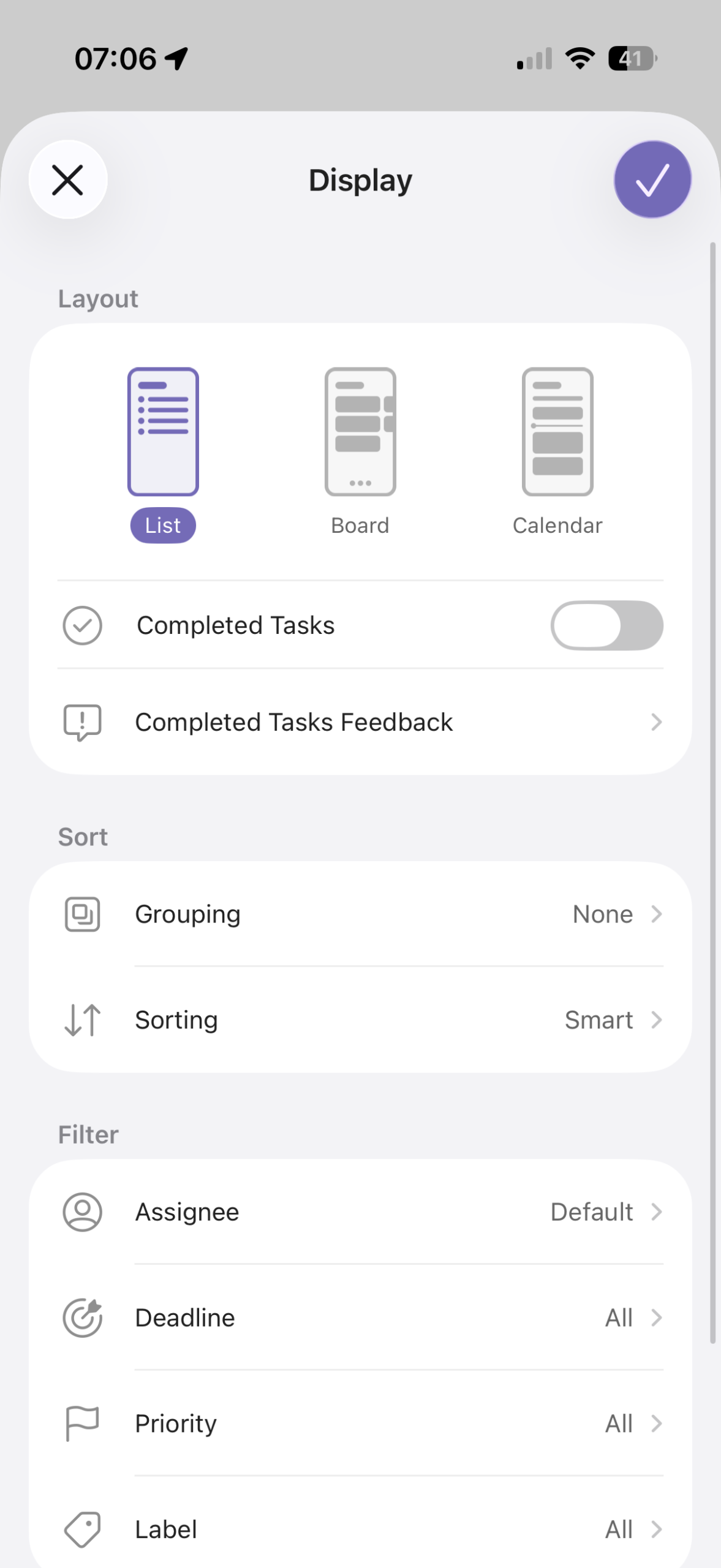
- It’s as little or as much as you want. Templates, calendar views, logging, reporting, dictation, deadlines, due dates. There are so many options that I would find it unlikely that someone would be unable to get it set up how they want it. Further, you can use none of those if they are not your thing, and obscure away a ton of them. I run the app in a narrow little window on Linux so it looks like an iPhone app: just what I need to do for Today. Simple and awesome.
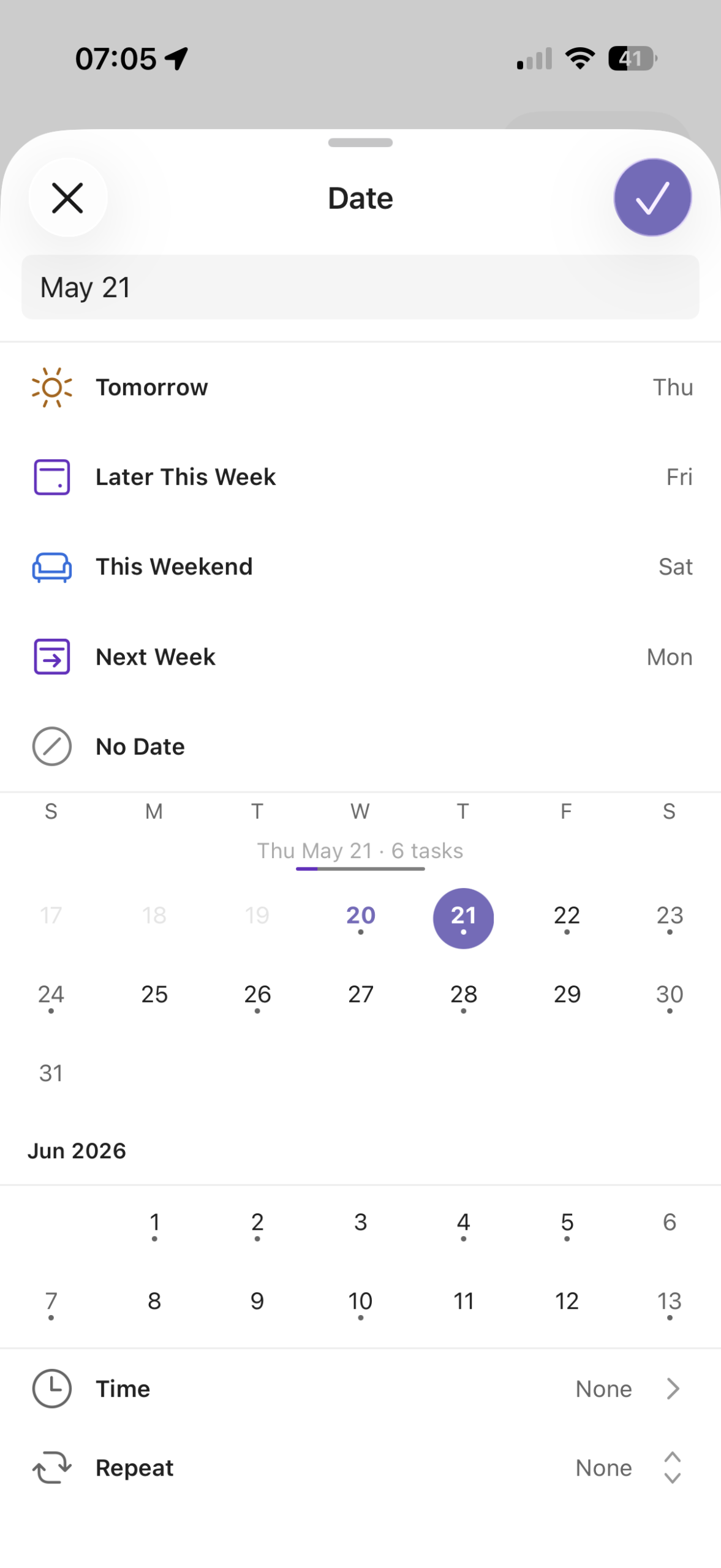
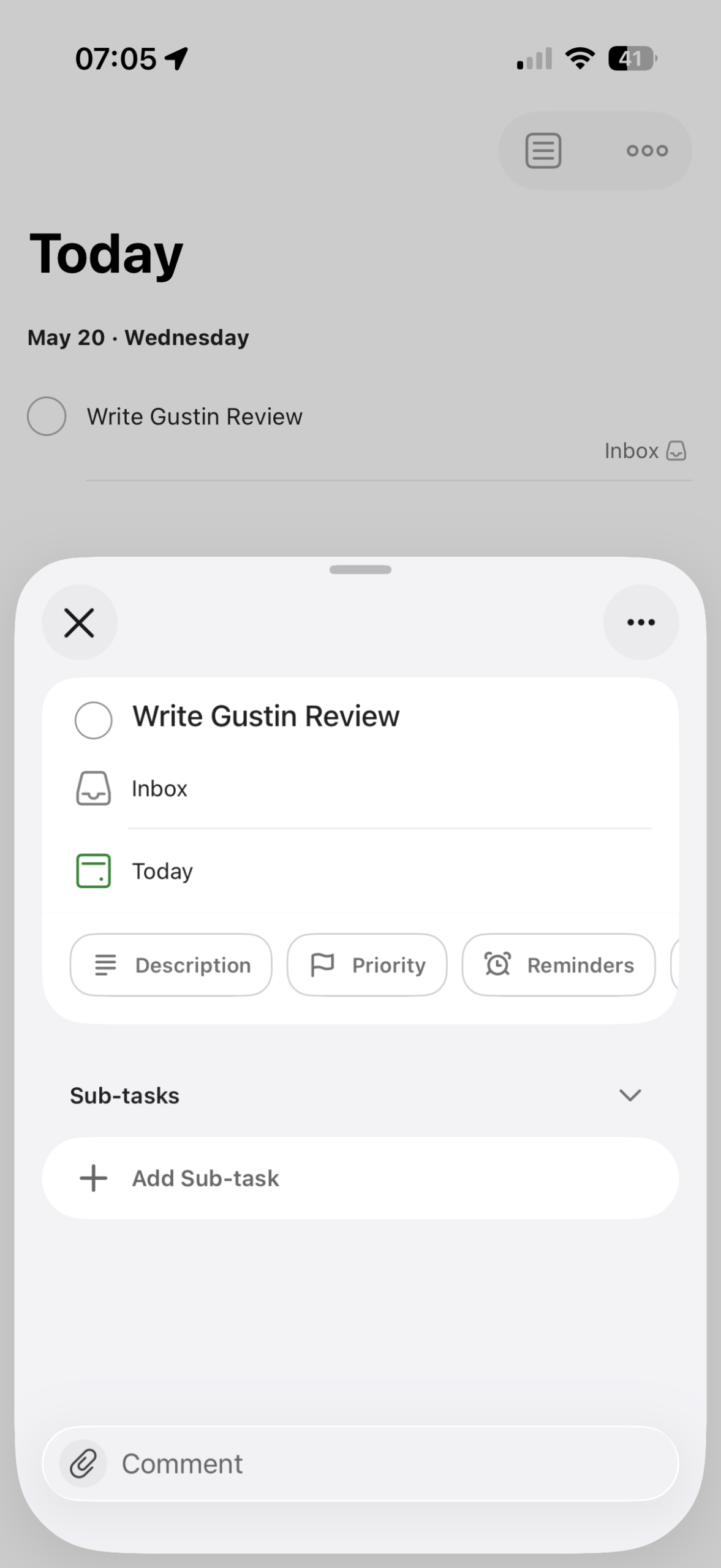
- Ok, this is very specific, but it has the most awesome feature. When you are assigning or changing a due date, as you hover over the calendar dates, the UI shows you how many other tasks are on that day already. On iPhone, when you tap the date, it shows you. In other words, it proactively helps me from over scheduling a day right as I am doing things, and does so in a way where I don’t get into the weeds. It’s a simple ‘7 tasks’ when you tap on, say, Friday. This feature alone sold me.
That’s the thing about Todoist: it’s a company focused only on this. Only on simple, powerful, but ultimately very good. Nailed it.
(Nerd note: There’s a really good API, which is great if you want to have something like an AI agent push shit into the app. Dangerous, but effective.)
The Less Good
There’s a few things I don’t love about the app, which are not so big as to be deal breakers, but warrant a heads-up:
- There are like 8 themes, and mostly they only change the accent color, so I have a hard time calling them real themes. If you hate the way the app looks, it’s a tough shit thing.
- The free plan is fine, but you’ll need the Pro plan to really use the app without worry and that’s — umm — not free. It’s $5/mo.
- There’s a lot of potential to gamify the app, which works for some and annoys me. Luckily you can turn it off, but you have to turn it off.
- Likewise, there’s a lot of connection type things you can do with other tools. This could be a massive boon, or a rabbit hole of overwhelm, proceed carefully.
- New task entry could be quicker — it feels a touch slow on iPhone. It can integrate with Drafts, which might make that better.
Essentially: if you keep it simple, you should be good, but there’s potential to go past that. Not as much potential as some bloated tool like OmniFocus, but it does still exist here.
Overall
One of the last notes I wrote about this app before writing this article simply said: “This is great, I wish I moved to this sooner.” I stand by that thought. A fantastic app which works better than I could have ever imagined.
I am a huge fan, so go and try it.