This is news because TextMate 2 has been the Duke Nukem Forever of the Mac nerd community for so long and also because of what open sourcing the project means to users.
This likely means we will never see a final TextMate 2 build, of the quality and polish that all TextMate users have come to hope for and in that respect this comes as saddening news.
I am personally torn — I supported TextMate 2 irrationally for much longer than I should have, while I stumbled along with TextMate 1.5. The thing is: TextMate 1.5 still works, and works fine for most of what I use it for, but with the changes to Mac OS X its age is showing in many spots. The alpha builds of TextMate 2 have been nice, but buggy and mostly unusable even for a non-coder like me.
Unlike so many other people, I haven’t switched to Sublime Text 2 or Chocolat ((The latter because the name reminds me of a bad movie.)) — no I decided to jump fully into Coda 2 and Writer. I haven’t missed TextMate since making the change a while back, but I always held out hope to switch back to it.
As for TextMate 2 and its future , this presents an interesting crossroads for the app. Either it will languish in development and interest and become but a blip in Mac nerd memory, or it will be rapidly worked on with the potential to become the best open sourced text editor for the Mac.
The latter is probably not likely, but I still irrationally hold out hope that the latter is what occurs.
I recently moved my desk so that instead of being against a wall, the back side of the desk is against a large [Ikea bookshelf](http://www.amazon.com/exec/obidos/ASIN/B0050PEC2W/ref=nosim&tag=brooksreview-20). Since I have had this particular desk I haven’t found a truly good spot for my [Jambox](http://www.amazon.com/exec/obidos/ASIN/B004E10KI8/ref=nosim&tag=brooksreview-20) — a spot the centers the device with my head so that I can get decent sound out of it.
This, was bugging me.
In looking at how my desk centered on the shelf and the height of the shelf unit, I thought it would be great to build a little shelf that the Jambox could sit on that stuck out from the Ikea shelf.
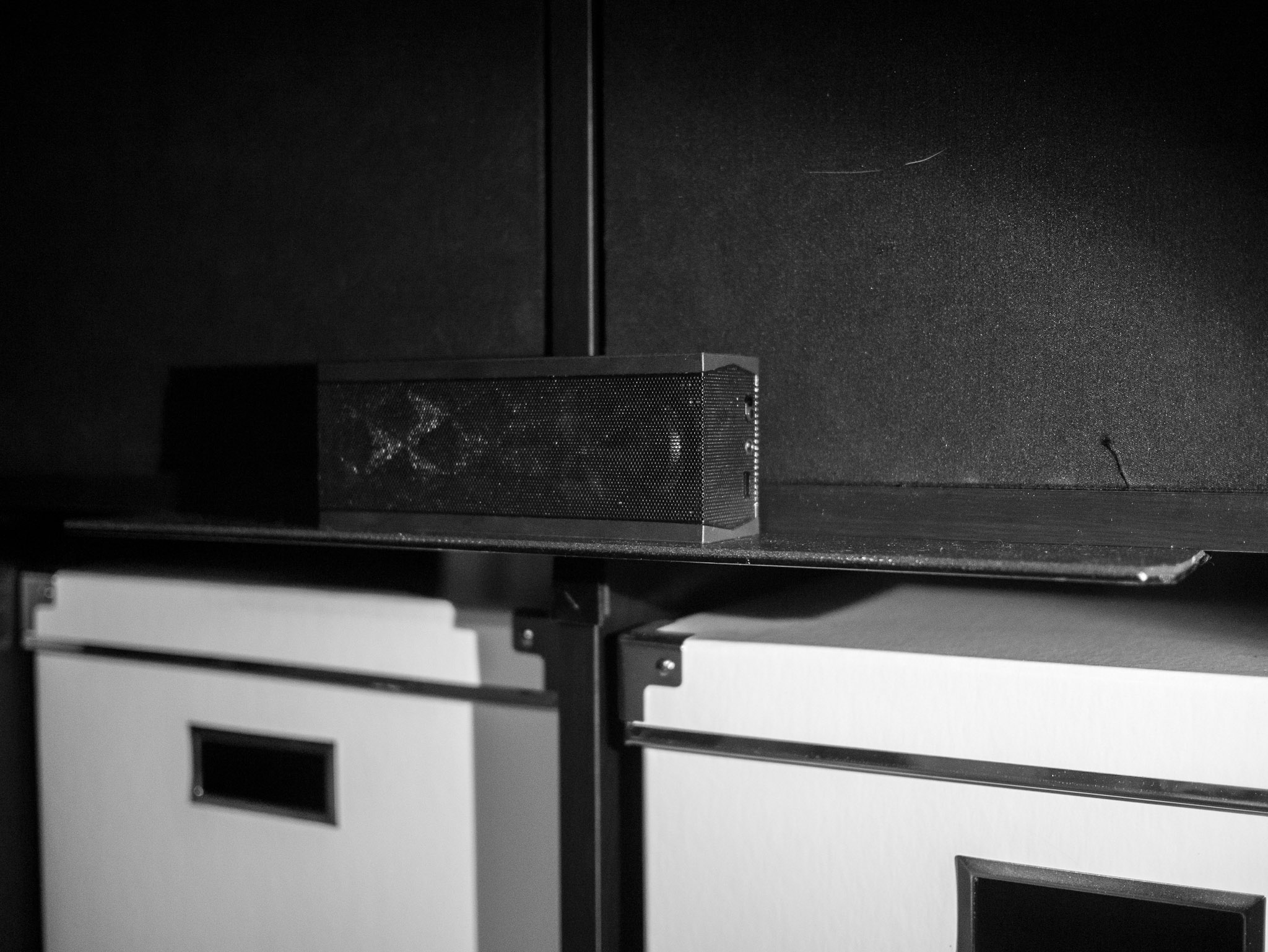
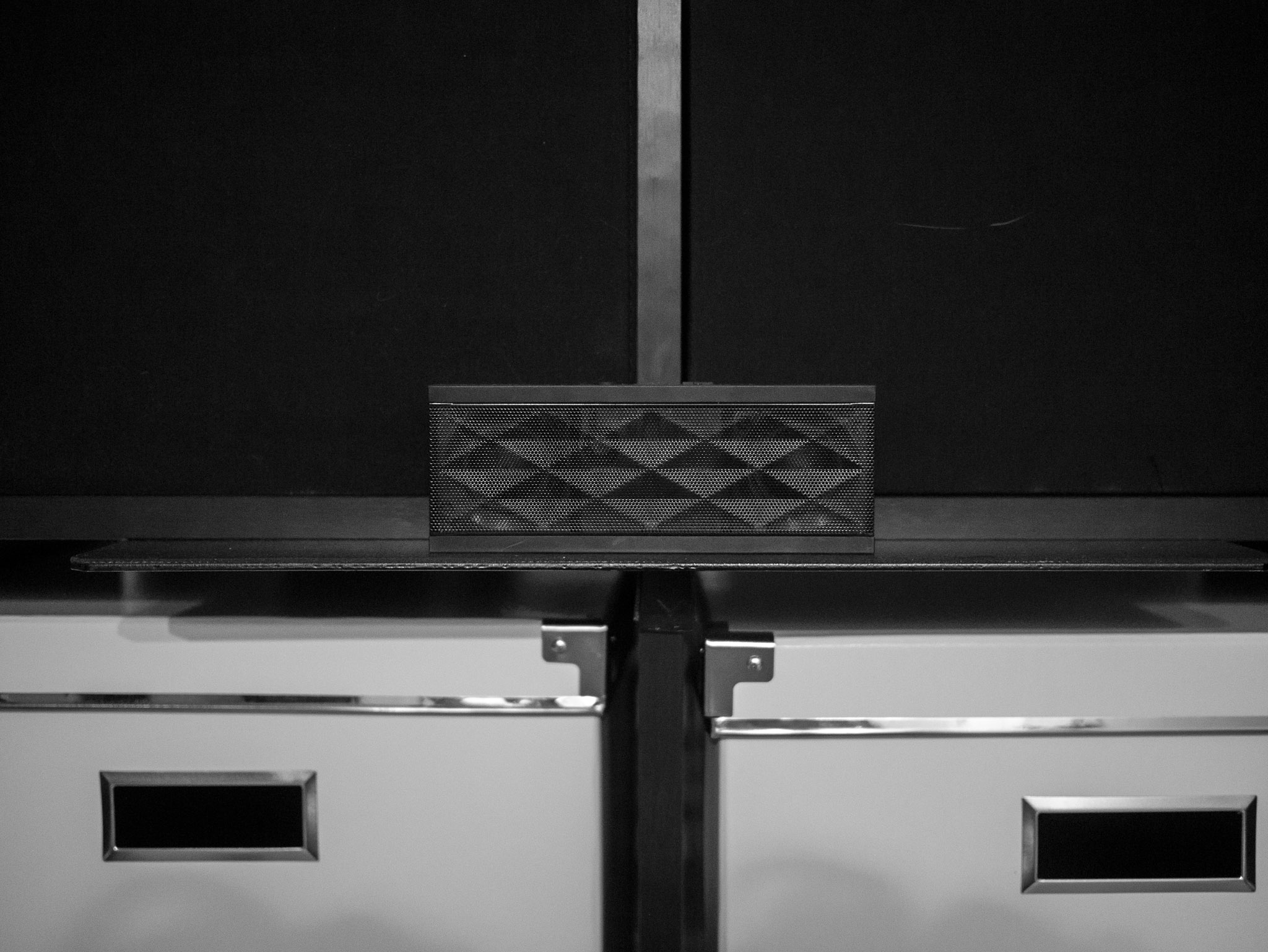
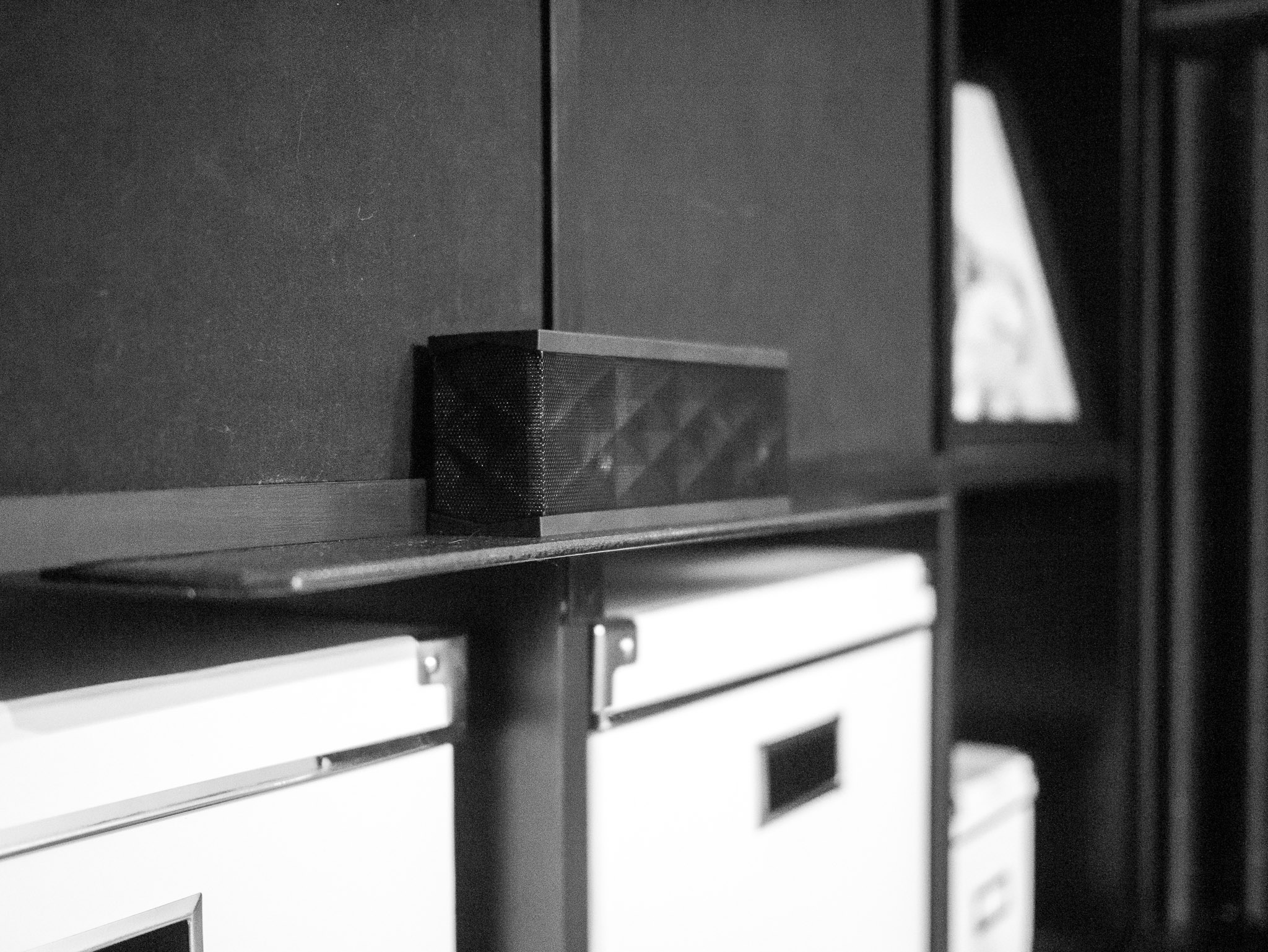
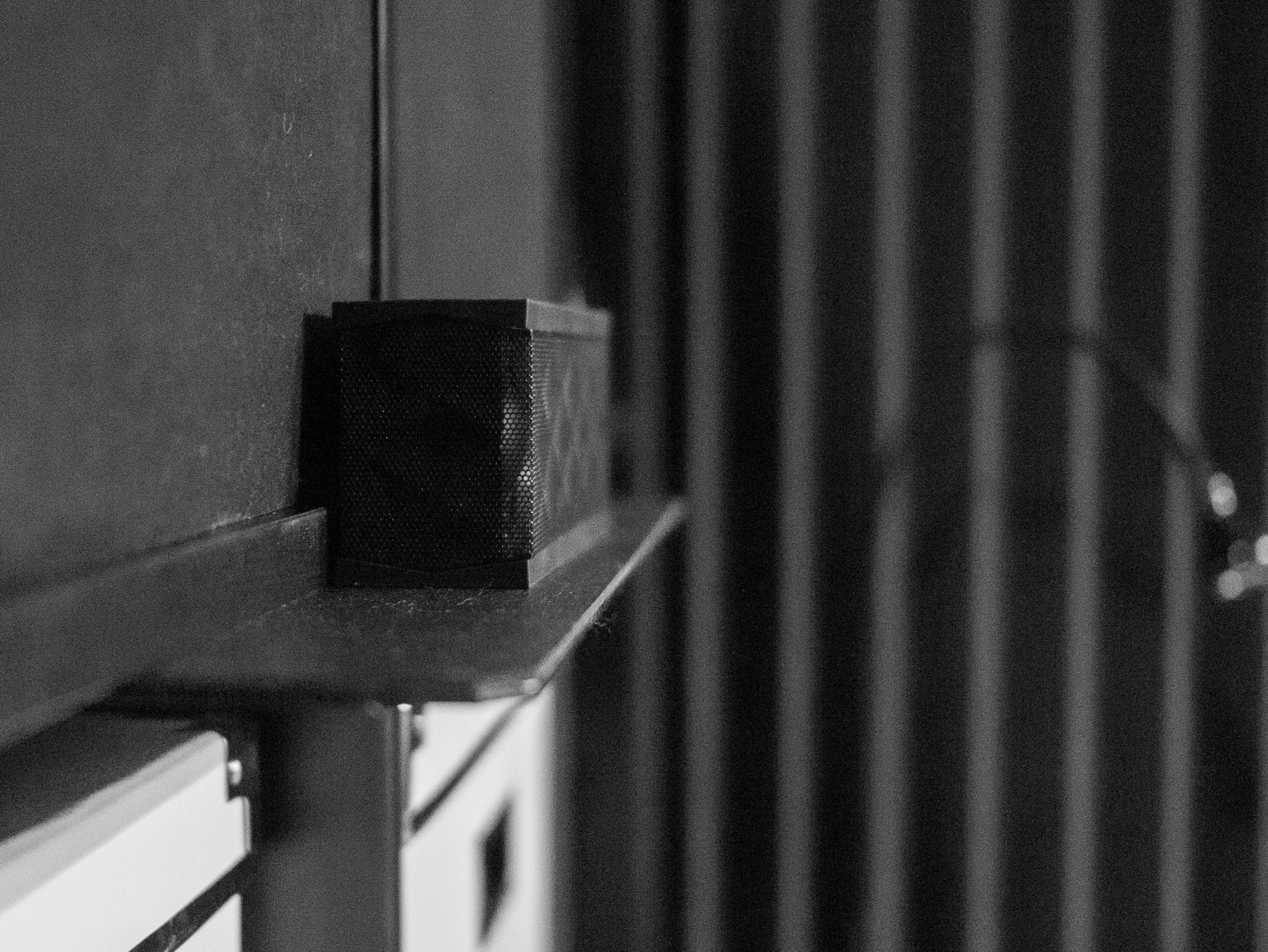
So I did just that, and the end result is one of the thinnest and strongest shelves I have built — so I thought I would share.
I basically notched a piece of steel, painted it, covered it with foam, and screwed it in place. That’s the simple explanation, but for those of you that don’t know what I just said I will go through step by step.
Here’s what we want to end up with:
To get there you need to buy, or have, the following supplies:
– [Hacksaw](http://www.amazon.com/exec/obidos/ASIN/B00002X227/ref=nosim&tag=brooksreview-20), with [saw blades](http://www.amazon.com/exec/obidos/ASIN/B002KHNCQ0/ref=nosim&tag=brooksreview-20).
– [Metal File](http://www.amazon.com/exec/obidos/ASIN/B001R1QCE4/ref=nosim&tag=brooksreview-20)
– [Simpson Strong-Tie](http://www.amazon.com/exec/obidos/ASIN/B003YHEEDU/ref=nosim&tag=brooksreview-20) (this is the shelf)
– Some sort of liner to put on top, I used something like [this](http://www.amazon.com/exec/obidos/ASIN/B002AS9NGC/ref=nosim&tag=brooksreview-20).
– [Some black spray paint](http://www.amazon.com/exec/obidos/ASIN/B002BWOS6C/ref=nosim&tag=brooksreview-20).
– Spray glue, [I used this](http://www.amazon.com/exec/obidos/ASIN/B0002BBV2S/ref=nosim&tag=brooksreview-20), but this [low strength stuff](http://www.amazon.com/exec/obidos/ASIN/B0000AZ735/ref=nosim&tag=brooksreview-20) should be fine.
– Screws (sorry, no Amazon link for these)
– A [screwdriver](http://www.amazon.com/exec/obidos/ASIN/B0015SBILG/ref=nosim&tag=brooksreview-20) or a [screw gun](http://www.amazon.com/exec/obidos/ASIN/B0046RE72K/ref=nosim&tag=brooksreview-20) of some sort.
– [Some pliers](http://www.amazon.com/exec/obidos/ASIN/B00004SBCU/ref=nosim&tag=brooksreview-20).
### Step 1
Now that you have all the goods, time to get started. Remember we want this:
Since my shelf spans over the vertical divider on the shelving unit I had to notch the shelf (you can skip this, and buying a hacksaw and blades, if you don’t need to span over a vertical support). Just measure the width of the shelf you need to span so you know how wide your notch needs to be. Make two marks centered on the metal where your cuts need to be and how far down. Saw down about an inch, or enough to get the holes to be safely inside the edge of whatever material you will be screwing the shelf into.
Once you have two cuts made, you just bend down the ‘tongue’ that you created with your pliers. This will also act as additional support, but mostly saves you all the trouble of having to cut off that flange in a clean manner.
Now that this is done your metal cutting is over — short lived as it was.
### Step 2
Now grab your file. The goal here is to file every rough edge, or corner, on the metal so that it is smooth. Focus on the parts that will be exposed — also if your cut was crooked or wavy, you can smooth it a bit with the file. Take long smooth strokes with the file pushing it away from you and not pulling it back (lift it off the surface). Pay attention to the corners that are beveled already.
Once you are happy with how smooth the metal edges are, you can move on — but this is your only chance to smooth them.
### Step 3
Now it’s time to paint. All you want to do is coat the entire piece of metal with the paint color of your choice.
#### Some Tips
1. Don’t try to coat everything on one pass. Slowly build the paint to avoid runs in the paint.
2. Clean the surface thoroughly before painting.
3. Don’t do this indoors.
4. Let the paint fully cure overnight so that you can work with the shelf without getting finger prints embedded in the paint.
5. Don’t be afraid to re-coat if you need to, read the side of the paint can for directions on how long to wait before re-coating.
6. Spray past the ends of the metal for complete coverage.
7. Be sure to paint the edges of the metal as they will show.
### Step 4
Once the paint is dry, it is now time to affix the liner to the shelf. Roll out your liner on a workbench and put the top of the shelf down on the liner. Cut a rough shape out of the liner using a knife or scissors, leaving enough overhang on each side. (This makes the fine tuning step easier.)
Once cut out, you will need to place the liner and the shelf on some cardboard. Place the liner face down and the shelf face up (the side you want to be up on the shelf, should be up).
Now spray both the liner and the shelf with the spray glue you purchased — don’t go crazy, just one pass will do.
**Make sure to get from edge to edge — that is most important.**
Now spray glue is messy, but it is effective. Wait about 15 minutes or so and pick up the liner — carefully.
You will now place it on the shelf, glue-side to glue-side. Be sure to leave overhang on each edge.
#### Tip
I tend to start from the center and smooth outward with spray glue to avoid all bubbles.
### Step 5
Now that the liner is on the shelf, and you have given it 20 minutes or so to setup, we can trim the edges. I just took the shelf and placed it liner side down on a workbench I didn’t mind cutting into and took a box knife to trim the edges of the liner off. For the tongue I took and cut the notches in the liner and rolled it down onto the tongue so that it too was covered.
### Step 6
Your shelf is done, now it is time to install it. If you laid out the shelf correctly there should be pre-drilled holes in the metal that you can feed the screw through. If not you can drill a couple of holes.
Two screws should be good on either end to hold most items — I put four in for symmetry.
Ted Burnham reports, for NPR, on a study that shows defects in the manufacturing process of most all compact fluorescent lightbulbs; a defect which can allow UV rays through. UV rays are both damaging to skin and art alike.
That’s CFLs, but smart people stay away from them because they have a pretty bad quality of light and prefer “standard” bulbs or high quality LED bulbs.
But CFLs are cheap and are being pushed heavily by energy companies in the U.S., with many of those companies offering trade-ins for standard bulbs.
Burnham also looked at LED lightbulbs and found that even if the same coating is damaged (the one that allows UV rays to leak through CFLs) in LEDs, the light becomes blue *and* stays out of the UV spectrum — in other words there is no harm. This is fascinating and I wonder what the potential liability is for CFL manufacturers will be in the coming years.
All the more reason to buy [my favorite LED lightbulb](https://brooksreview.net/2012/04/amazon-led-bulb/), or you could [buy Marco’s favorite](http://www.marco.org/2012/07/31/two-new-led-bulbs).
Austin Seraphin writing about the official Mac Twitter app, from the perspective of a blind user:
>And now we come to the point of this article. The official Twitter app for the Mac has zero accessibility. I don’t mean a little, or enough to get by, I mean nothing. VoiceOver shows a close button, a minimize button, and a zoom button. And nothing else.
I was actually just talking to Marco Arment about accessibility and how so many apps get it wrong. I am not blind so I don’t rely on on such features, but as we know the iPhone is a very helpful tool for the blind, so I was saddened to hear from Marco of how poorly so many apps fare in accessibility testing.
Voice over, and general accessibility, features probably aren’t important to many people in the grand scheme of the App Store, but for those that it is important to, such features become critically important.
If you want to see just what I mean go to: Settings > General > Accessibility > Triple-click Home > VoiceOver. Exit settings and triple click your home button, now launch any third party app you rely on and try to use it with your eyes closed. The iPhone will speak what you are touching, unless the app isn’t properly coded: which is likely the case.
Finding this out actually bummed me out. I am thinking that I will start to include notes about Voice Over support in my reviews of apps — and look into anything I can do to this site to improve accessibility.
Nik Cubrilovic found something interesting:
>I have recently discovered two privacy issues with Google Chrome that users should be aware of. They both relate to browsing history data not being deleted despite the user taking action to delete browsing history.
That’s the intro to Cubrilovic’s post, but it is a bit misleading. Basically Chrome clears your browsing history in the history menus, but not two settings:
1. Zoom level info
2. Prefetched DNS stuff
What this means is that if you change the zoom level on a site or the DNS is prefetched for the domain, that domain will be recorded and not removed in two files within Chrome. Now you have to know about this, as people around you are not likely to stumble on this information.
However, as Cubrilovic points out, this is a potential area of vulnerability on a publicly shared computer — especially with Chrome’s surge in usage.
I think more importantly this is one of those areas where a function works in a way that the user didn’t assume it would work. I think most users would assume nuking the browsing history would nuke it everywhere — I wonder if Safari and Firefox have these issues too.
[Steven Musil has a list of reasons why people (at select Best Buy locations) are returning the Samsung Galaxy Tab 10.1](http://news.cnet.com/8301-13579_3-57487895-37/malfunction-not-ipad-played-greater-role-in-galaxy-returns/). Let’s break down the list, shall we, from most common to least common reasons (according to Musil):
– Browser freezes
– Lack of screen sensitivity
– Poor WiFi
– Screen lagging
– Short battery life
– Inability to sync with a PC
– Honeycomb OS is difficult to use
– Wanted an iPad 2 instead
– Lack of support for Hulu, Netflix, Skype
– Poor speed and performance
Ten reasons, only one of which is: “this isn’t an iPad”. ((Anyone else find it odd that he specifies iPad 2, I wonder how many returned it for the new iPad, or a used iPad.))
Same list, same order, just changing the names of each item to the underlying cause:
– Bad software
– Bad hardware
– Bad hardware
– Bad software
– Bad hardware **and** software
– Bad software
– Bad software
– Bad purchase decision
– Bad software
– Bad hardware **and** software
So out of ten reasons to return the Samsung Galaxy Tab 10.1, seven reasons (70%) can be attributed to Android. Forty percent is hardware. I think that says a lot about why Android tablets have been failing: Android is the weak point.
But that’s not all this tells us, because what is the baseline for these complaints. Is it that the tablets performs these tasks worse than their computers, or worse than another tablet? If another tablet, what tablet?
I would argue no one buys a tablet expecting it to match PC speed, so I assume that these complaints are in comparison to *another* tablet — the only one of which that makes sense is the iPad because the iPad is the only one with wide enough advertising for first time tablet buyers to be able to form some sort of a baseline for how a tablet should work.
What I am saying is that the majority of knocks against this tablet are software related and are probably in comparison to the iPad.
[I saw this collection earlier and decided to buy it](http://www.stuckincustoms.com/lightroom-presets/). It was only `$19.97` for the entire collection of Lightroom presets (sort of like Filters for Lightroom). Editing photos takes an artistic eye and I always have applied a preset and then tweaked it to my style when I needed to make major adjustments. Trey Ratcliff’s presets are very good out of the box, needing little tweaking. Here are some examples using them with shots that otherwise looked below average:
Again, not spectacular shots on my part, but the filters turn these shots into useable images in my opinion. Not to mention that they give you fantastic starting points to build off of and to see what areas of the images you want to do what to. [Well worth the purchase](http://www.stuckincustoms.com/lightroom-presets/).
[MG Siegler speculating about Apple replacing Google as the default search engine with Bing](http://techcrunch.com/2012/08/06/two-down-one-to-go/):
>Microsoft needs Apple to make Bing relevant. Apple needs Microsoft in order to stop paying Google billions. This is so obvious. I think we may see a Google-free iPhone sooner, rather than later.
[I’ve already spoken about how I like Bing on my iOS devices](https://brooksreview.net/2012/08/bing-mobile/), but I think there is another option towards removing Google from iOS and Apple alike.
[I mentioned that Yahoo! should buy DuckDuckGo](https://brooksreview.net/2012/07/yahoo-punching/), but what if the suitor was Apple?
Think about this for a moment: what if Apple used a fraction of the cash they have on hand to buy two companies:
1. DuckDuckGo
2. Wolfram Alpha
Then they turn those two search engines into one and the same search engine — powered by Apple — and only available to Apple customers. It’s now the default on iOS and Mac OS X — it would become instantly excellent and widely used.
Apple would also have two options here:
1. Give it away free as a thanks for being a customer — they can afford to.
2. They could place one or two ads on the results using iAds, thus making up what they spent to buy the companies in a few years time.
Think about this a little more: not only would this be a blow Google, but to Microsoft as well. This would give people a true reason to use iOS and the Mac, it would keep money out of competitors hands, and would be a game changer.
I have no clue if this a business Apple wants to be in, but I would bet that at least one (DuckDuckGo) of these two companies would match up very nicely with Apple. ((Man, I hope this happens.))
Alternatively I could see Apple convincing Bing to allow a fully Apple-branded results page and I could further see Microsoft being OK with that for a bit, but that prospect is far less exciting.
Fred Wilson talking about how he loves to allow anyone in the car to control the audio over the bluetooth connection and comparing that to AirPlay in his home:
>But that doesn’t support Android phones and not all third party mobile apps support Airplay. Airplay is not ubiquitous in the way that Bluetooth is.
After realizing how awesome bluetooth is he bought an adapter to use at home:
>I am betting that by replicating the experience they have in the car in our home, they will take control of our home music system with their phones in the same way they do in our car.
I am betting they are going to love streaming 1080p videos over that bluetooth connection… wait.
Bluetooth *is* more “open” than AirPlay, but to say that it is better? Hmmm, I think not.
For starters you aren’t going to be streaming HD video over bluetooth. Secondly and most importantly: you need not pair AirPlay. Anyone can walk into my home and as long as they are on my network (most friends and family are setup to be already) they can AirPlay audio and video to my TV. That’s awesome and let’s face it, the majority of people that come into my home have iOS devices, not Android.
Here’s another reality: while bluetooth will likely be OK for those that live in the home, it’s going to be a pain in the ass to pair a new phone for those that come and visit. The *moment* will have passed, if you will, by the time you are setup and ready to go.
I just don’t see the benefit of this move unless you are an Android only family — which I think Wilson is heavily invested ((Not in the $$$ sense.)) in Android.