A few thoughts on how summer brings peace in the home.
Month: June 2015
-
On Writing – Audio Follow-up
This is a repost of the audio originally published to Spoken.co
-
Negativity
This is a repost of the audio originally published to Spoken.co
-
Throw the Southpaws a Bone
Yes please.
-
The Opportunity for the iPad
Now that I have posted such a positive MacBook review, especially after talking so much about just wanting an ‘iPad Pro’, a lot of people have been wondering where the iPad fits in for me. That’s a tough question as I don’t see many huge benefits of my iPad Air over my MacBook.
Size isn’t a great advantage anymore, and battery life is par.
I am about to go on a longer trip, and I won’t be taking the MacBook, but that is largely because I don’t plan to do anything but read on that trip. If were planning on writing at all — I would most certainly take the MacBook over my iPad.
-
Love
Brent Simmons:
Write the apps you want to write in your free time and out of love for the platform and for those specific apps. Take risks. Make those apps interesting and different. Don’t play it safe. If you’re not expecting money, you have nothing to lose.
Brent’s post reads a little bleak, but the upside is that there is actually a huge upside if the app is good (and gains market traction, which is part of the “good” I am talking about) — and I mean monetarily. Don’t spend a year working on it — get something solid out there and send me an email. I actually love talking about good apps.
-
Moving to Spotlight
After years of dedication to LaunchBar, I made the move to Spotlight a while back. It’s been about 5 months now, and I honestly am perfectly happy. That’s odd to say, because Spotlight was something I always wanted to strip out of OS X, but with Yosemite (and now El Capitan), Spotlight really has become a powerhouse.
What prompted this move has nothing to do with what Spotlight can and cannot do. It came down to an issue with my computer. For whatever reason my computer showed the pinwheel every time I invoked LaunchBar and I would have to wait quite some time to use the app. Naturally this kills usefulness eventually I figured it out and I got it fixed.
After I fixed it though I wondered: do I need this tool? Does Spotlight work better?
-
Technology and Art
This is a very interesting post from Álvaro Serrano and I mostly agree with it. Either way it is worth your time.
In a section leading up to the below quote Serrano talks about The David and how it likely would not be any better if it had been made with more advanced tools. In theory I agree, and take the point, even if that is a hard statement to prove.
Then Serrano starts a new section of the article, in which he says:
That’s great if you only ever plan to shoot with Olympus cameras and it’ll definitely allow you to capture some gorgeous images but at the end of the day, you haven’t learned anything, and it hasn’t made you a better photographer because it didn’t take any effort or knowledge on your part.
Worst of all, technology can cheapen the end result. If all it takes to capture a scintillating long exposure is pressing a button, where’s the artistic merit? How is that image compelling in any way?
What the hell? I can’t agree with this at all. Knowledge of the tools is not, in any way, a prerequisite for art. Art, photography, or any other creative pursuit is in no way lessened or enhanced because of the tools used to make it.
If someone takes a gorgeous photo, it remains gorgeous no matter if the camera was set to manual or set on auto. Art is art. It’s the vision to create the art that matters, not the knowledge of it.
-
Why We Encrypt
Bruce Schneier:
But if everyone uses it all of the time, encryption ceases to be a signal. No one can distinguish simple chatting from deeply private conversation. The government can’t tell the dissidents from the rest of the population. Every time you use encryption, you’re protecting someone who needs to use it to stay alive.
-
Our Favorite Pro Writing App for Mac
Mike Schmitz:
Another great feature in Ulysses is versioning, which allows you to go back to a previous version of something you’ve written in Ulysses. This allows you to edit ruthlessly, as you can always go back and get that sentence you deleted a few days ago if you decide it really should be there.
-
Four Microblogging Community Tips
Wow people are doing some really great stuff.
-
A New Context
I hadn’t touched my
contextsinside of OmniFocus in, well, years. There was a ton of cruft in there stemming from various different techniques and ideas that I have tried over the years. Device based context, person based context, time based contexts, and location based contexts. For the better part of a year, all of my new tasks in OmniFocus simply went under theMaccontext and — well — that’s not really using the tool very well.But I struggled, because dicking around with my contexts is not productive, is tedious, and frankly it is quite annoying. More than any of that: I didn’t have a single idea of what to change it to.
-
The Perfect Workspace (According to Science)
So, anyone make a curved standing desk?
-
Looking for Love in All the Wrong Metrics
Matthew Shettler responding to my Spoken post about paying attention to analytics:
But I’ve decided on one thing to measure that will matter to me; something I can control: Did I post something today?
Good response.
-
Do you have Chrome installed?
Essentially, Google Chrome is listening into what your computer microphone hears. More information is here. (Glad I don’t have Chrome installed on this new MacBook.)
-
The Continuing Pursuit of a More Perfect Computer
Why did I choose this format for my review? Starting almost a month before the new machine and including such minutiae that you cannot believe it? I have no clue.
The Foreword
Below is a timeline of my thoughts, and actions that I took in the lead up to receiving my MacBook. Since the product was severely supply constrained, I was able to take more time to prepare for this change and for writing a better review than I typically have the chance to write.
The entirety of this review is not a chronological explainer, but the forward to the review is. The reason being: showing you my thought process should help you gain additional perspective on where I am coming from with this new MacBook. I took great care to try and best represent an easily comparable baseline for myself. Things like only using my MacBook Pro as a laptop in the lead up, instead of like a desktop, helped to reduce any shock I might have from the new machine being very much a laptop.
-
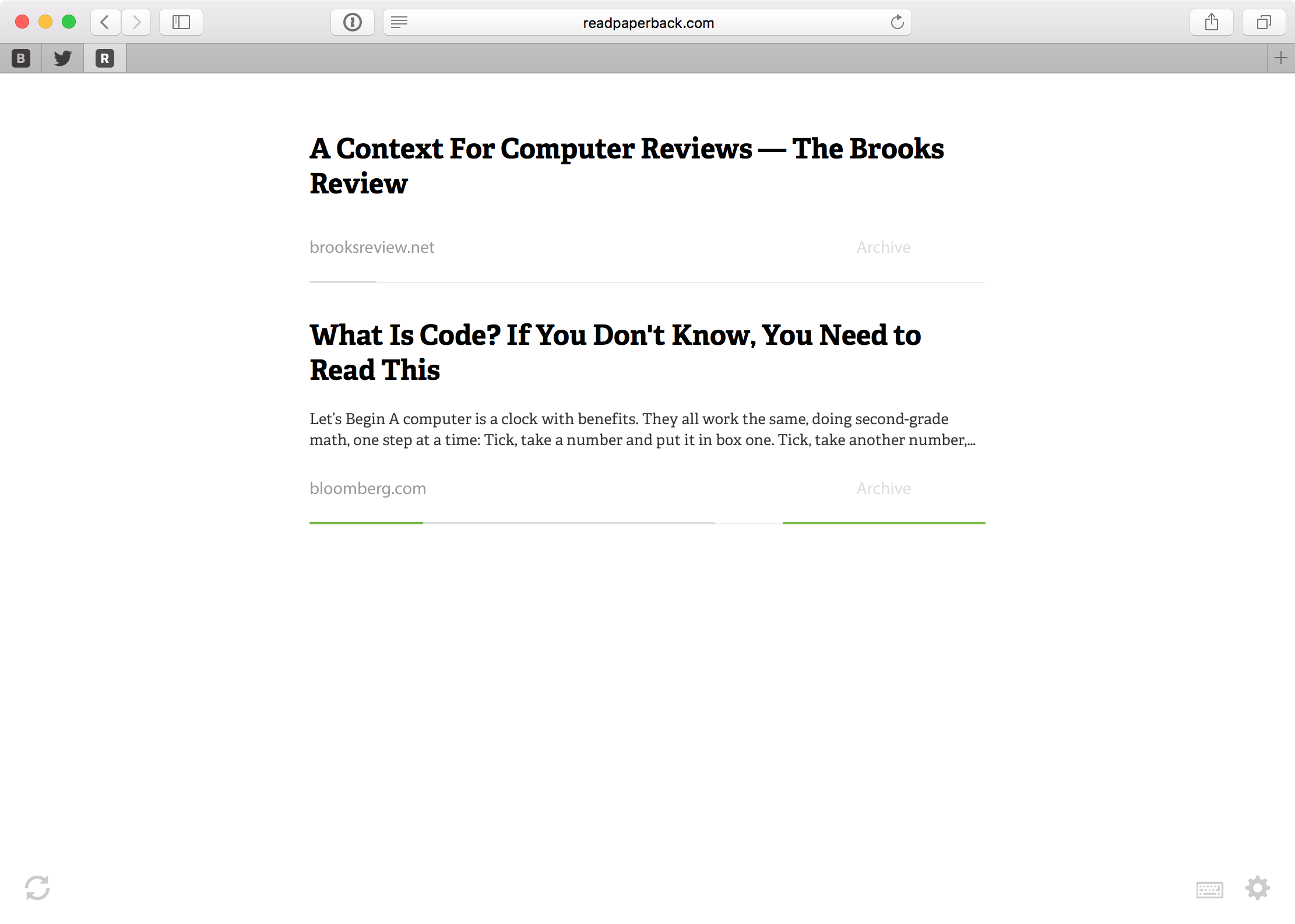
A Context For Computer Reviews
Most reviewers only tell you why they have the perspectives they have. Saying why, in detail, they do or do not like certain things — or why they believe something is truly important. These reviewers tend to base too much on assumptions — assuming that the reader knows far more about their background than they likely do in reality.
The reviewer just asks you to trust them. They know.
-
WebKit Blog on Safari Content Blocking Extensions
Federico Viticci:
User privacy is at the center of content blocking for both webpages and extensions. It’ll be interesting to see how many apps that just focus on blocking ads in Safari will be approved on the App Store (and how much they’ll leverage freemium models if so).
Really looking forward to this.
-
Logitech K480 Keyboard: A Review
Shibel K. Mansour:
The Logitech K480 is an excellent multi-device keyboard. Those who use different operating systems will appreciate what it has to offer. Strictly as an iPad companion, however, this keyboard isn’t exactly a match made in heaven.
I bought one of these keyboards too, also in white. Mansour is generous for it — and not wrong in it’s multi-device switching being great. But as a keyboard it is terrible. It’s not even the looks or the key feel of the thing. it’s the thickness, it absurdly thick. I really cannot recommend it unless you regularly need to switch between bluetooth devices when typing (it takes 2-5 seconds to connect to another device, which I was actually impressed with).