[I love Drafts](https://brooksreview.net/2012/04/drafts-2/) and so I am happy to see it make its way to the iPad as a new $3 app. Drafts for the iPad is everything you would expect: fast, clean, and simple. If you already use and love Drafts on the iPhone, then Drafts for iPad is a no brainer. There are…
[I love Drafts](https://brooksreview.net/2012/04/drafts-2/) and so I am happy to see it make its way to the iPad as a new $3 app. Drafts for the iPad is everything you would expect: fast, clean, and simple. If you already use and love Drafts on the iPhone, then Drafts for iPad is a no brainer.
There are two things that I am not a fan of with the iPad version:
1. Simperium is powering the syncing engine — which means I have to create an account with them to get sync up and running between the two versions of the app. This is likely done because of the trouble developers are having with iCloud, but it is still a very annoying thing as a user. So far I haven’t bothered to set this up.
2. The actions menu is now huge in Drafts, this is really nice if you use Drafts that way, but for me I would much prefer if Drafts just came with the actions defaulted to off — forcing me to turn on only the ones I really need.
Both those complaints are minor ones, and only complaints that you will encounter in first-run scenarios. Once you are up and running things work very nicely.
Along with the iPad version [Drafts for the iPhone hit version 2.0](http://itunes.apple.com/us/app/drafts/id502385074?mt=8&ign-mpt=uo%3D4). I am still personally using [Scratch](https://brooksreview.net/2012/07/scratch/) on my iPhone instead, but now it just comes down to UI preference as both apps have very similar functionality and launch seemingly just as fast as each other.
*(Personally I am sticking with Scratch on my iPhone because I love the custom keys above the keyboard. This is something that Drafts on the iPad does have, but is curiously missing on the iPhone.)*
I joined Myke on CMD+Space to talk about paywalls and Twitter. It was a fun show and I loved how Myke decides whether or not to pay for a membership, which I won’t reveal — you’ll have to listen.
I joined Myke on CMD+Space to talk about paywalls and Twitter. It was a fun show and I loved how Myke decides whether or not to pay for a membership, which I won’t reveal — you’ll have to listen.
New iPad app for posting to WordPress blogs that does two fantastically awesome things: 1. Allows you to grab files from Dropbox to post, all within the app. 2. But more importantly it is the only iPad WordPress app that I know of that supports custom fields — which is huge for me and many…
New iPad app for posting to WordPress blogs that does two fantastically awesome things:
1. Allows you to grab files from Dropbox to post, all within the app.
2. But more importantly it is the only iPad WordPress app that I know of that supports custom fields — which is huge for me and many other WordPress bloggers.
Beyond that it is a really nice clean and straightforward app. It’s actually perfectly simple and I think is going to become my new best friend.
[It’s $3.99, go get it.](http://itunes.apple.com/us/app/poster-wordpress-blog-editor/id549006481?mt=8)
**Update:** There is a bug in the app that causes the post time to be several hours off. This is a timezone bug I am told and a bug fix should be submitted soon. For me this post (posted with Poster) was submitted to my site 7 hours earlier then when I expected. This is certainly annoying to have in an otherwise great app.
“It’s clear to me that over the last five years or so, Samsung has built not only a multibillion-dollar business, but a corporate culture around having Apple’s number.” — Matt Drance
“It’s clear to me that over the last five years or so, Samsung has built not only a multibillion-dollar business, but a corporate culture around having Apple’s number.”
Steve Lohr, reporting on a research note from Steve Milunovich argues that Apple *might* be better off losing its patent battle with Samsung: >“It could hurt Apple,” he writes, “because the real threat is not a competitor beating Apple at its own game but instead changing the game.” Bullshit. Are we to believe that Google,…
Steve Lohr, reporting on a research note from Steve Milunovich argues that Apple *might* be better off losing its patent battle with Samsung:
>“It could hurt Apple,” he writes, “because the real threat is not a competitor beating Apple at its own game but instead changing the game.”
Bullshit.
Are we to believe that Google, Samsung, HTC, Motorola, et al. stand any chance at “changing the game”? These are entrenched players that, to this day, still show that they lack a fundamental understanding of why, what Apple is doing, is working.
The companies don’t get it and that is why they are copying instead of innovating. That will not and cannot change if they are forced to make workarounds. You know what will happen: they *will* make crappy workarounds and not give a crap about user experience — as evidenced by the quality of devices (generally) and crappy skins they apply over Android.
Look, I’m not saying these companies are incapable of coming up with a few features that are better than what Apple offers, but I *am* saying that Samsung stooped so low as to copy the icons that Apple uses.
*The* icons.
I don’t know what logic Milunovich was using, but I bet if Apple outright wins its lawsuit it would be far more crippling to Samsung than it ever will be to Apple.
A fantastic new font that allows for chart creation that is dead simple. I purchased the font today and have been having a blast playing around with it — I am not yet sure where and when I will use it, but I do know that it beats the hell out of the crafting charts…
A fantastic new font that allows for chart creation that is dead simple. I purchased the font today and have been having a blast playing around with it — I am not yet sure where and when I will use it, but I do know that it beats the hell out of the crafting charts in Illustrator.
Professor Pi, answers: “Why time appears to speed up with age (idea)” and concludes: >Life is half over at age ten, and three quarters over at age thirty. Note the rapid increase at very young ages: in the initial stages of life, life itself makes big strides forward. The math quickly got away from me,…
Professor Pi, answers: “Why time appears to speed up with age (idea)” and concludes:
>Life is half over at age ten, and three quarters over at age thirty. Note the rapid increase at very young ages: in the initial stages of life, life itself makes big strides forward.
The math quickly got away from me, but I have always believed time sped up the older I got — this is all the “proof” that I need. Simply the most fascinating thing I have read a quite a while.
This finally explains why my Grandpa is content — no, perfectly happy — to wait for a product he wants to go on sale even though that wait might be a year or more. Whereas I can’t stand the fact that I still haven’t received Kickstarter projects that I backed just this year.
Lex Friedman writing for *Macworld*: >*Macworld* has spoken with several developers behind third-party Twitter apps—or at least, we’ve tried. Some developers are notably hesitant to speak on the record, lest they incur Twitter’s wrath; the fear seems to be that since Twitter is now exerting more control than ever over access to its API—which developers…
Lex Friedman writing for *Macworld*:
>*Macworld* has spoken with several developers behind third-party Twitter apps—or at least, we’ve tried. Some developers are notably hesitant to speak on the record, lest they incur Twitter’s wrath; the fear seems to be that since Twitter is now exerting more control than ever over access to its API—which developers leverage to make their Twitter apps work—that irking Twitter too much might result in a developer’s API access getting revoked.
>We also contacted Twitter for this article; the company has not responded.
I think that passage is incredibly telling and worrisome. Developers don’t want to talk because they fear the wrath of the hand that feeds them — sounds like an oppressive government regime, not a user-friendly internet company.
Say what you will about Apple randomly killing things, I’ve never seen a developer shy away from writing a damning blog post about Apple for fear they would get shut out of developing for Mac or iOS. Hell it took Gizmodo “stealing” from Apple before they were black-balled. The fact then that, presumably, more than one developer feels that way about Twitter should leave a sour taste in the mouth of every Twitter user.
The fact that Twitter has not responded to requests for comments is also interesting — while Apple does this, Apple also strategically leaks things to the press — often commenting to The Loop. Twitter seems to just be keeping their mouth shut and part of me thinks that this is because they too are confused by where they are headed.
[The Elevation Dock](http://www.kickstarter.com/projects/hop/elevation-dock-the-best-dock-for-iphone) might be the most public and most delayed project that I have ever backed on Kickstarter. Jokes were that the iPhone would change its shape long before the dock ever shipped, rendering the dock useless to those that backed it. It was not a good situation — one of the few projects…
[The Elevation Dock](http://www.kickstarter.com/projects/hop/elevation-dock-the-best-dock-for-iphone) might be the most public and most delayed project that I have ever backed on Kickstarter. Jokes were that the iPhone would change its shape long before the dock ever shipped, rendering the dock useless to those that backed it.
It was not a good situation — one of the few projects that I started to regret having backed.
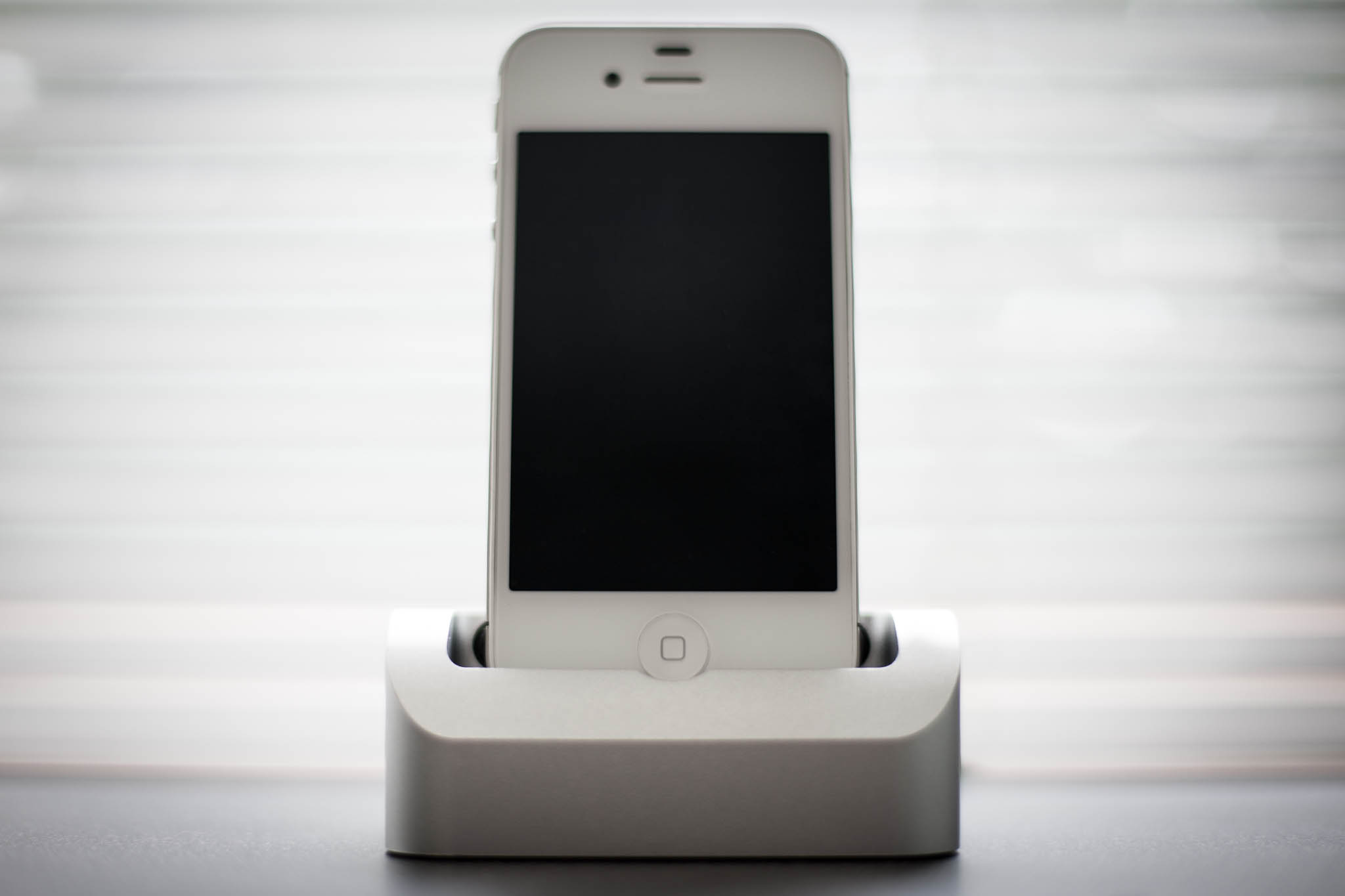
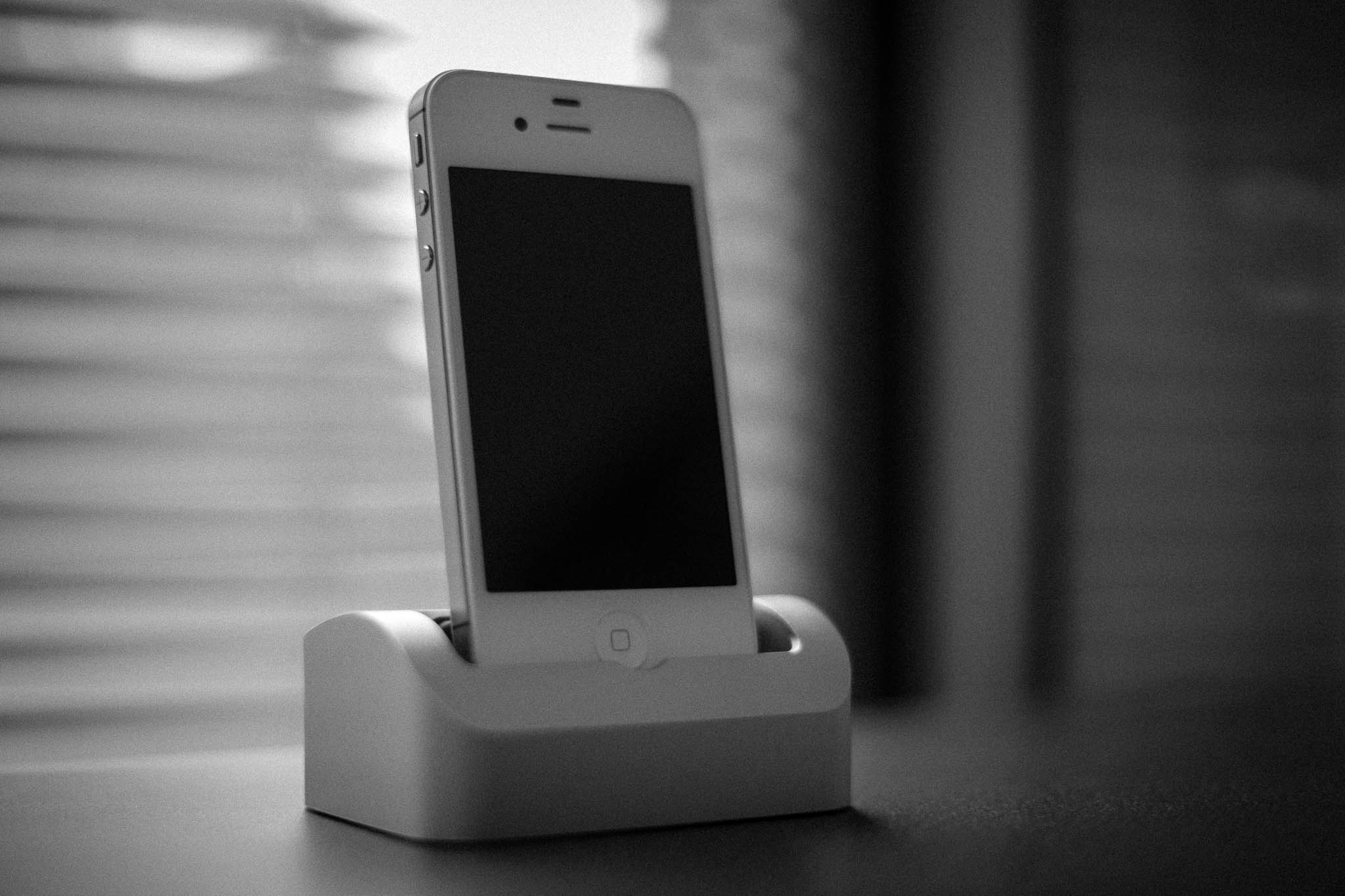
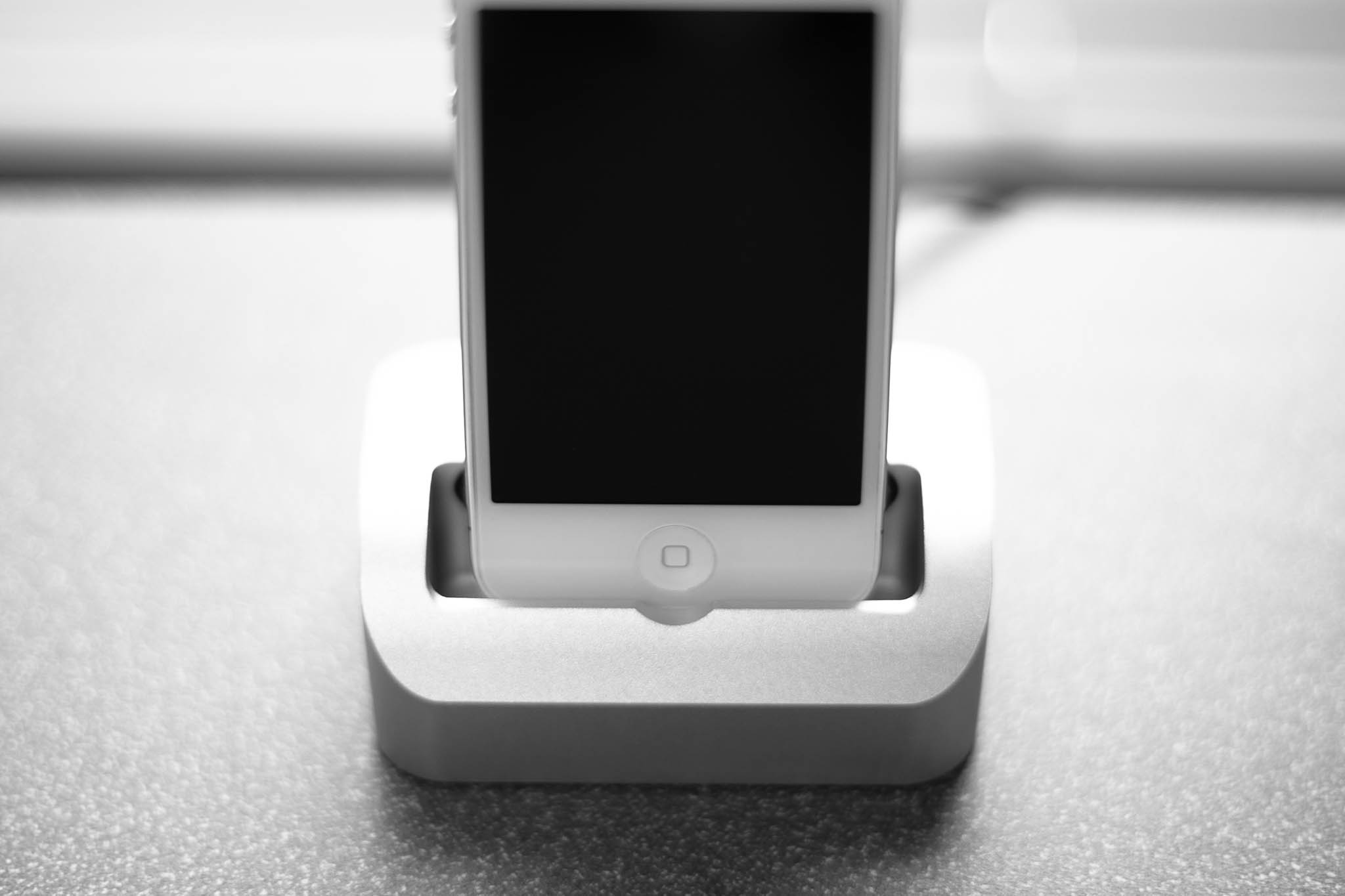
A little while ago I *finally* [received my dock](http://store.elevationlab.com/collections/frontpage/products/pre-order-elevation-dock). The idea is simple: create a dock that you can pop the iPhone into and out of with one hand. You would think that is what Apple’s dock would do, but you would then be very wrong.
Now backers are still receiving their docks as far as I know, and non-backers can only pre-order on the companies website, so now is the perfect time to ask: is it worth it?
The short answer: not really.
### Explanation
The Elevation Dock is everything it promised:
– Well constructed
– Friction-free iPhone undocking
That’s true and so I am not upset having backed this project — I got everything I was promised. In fact I would say the Elevation Dock is one of the highest quality Kickstarter items I have received — right up there with the Glif.
It’s a snap to put your iPhone into the dock and to remove it from the dock. The line-in I have works well, the compact charger is compact — and does indeed charge.
I even took a deep look at the design — and I am convinced that so long as a new iPhone is not substantially wider or thicker than the current model — the guys behind Elevation Labs should be able to sell adapters. I mean they made it easy enough to even switch out the dock connector port. Really good thinking on the design and excellent “future proofing” (as much as anyone can) as far as I can tell. (I do not, however, know if they plan on making such adapters. Perhaps they said so in an update, but I never read the updates because of how depressing they were.)
So, now that I have told you why the Elevation Dock is everything that it was billed to be, you are probably wondering why I don’t think the dock is worth it. The problem with the Elevation Dock is its aesthetic.
It’s true that the pictures on the project page accurately represent the size and look, but it’s also true I never paid close attention to that. On my nightstand it just looks comically clunky.
The problem I have with the dock is that it looks utilitarian, it looks like a 3rd party accessory. The dock is bulky, clunky, and pudgy. The opening for the iPhone is too big (thus allowing you to use a case with your iPhone in the dock).
In short the Elevation Dock doesn’t compliment the design of the iPhone, or any Apple product, very well. About the only thing that it has in common is the use of aluminum.
Personally, I have come to realize that, while nice, I just don’t take my iPhone in and out of the dock throughout the night enough to justify the ($120) cost of the Elevation Dock and to justify having to look at it.
I am moving the dock to my office — in hopes I get more use out of it there and that the design bugs me less in my office.
This is one of those products that is exceptionally good, but is priced far too high to make sense for many (if any) people and whose design just doesn’t fit with the product it is made to compliment.
Therefore I can only recommend the Elevation Dock to people that take their iPhone in and out of a dock a lot and hate their current dock — even then you have to be a person not planning on upgrading your iPhone in September. If you do plan to upgrade, best to hold off.
**Update:** Looks like mine is broken now. It refuses to charge my iPhone no matter which cable I use or wall plug. I will be contacting them for repair.
**Update 2:** Heard back very promptly and am getting a new circuit board. Good customer service so far.
A new menubar app from Matt Gemmell that does one thing: creates a sticky Mountain Lion (or Growl) notification of your choosing. Far better than using the Stickies app (if anyone still uses it). I doubt I will use it much, but I am sure that when things get really busy it would be a…
A new menubar app from Matt Gemmell that does one thing: creates a sticky Mountain Lion (or Growl) notification of your choosing. Far better than using the Stickies app (if anyone still uses it).
I doubt I will use it much, but I am sure that when things get really busy it would be a great tool to have to create extremely annoying reminders in the upper right corner of my screen.
One use case that I am sure it will come in handy for: that 30 minutes before you try to leave your house on a road trip when you are busy trying to get your kid packed up — yeah I can see using this so that I don’t forget to do a couple things before I run out the door.
Victor Wong: >When turnaround plans are discussed for traditional retailers like Best Buy, it’s just shocking to me that no one is talking about actually doing something other than cutting some cost or relabeling UPC products so shopper can’t price compare with Amazon. Best Buy needs to be selling amazing products that no one else…
Victor Wong:
>When turnaround plans are discussed for traditional retailers like Best Buy, it’s just shocking to me that no one is talking about actually doing something other than cutting some cost or relabeling UPC products so shopper can’t price compare with Amazon. Best Buy needs to be selling amazing products that no one else has if it ever wants to take back marketshare and actually increase profits.
Very interesting idea from Wong — and I like how he points out that they could use sites like Kickstarter as the barometer for what is “cool.” I do think this is massively over simplified, because this would also require a fundamental change in culture at Best Buy and even if Best Buy could pull this off they still have other issues that could prevent such a plan from working.
Not the least of which is terrible employee training.
My recent Best Buy experience, attempting to buy an AirPrint enable printer that also has a scanner, went like so:
– Wander aimlessly looking for the model numbers shown on HP’s website that are compatible with AirPrint. The models which I research before coming to the store, knew which I wanted and which I would settle for. (This was for one of my employees, not me.)
– 10 minutes into my search (actually a record on slowness for being pestered by a Best Buy employee) I am approached.
– I am asked if I need help, I say yes and tell the employee that I want a printer with AirPrint — and to show me those ones. He points to every printer by HP and says that they all have ePrint.
– I tell him I don’t care about ePrint, I want AirPrint.
– He asks what that is.
– I tell him it allows me to print directly from my iPad.
– He goes on to say: “That’s what ePrint does, you want any of these. You can even test it if you want.”
– I give up on educating him, say ok, and he leaves.
– I continue to wander around looking at model numbers when I hear another employee tell a couple looking for the same thing that the two printers on the end of the aisle are AirPrint enabled.
– I don’t know the difference between the two on the end — the model numbers don’t match anything on HP’s website and the specification cards are horrible, I am frustrated, and annoyed. I grab the cheaper one, pay, and leave.
I was prepared to spend more money on a better printer, but Best Buy’s helpers had no clue how to actually listen to what I was saying, and then ask other employees for help when they clearly didn’t understand what I was saying. I left the store never wanting to come back again.
Now, my experience isn’t that dramatic, and likely hardly the worst experience. But if you are a couple of cool guys making a product for Kickstarter, would you even seriously consider selling out to Best Buy if this was going to be the experience your customers would have buying the product?
I’ve been a huge fan of the NextDraft newsletter every since I subscribed. It is a constant source of fascinating news and funny reads — you can almost rely on it to keep you fully up to date on all things interesting. Now you can get the NextDraft as an iPhone app and it looks…
I’ve been a huge fan of the NextDraft newsletter every since I subscribed. It is a constant source of fascinating news and funny reads — you can almost rely on it to keep you fully up to date on all things interesting.
Now you can get the NextDraft as an iPhone app and it looks great — very unique. I only have two complaints:
1. Adding items to Instapaper actually just sends the entire newsletter instead of the link I want — I wish that wasn’t so. Correction: just need to open the link first in the app.
2. It’s iPhone only and not iPad compatible.
Great app and a fantastic newsletter, [go get it](http://itunes.apple.com/us/app/nextdraft-days-most-fascinating/id549358690).
Fascinating research and analysis that allows a prediction — accurate to within 20 meters — of where you will be in 24 hours. This is done by using tracking data on your smartphone and on your contacts smartphones. Oddly enough, this doesn’t worry me, as much as it excites me. I really want my phone…
Fascinating research and analysis that allows a prediction — accurate to within 20 meters — of where you will be in 24 hours. This is done by using tracking data on your smartphone and on your contacts smartphones.
Oddly enough, this doesn’t worry me, as much as it excites me. I really want my phone to know when I will be somewhere, but more than that I want to be able to assign rules to tell it to do things differently when I am somewhere.
`If at movies, mute all sounds.`
Doing that by calendar events isn’t practical, but having the phone being able to know where you are is. Taking it one step further:
`If headed to movies, remind me to call back Derek first.`
That’s where the power of prediction comes in. My phone knows I am about to do something that would preclude me from doing something else that I have already told my phone is really important for me to do — when such a conflict arises my phone tells me so.
“Ben, you’ll be at the movies in ten minutes and you really need to call Derek back before then.”